TL;DR —
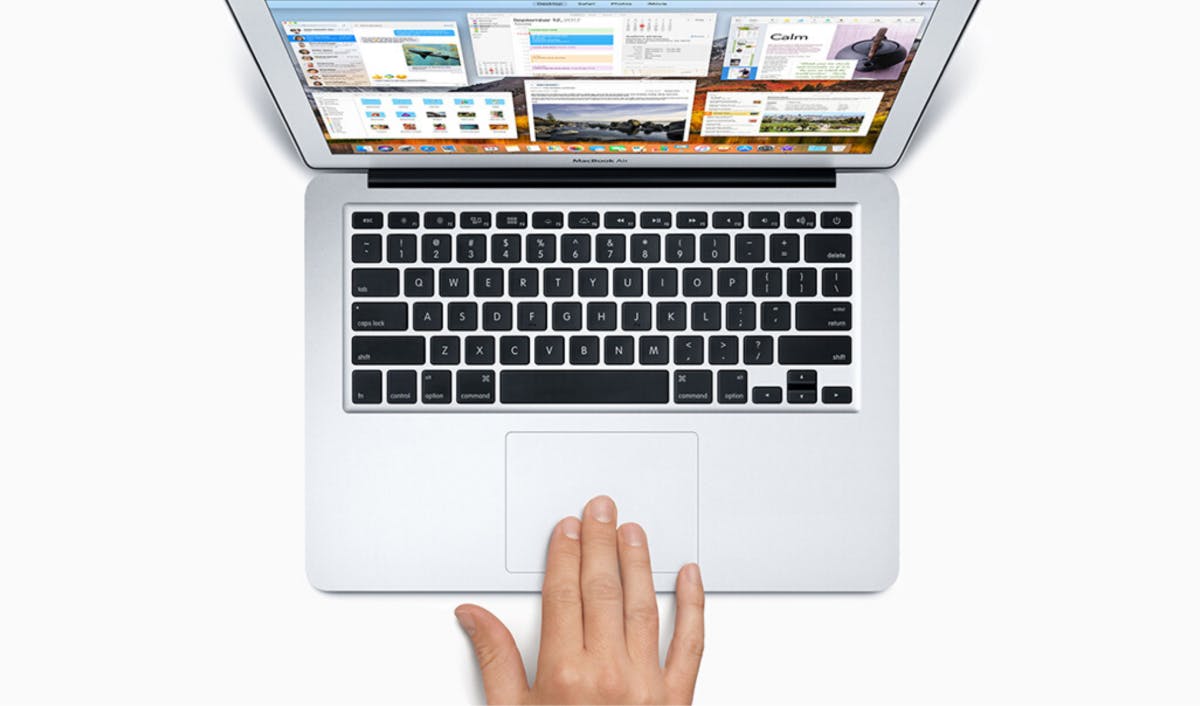
Kunal Kunal Mishra has curated 7 of the most useful gestures you need to know if you use a Mac as your daily driver. Swiping down with three fingers (or four) fingers is the gesture to open App Exposé. Launchpad is where all the apps on your Mac show up. It’s great for times when you’re looking for apps you haven’t put in your Applications folder. It shows you all the open windows of the current app, making it easier to manage.
[story continues]
Written by
@kunal
Tech Writer. Creating Graphics. theciva.wordpress.com/subscribe
Topics and
tags
tags
macos|mac-os|macbook|apple-macbook|apple-mac|macbook-pro|self-improvement|productivity
This story on HackerNoon has a decentralized backup on Sia.
Transaction ID: ZkwqcFml-EjpKkfaZ2k-CDEvo8ZhtvLfbewRuwasSrw