TL;DR —
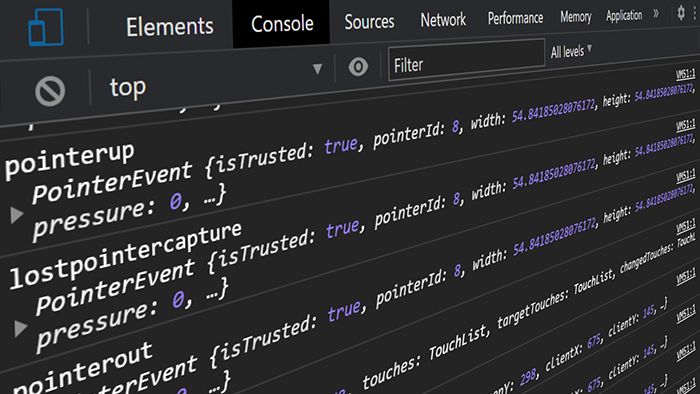
A Simple Guide to Log JavaScript Events to the Console for Debugging is published by Matthias Kupperschmidt Freelancer for SEO & Web Analytics. The monitorEvents API allows you to log any occurring JavaScript event to the console in Chrome. It's for example important when debugging a web page to see how many submit events a form element sends out. With this method you prevent sending and tracking browser events multiple times. It is the quickest way to monitor all JavaScript events that I know of.
[story continues]
Written by
@arctic_hunter
Freelancer for SEO & Web Analytics. JavaScript fan.
Topics and
tags
tags
google-analytics|event-tracking|javascript|chrome-dev-tools|debugging|google-tag-manager|programming|coding
This story on HackerNoon has a decentralized backup on Sia.
Transaction ID: 4uH3T7mxJmBpDA-6YZ6K9mU6ybslxu-JLZvOunGuk4E