
In today’s fast-moving digital world, businesses of all sizes are turning to AI automation to simplify complex workflows, boost productivity, and make faster decisions. Whether it’s syncing data between apps, automating customer responses, or orchestrating entire business processes, AI workflow automation tools are changing how teams work.
With so many automation options available, finding the right fit can be tricky. Some platforms focus on enterprise-scale integrations, while others prioritize flexibility, collaboration, and ease of use. This guide highlights five of the best AI workflow automation platforms in 2026, each offering unique strengths to help your business build smarter, faster, and more efficient workflows.
What Is an AI Workflow Automation Platform?
An AI workflow automation platform connects your favorite tools, applications, and data systems to create automated processes, often without requiring any coding. Unlike traditional automation, which follows static rules, AI-powered workflow platforms use intelligent decision-making, natural language processing, and machine learning to adapt to context and handle more complex tasks.
These platforms allow users to visually design workflows, link actions across apps, and even integrate AI agents to analyze, predict, or generate content dynamically. They save hours of repetitive work, reduce human error, and give teams more time to focus on strategy and creativity instead of manual data handling.
The Best AI Automation Platforms in 2026
1. Make
Best for visual, AI-first workflow automation across teams
Free plan available
Paid plans from about 9 USD per month for 10,000 credits (billed annually)
Rating: 4.7 out of 5 on G2
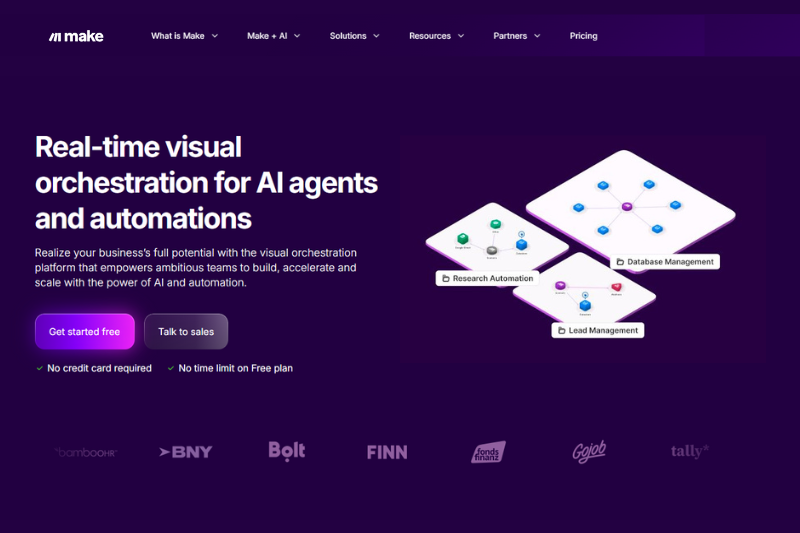
Make is a visual automation and AI workflow platform where you build flows by dragging modules onto a visual workspace and connecting them. It’s designed to allow non-technical teams to automate without writing code, while still offering deep customization for developers and power users.
Perfect For Teams That: Need a balance of creativity and control. Make empowers less-technical users to automate visually while giving technical teams access to advanced data manipulation and API capabilities, all in one unified workspace.
Features include a visual Scenario Builder that allows you to map workflows in any direction and see real-time data flow animations. Users can design everything from simple task automations to complex AI-driven systems using Make’s AI Agents, scenario properties, and JavaScript custom functions. Make Grid provides users with a bird’s eye view of all their automations and AI solutions for improved observability and control.
Integrates with over 3,000 apps, including HubSpot, Slack, Notion, Salesforce, Shopify, Google Workspace, and custom APIs through its HTTP module.
Pros:
- Highly visual interface that makes even complex workflows understandable
- Cost-effective pricing per operation compared to competitors
- Combines no-code simplicity with advanced developer flexibility
- Enterprise-grade compliance and governance options
Cons:
- For basic workflows, you’ll get up and running quickly, but mastering Make’s full power takes more time.
- Certain niche tools may require custom integrations
Key takeaway: Make is quickly becoming the industry standard in this category and for good reason. It’s easier to learn than other platforms, extremely powerful and does not come with the dependability issues and hosting overhead of other platforms.
2. Tray.ai
Best for AI-ready enterprise automation and agent orchestration
Free trials and guided demos available
Standard cloud plans commonly start around 695 USD per month
Rating: 4.5 out of 5 on G2
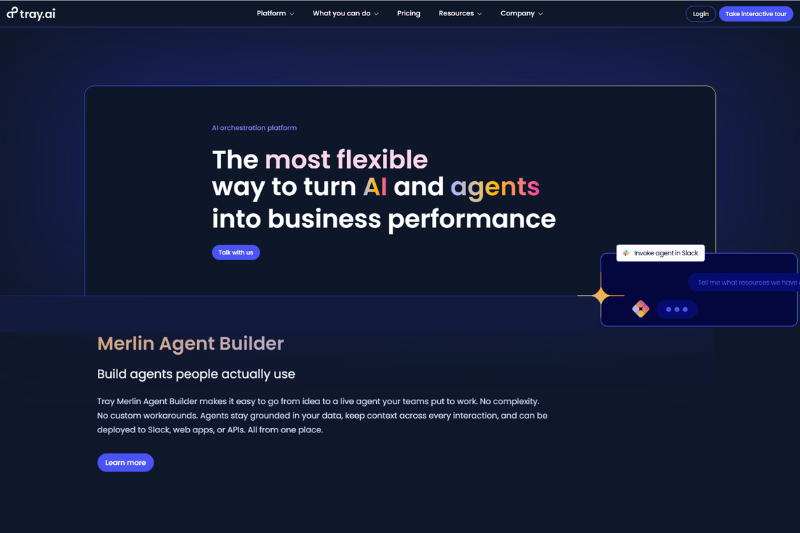
Tray.io, also known as Tray.ai, is an enterprise-grade automation and integration platform designed for building complex, AI-driven workflows and deploying intelligent agents. It’s built to help operations and engineering teams automate processes across departments and systems.
Perfect For Teams That: Need to orchestrate large-scale AI workflows or integrate automation into enterprise systems. It’s a strong choice for organizations that want both AI agent management and robust integration capabilities in one place.
Features include a low-code builder with AI orchestration tools. Its Merlin AI Agent Builder enables users to create intelligent agents that can trigger or manage workflows based on context. The platform supports reusable components, version control, and scalable infrastructure for enterprise workloads.
Integrates major enterprise systems, including Salesforce, Workday, HubSpot, Snowflake, Slack, and AWS, with an extensive connector library for go-to-market and back-office automation.
Pros:
- Powerful for complex, multi-system automations
- Designed for AI agent creation and orchestration
- Enterprise-level reliability, SSO, and compliance features
- Reusable workflows for faster development cycles
Cons:
- Higher entry-level pricing than most platforms
- Best suited for large teams or enterprises
- It can be more complex to configure than no-code alternatives
3. Workato
Best for enterprise iPaaS and complex AI-enabled integrations
Free trial and sandbox environments available
Pricing available on request
Rating: 4.7 out of 5 on G2
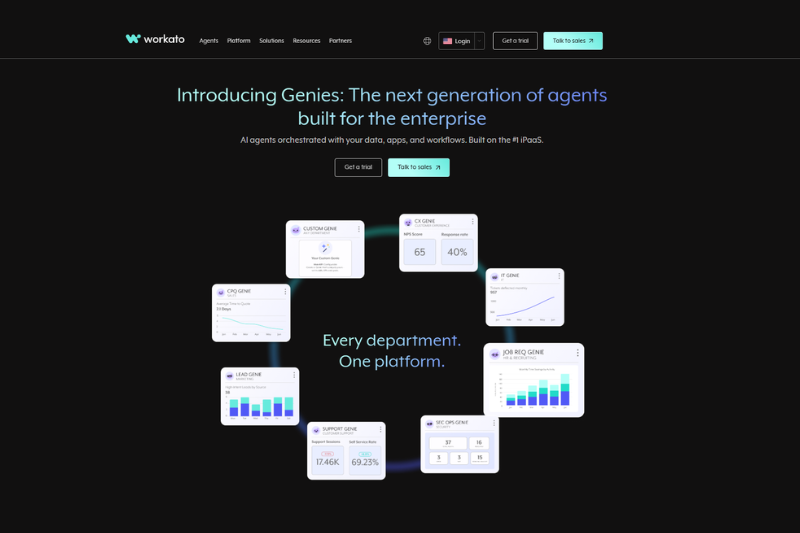
Workato is a robust enterprise integration and automation platform designed to connect systems, data, and AI across large organizations. It combines low-code automation with governance and advanced integration capabilities.
Perfect For Teams That: Operate in enterprise environments where compliance, security, and cross-departmental integrations are key. It’s especially valuable for IT and business operations teams that want to bridge technical and non-technical collaboration.
Features include a recipe-based system that enables users to design reusable automations with detailed data transformation and control options. Its AI capabilities help users monitor workflows, predict issues, and optimize performance. Governance tools support environment separation, approvals, and secure deployment.
Integrates seamlessly with major platforms like SAP, Oracle, Salesforce, Workday, and ServiceNow, as well as a wide range of marketing, finance, and HR systems.
Pros:
- Extremely capable for complex, multi-department automation
- High-level governance and compliance tools
- Strong AI-assisted workflow optimization
- Scales efficiently for large enterprises
Cons:
- Pricing model mainly targets enterprise customers
- Learning curve for advanced integrations
- May be overkill for smaller organizations
4. Zapier
Best for quick, no-code AI-enhanced workflows
Free plan available
Professional plan from 19.99 USD per month (billed annually)
Rating: 4.5 out of 5 on G2
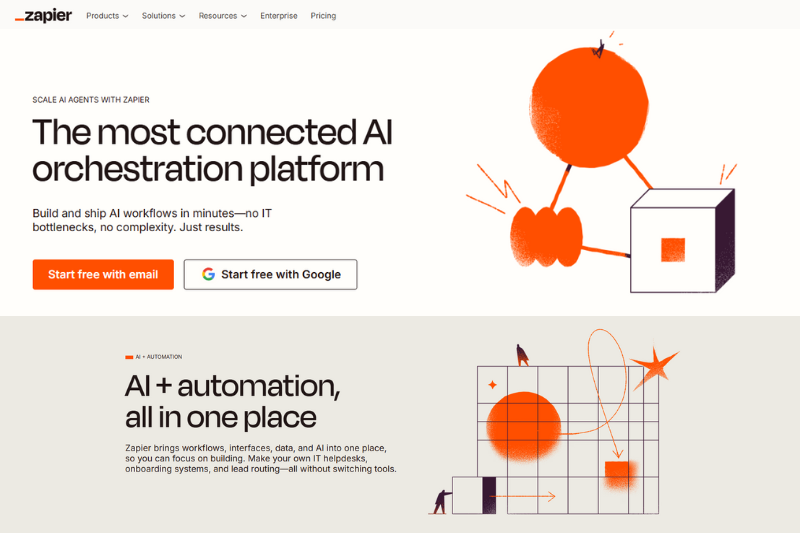
Zapier remains a strong automation tool, known for its simplicity and vast integration ecosystem. It now incorporates AI tools and capabilities, making it a strong choice for teams wanting to add AI-powered logic to everyday workflows.
Perfect For Teams That: Want an easy starting point for connecting apps, experimenting with AI features, and automating basic business workflows without any technical setup.
Features include a linear workflow builder that is fast to use, and its new AI Builder lets users describe automations in plain English to generate working zaps automatically. Users can include AI fields, call AI models, or trigger generative actions as part of their workflows.
Integrates with over 8,000 apps, covering everything from marketing to project management and CRM platforms.
Pros:
- Easy to learn and deploy
- Large integration catalog with prebuilt templates
- Strong entry-level AI capabilities for quick automation
- Excellent documentation and community support
Cons:
- Dependability has suffered with recent product updates
- Task-based billing can become expensive at higher usage
- Limited customization for complex workflows
- Less control and flexibility than tools like Make or n8n
5. n8n
Best for technical teams that want open-source AI workflow automation
Open-source self-hosted edition available for free
Cloud Starter plan from about 20 EUR per month
Rating: 4.8 out of 5 on G2
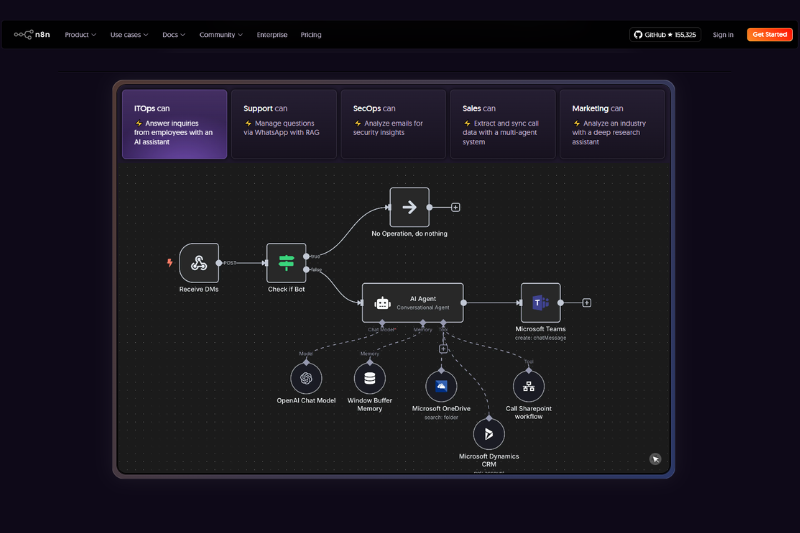
n8n is an open-source automation platform for teams that prefer control over hosting, data, and customization. It combines low-code visual workflow design with advanced capabilities for scripting and self-hosting, making it ideal for developers and tech-savvy teams.
Perfect For Teams That: Have strong tech knowledge, want to host their own automation platform, keep data on-premise, or deeply customize their workflows with code. It’s particularly suited to startups, and developers seeking an open and extensible system. Note that their self-hosted plan has a lot of limitations and costs can quickly escalate on paid plans.
Features include a powerful node-based workflow editor that lets users chain logic, run conditions, and embed custom JavaScript or Python steps directly within flows. Its AI features let you integrate with leading AI APIs and build your own intelligent automations.
Integrates a growing library of integrations and allows teams to build their own custom nodes. Popular connections include OpenAI, Slack, GitHub, Google Workspace, and Notion.
Pros:
- Completely open source and self-hostable
- Highly flexible for developers and engineers
- Supports real-code extensions inside workflows
- Strong community and rapid feature development
Cons:
- Requires technical setup and DevOps knowledge for hosting
- Self-hosted plan is very limited by types of integrations and workflows
- Less user-friendly than SaaS tools like Make or Zapier
- No formal customer support except on most expensive plans
How to Choose the Right AI Workflow Automation Platform
Platform | Best For | Key Strengths | Consider If You Need |
Make | Visual-first, AI-driven workflows for all teams | Combines no-code simplicity with deep customization; highly visual and flexible | A creative, collaborative tool that scales from small automations to complex AI systems |
Tray.ai | Enterprise-grade AI and agent orchestration | Strong AI agent capabilities, reusable workflows, and scalable infrastructure | Enterprise reliability and orchestration of complex AI systems |
Workato | Large organizations with complex integrations | Robust governance, compliance, and advanced integration options | Secure enterprise automation across departments or data systems |
Zapier | Small businesses and solo users | Extremely easy to use with 8,000+ integrations and AI Builder tools | Fast setup, low learning curve, and affordable entry into AI automation |
n8n | Technical and self-hosted automation setups with large budgets | Open-source platform with full hosting control and custom code support | Complete flexibility, self-hosting, or advanced technical customization |
Final Thoughts
AI workflow automation is reshaping how businesses operate, empowering teams to innovate faster, eliminate repetitive work, and make smarter decisions. Platforms like Make are leading the way, offering everything from creative visual builders to enterprise-grade orchestration tools.
Choosing the right platform comes down to matching your team’s goals, technical comfort, and automation complexity. But no matter where you start, the future of productivity lies in building smarter workflows powered by AI.
FAQs About AI Automation
What is the difference between workflow automation and AI automation?
Workflow automation uses predefined rules to move information between apps or complete tasks automatically. AI automation goes a step further by adding intelligence, analyzing data, making predictions, or generating content. For example, a traditional workflow might send an email when a form is submitted, while an AI-powered workflow could personalize it based on user behavior or preferences.
Do I need coding skills to use AI workflow automation platforms?
No. Most modern platforms like Make are designed for no-code or low-code users. They provide drag-and-drop interfaces, visual builders, and prebuilt templates. However, platforms like n8n and Tray.io also offer code-based customization for developers who want deeper control.
Which AI workflow automation platform is best for small businesses?
Make is the most accessible for small businesses because they offer free plans, visual interfaces, and a huge range of integrations. It’s ideal for automating marketing, sales, and admin tasks without needing an IT department.
Can AI workflow automation replace human workers?
Not entirely. These tools are best used to handle repetitive, rule-based, or data-heavy work so that people can focus on creative, strategic, or customer-facing tasks. The goal of AI workflow automation is to augment teams, making them faster and more efficient, not to replace them.
This story was published by Steve Beyatte under HackerNoon’s Business Blogging Program.
[story continues]
tags