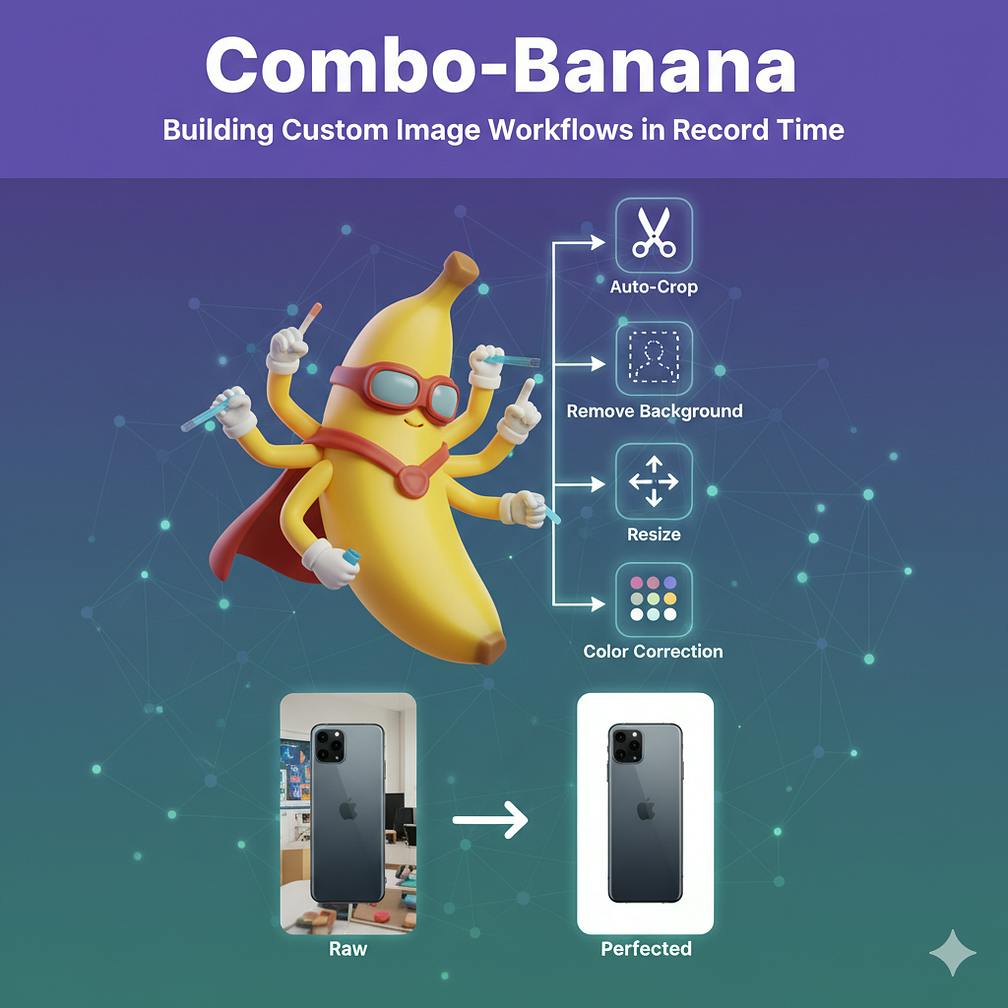
In the fast-paced world of product retail, agility is crucial for the teams bringing products to market. Product designers at my customer handle a massive volume of images daily. Ensuring every product looks perfect across the website, mobile apps, and marketing campaigns often involves tedious, multi-step editing processes — background removal, resizing, color correction, and optimization.
While essential, these repetitive tasks can consume hours, diverting designers from the creative work they do best. What if designers could automate these specific workflows themselves, without wrestling with complex software or waiting for engineering resources?
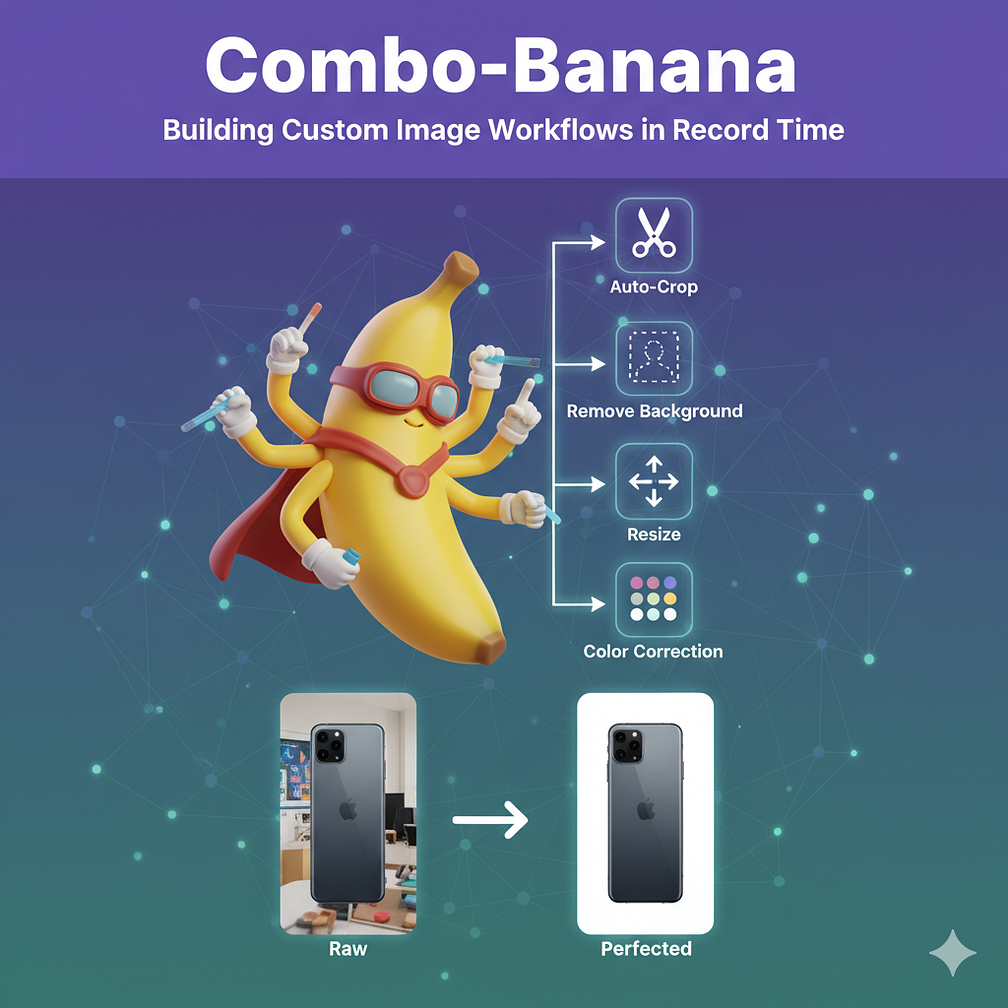
The Use Case: Beyond Manual Editing
Imagine a designer preparing images for a new product line. The workflow is predictable but labor-intensive:
- Receive raw photos from the studio.
- Manually isolate the product from the background.
- Adjust the lighting and contrast to meet brand guidelines.
- Resize and crop for the product detail page (high resolution).
- Integrate the products in several situations (e.g., on a user, in a store).
When done manually across hundreds of SKUs, this process is slow and prone to inconsistencies.
This prototype reimagines that process. Instead of a series of manual actions across different tools, the designer defines a “combo” — a sequence of operations executed automatically by the application.
{
    "name": "Social Media Ad Creation",
    "steps": [
        {
            "title": "Place Item in Landscape",
            "prompt": "Integrate the product or item seamlessly into a visually stunning and appropriate landscape background, ensuring realistic lighting and perspective."
        },
        {
            "title": "Add Catchy Slogan",
            "prompt": "Overlay a concise and catchy slogan onto the image, using a font and placement that enhances readability and visual appeal for a social media ad."
        }
    ]
}
The Experience: Flexibility Meets Simplicity
The prototype focuses on a streamlined experience. A user can upload an image and stack the desired operations. They define the recipe once — e.g., Step 1: Isolate Product; Step 2: Improve the Shadows; Step 3: Add a Slogan — and the application handles the rest.
This transforms a 15-minute manual task into a 30-second automated process, ensuring pixel-perfect consistency across the entire product catalog and freeing up time for more creative work.
See it in Action
The prototype illustrates how an intuitive interface can abstract away the complexity running in the background.
You can explore the live demo here: https://combo-banana.fmind.dev/
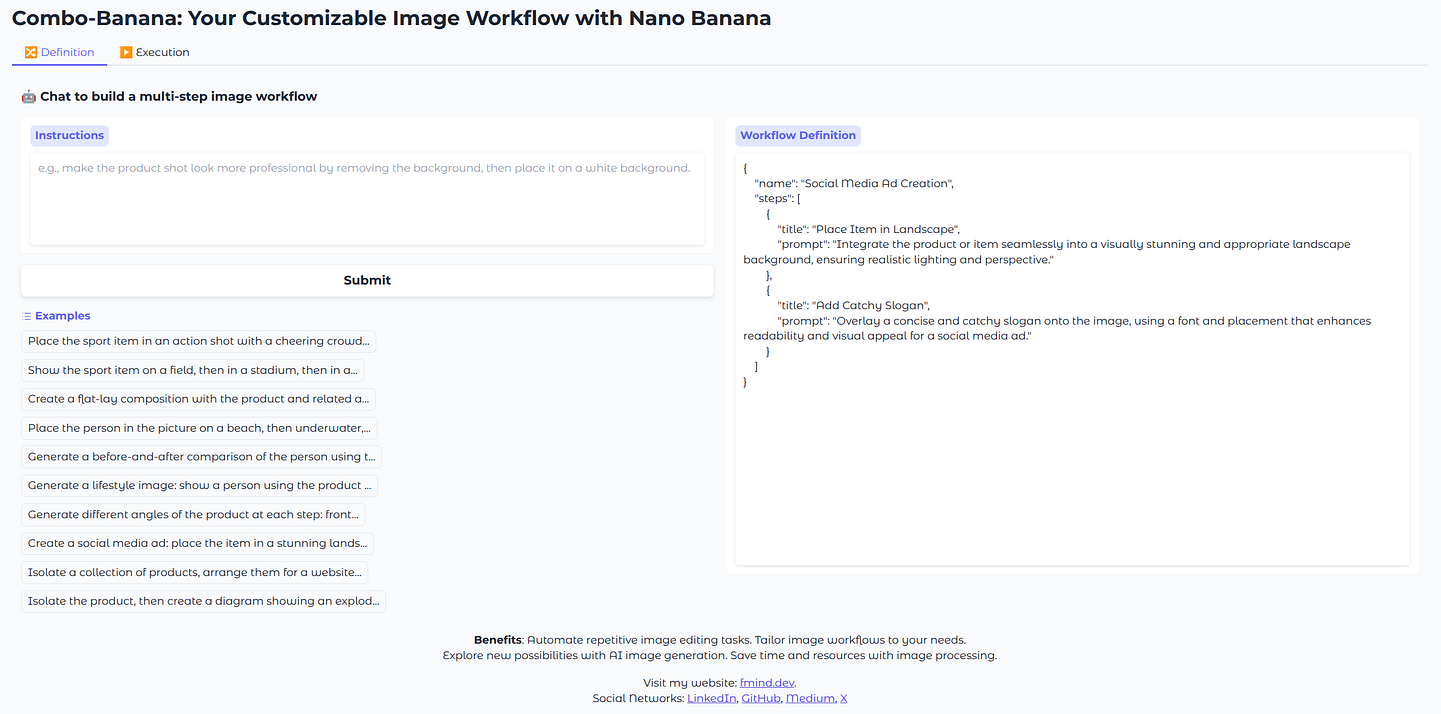
On the left, the user defines the workflow with a chatbot interface based on Gemini 2.5 Flash. The chatbot extracts prompts into a series of steps that are stacked sequentially. In this example, we start with a “Place the item in a landscape” step, followed by a “Add Catchy Slogan” step, powered by Nano Banana.
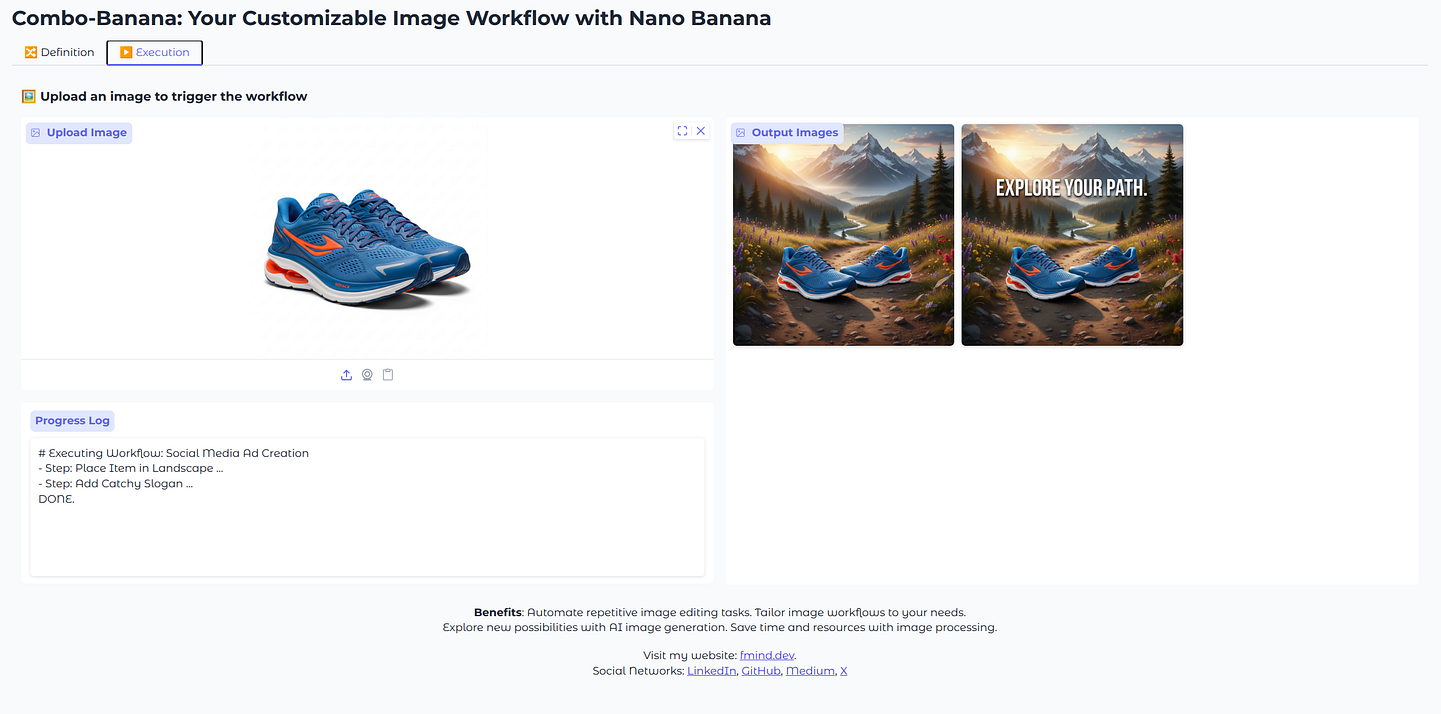
Once the desired “combo” is configured, the user simply uploads the source image on the top left side of the second tab. The application processes the image through the defined pipeline — the output of the first step becomes the input for the next. The final result is displayed on the right, ready for download. This visual feedback loop allows designers to quickly iterate on their workflows before applying them to large batches of images.

Under the Hood: The Tech Stack
The speed of development was thanks to a modern, efficient tech stack. We focused on rapid prototyping, leveraging powerful AI, and ensuring scalability:
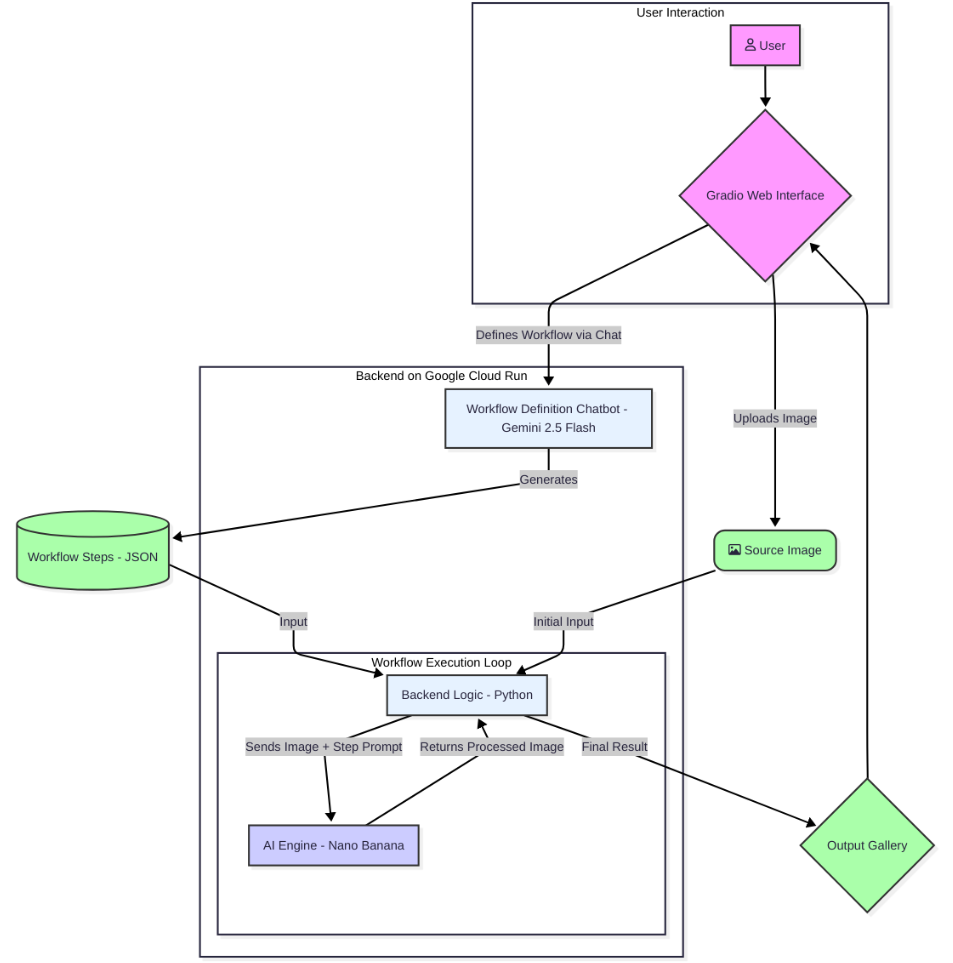
- The Interface: Gradio Used to build the interactive web UI entirely in Python, avoiding the need for complex front-end development and significantly speeding up iteration.
- The Backend: Python The backbone of the application, handling core logic and orchestrating the sequence of image processing steps.
- The Engine: Nano Banana The AI powerhouse driving complex tasks like high-fidelity background removal and segmentation. This project was a fantastic opportunity to leverage its impressive capabilities. In future releases, other models could with combined with Nano-Banana.
- Deployment: Google Cloud Run A serverless platform ensuring the tool is accessible, cost-effective (scales to zero), and scalable on demand within an organization’s infrastructure.
The Road Ahead: From Prototype to Platform
This prototype is just the beginning. The goal is to evolve it into a robust platform that can handle the complexity of real-world production environments. Key opportunities for evolution include:
- Advanced Workflows (DAGs): Moving beyond simple sequential pipelines (Step A -> Step B -> Step C) to support Directed Acyclic Graphs (DAGs). This would allow for parallel processing — for example, generating five different resolutions simultaneously after the background has been removed.
- Granular Configuration: Providing deeper configuration options within each processing block (e.g., setting specific compression levels, defining padding for auto-crops, or choosing different AI models for specific tasks and which previous image to use).
- Ecosystem Integration: Integrating directly with existing asset management tools. This includes pulling source files from Google Drive and automatically exporting the results to designated folders or downstream systems.
- User Sessions and Workflow Management: Implementing user authentication to allow teammates to save, name, share, and reuse their custom workflows, eliminating the need to rebuild them for every session.
The Bigger Picture: Bridging the Gap
Building this prototype underscored a critical insight. We are living in a time with access to incredibly powerful technology like Nano Banana. The technology is here, and it works.
However, the existence of a powerful model is not enough. The key challenge now is to bridge the gap between these technological capabilities and the real-world, day-to-day needs of our colleagues on the field.
As this project demonstrates, we don’t need massive engineering teams or long development cycles to deliver significant value. By identifying specific pain points and leveraging modern tools like Gradio and Cloud Run, we can rapidly prototype solutions that make a difference.
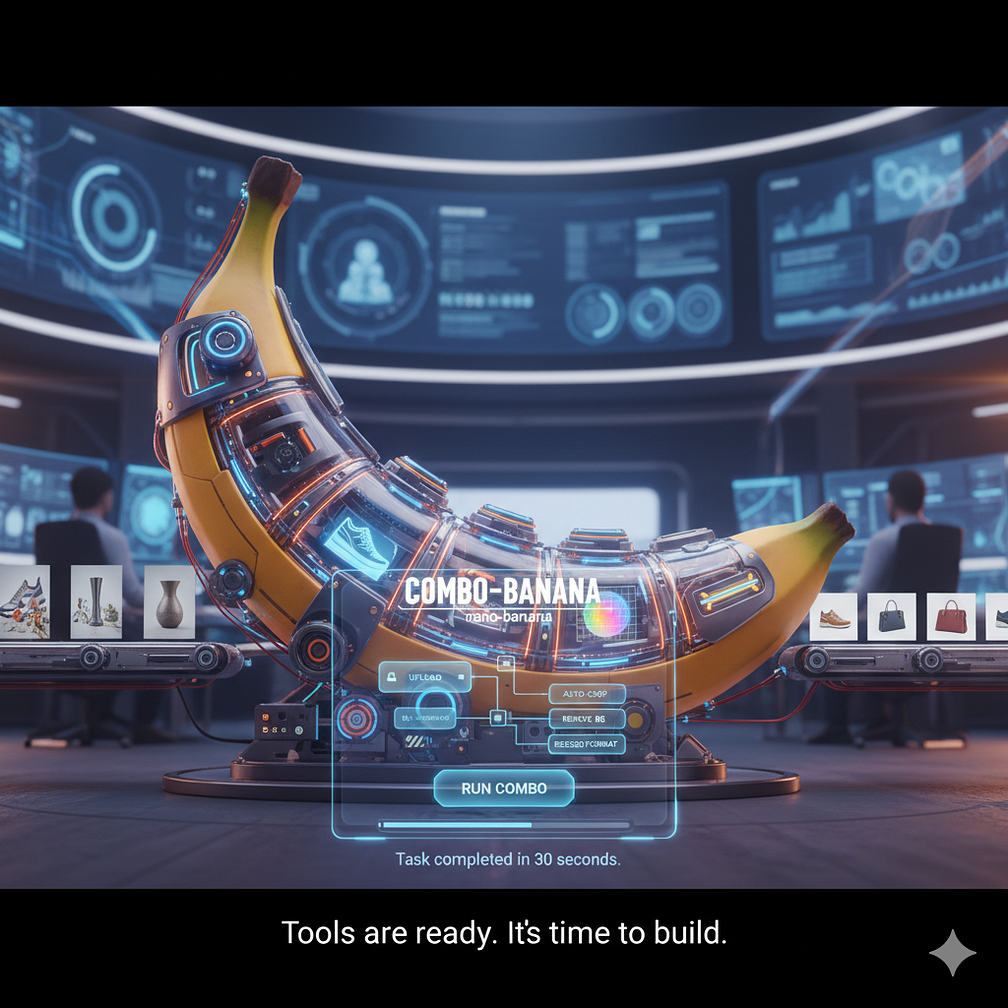
This is a phenomenal opportunity for builders and entrepreneurs within any organization. The tools are ready. It’s time to build!
- Github Repository: https://github.com/fmind/combo-banana
[story continues]
tags