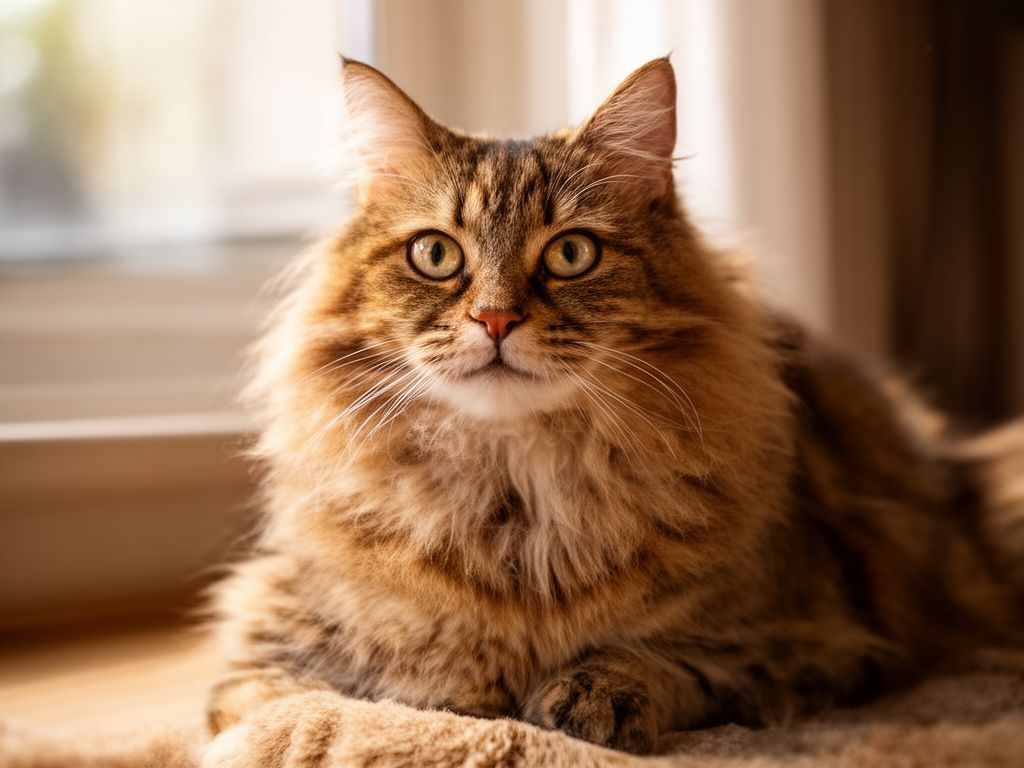
This is a simplified guide to an AI model called flux-2-fast maintained by prunaai. If you like these kinds of analysis, join AIModels.fyi or follow us on Twitter.
Model overview
flux-2-fast is a step-distilled version of Flux 2 optimized to generate images in approximately one second. This represents a significant acceleration of the Flux 2 model through distillation techniques that maintain visual quality while drastically reducing generation time. It follows in the lineage of other optimized Flux models from Pruna, including flux-schnell, flux.1-dev, and flux-schneller, each bringing different speed and quality trade-offs to image generation workflows.
Model inputs and outputs
The model accepts text prompts and optional input images for editing tasks, returning generated or edited images in your choice of format. You can control numerous aspects of the output including dimensions, aspect ratio, image quality, and the number of variations to generate. This flexibility makes it suitable for both simple text-to-image generation and more complex image editing workflows.
Inputs
- Prompt - Text description of the image you want to generate or how to edit input images
- Input Images - Optional list of up to 5 images for editing tasks instead of text-to-image generation
- Aspect Ratio - Predefined ratios (16:9, 1:1, 9:16, etc.) or custom dimensions, with option to match input image aspect ratio
- Width and Height - Custom output dimensions (256-2048 pixels) when using custom aspect ratio
- Num Outputs - Number of image variations to generate (1-4)
- Seed - Optional random seed for reproducible results
- Output Format - Choose between PNG, JPG, or WebP formats
- Output Quality - Quality level for JPG and WebP (0-100)
Outputs
- Generated Images - Array of image URLs in your specified format and dimensions
Capabilities
This model generates high-quality images from text descriptions at exceptional speed, completing requests in roughly one second. It handles a wide range of visual styles, compositions, and subjects through natural language prompts. The model also supports image editing workflows, allowing you to modify existing images based on textual instructions. Multiple output options let you explore variations and choose the best result, while customizable aspect ratios and resolutions adapt to different use cases.
What can I use it for?
The speed of this model makes it practical for real-time creative applications where latency matters. You can build interactive design tools, rapid prototyping systems, or content generation pipelines that need to produce images on demand. Creative professionals might use it for quick concept visualization before committing to longer rendering times, while developers can integrate it into applications requiring instant visual feedback. E-commerce platforms could generate product mockups dynamically, and marketing teams could produce variations of promotional imagery at scale.
Things to try
Experiment with the seed parameter to generate multiple variations of the same prompt while maintaining consistency in composition and style. Test the image editing capabilities by uploading reference images and describing specific modifications you want applied. Try pushing the model with detailed, descriptive prompts that include artistic styles, lighting conditions, and composition preferences to see how precisely it interprets your instructions. Explore different aspect ratios for different use cases—16:9 for landscape layouts, 1:1 for social media, and 9:16 for mobile applications.
[story continues]
tags