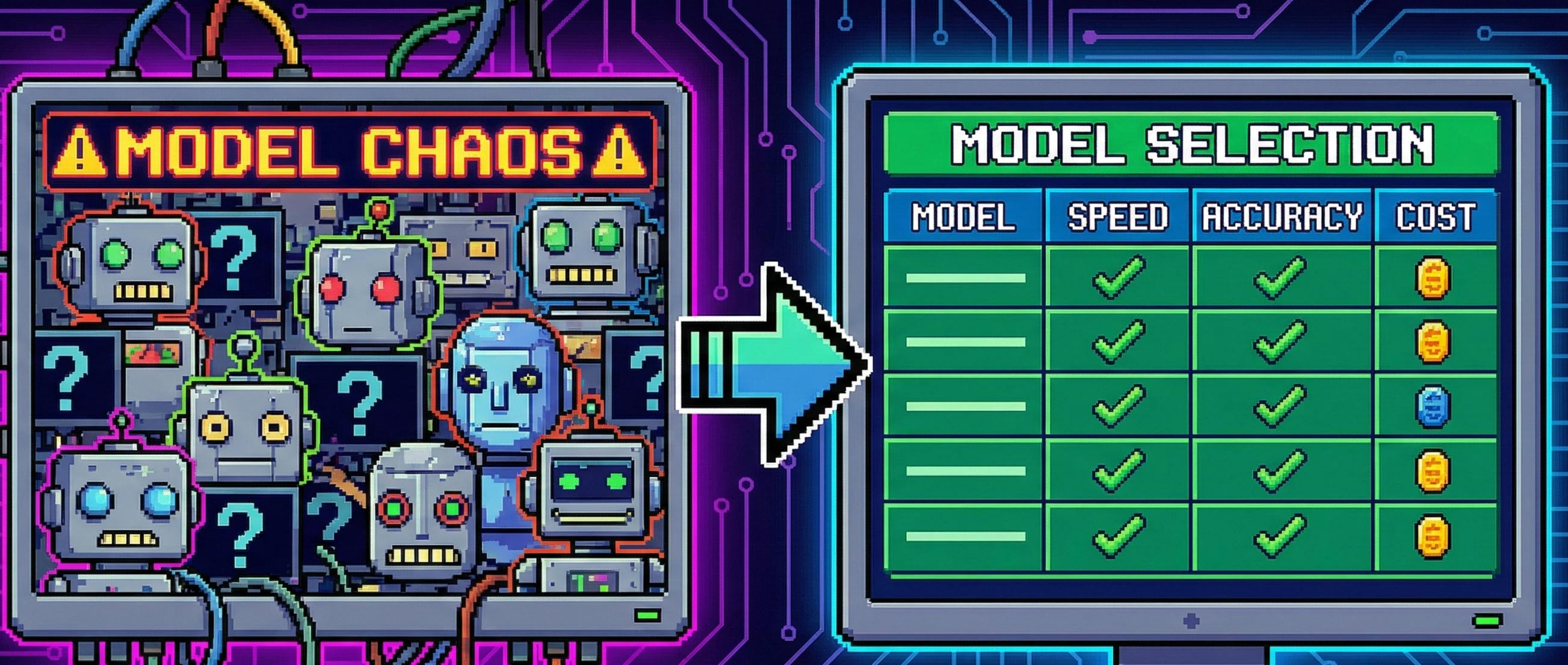
The uncomfortable truth: “model choice” is half your prompt engineering
If your prompt is a recipe, the model is your kitchen.
A great recipe doesn’t help if:
- the oven is tiny (context window),
- the ingredients are expensive (token price),
- the chef is slow (latency),
- or your tools don’t fit (function calling / JSON / SDK / ecosystem).
So here’s a practical comparison you can actually use.
Note on “parameters”: for many frontier models, parameter counts are not publicly disclosed. In practice, context window + pricing + tool features predict “fit” better than guessing parameter scale.
1) Quick comparison: what you should care about first
1.1 The “four knobs” that matter
- Context: can you fit the job in one request?
- Cost: can you afford volume?
- Latency: does your UX tolerate the wait?
- Compatibility: will your stack integrate cleanly?
Everything else is second order.
2) Model spec table (context + positioning)
This table focuses on what’s stable: family, positioning, and context expectations.
| Provider | Model family (examples) | Typical positioning | Notes | |---|---|---| | OpenAI | GPT family (e.g., gpt-4o, gpt-4.1, gpt-5*) | General-purpose, strong tooling ecosystem | Pricing + cached input are clearly published. | OpenAI | “o” reasoning family (e.g., o3, o1) | Deep reasoning / harder planning | Often higher cost; use selectively. | Anthropic | Claude family (e.g., Haiku / Sonnet tiers) | Strong writing + safety posture; clean docs | Pricing table includes multiple rate dimensions. | Google | Gemini family (Flash / Pro tiers) | Multimodal + Google ecosystem + caching/grounding options | Pricing page explicitly covers caching + grounding. | DeepSeek | DeepSeek chat + reasoning models | Aggressive price/perf, popular for scale | Official pricing docs available. | Open source | Llama / Qwen / Mistral etc. | Self-host for privacy/control | Context depends on model; Llama 3.1 supports 128K.
3) Pricing table (the part your CFO actually reads)
Below are public list prices from official docs (USD per 1M tokens). Use this as a baseline, then apply: caching, batch discounts, and your real output length.
3.1 OpenAI (selected highlights)
OpenAI publishes input, cached input, and output prices per 1M tokens.
|
Model |
Input / 1M |
Cached input / 1M |
Output / 1M |
When to use |
|---|---|---|---|---|
|
|
$2.00 |
$0.50 |
$8.00 |
High-quality general reasoning with sane cost |
|
|
$2.50 |
$1.25 |
$10.00 |
Multimodal-ish “workhorse” if you need it |
|
|
$0.15 |
$0.075 |
$0.60 |
High-throughput chat, extraction, tagging |
|
|
$2.00 |
$0.50 |
$8.00 |
Reasoning-heavy tasks without the top-end pricing |
|
|
$15.00 |
$7.50 |
$60.00 |
“Use sparingly”: hard reasoning where mistakes are expensive |
If you’re building a product: you’ll often run 80–95% of calls on a cheaper model (mini/fast tier), and escalate only the hard cases.
3.2 Anthropic (Claude)
Anthropic publishes a model pricing table in Claude docs.
|
Model |
Input / MTok |
Output / MTok |
Notes |
|---|---|---|---|
|
Claude Haiku 4.5 |
$1.00 |
$5.00 |
Fast, budget-friendly tier |
|
Claude Haiku 3.5 |
$0.80 |
$4.00 |
Even cheaper tier option |
|
Claude Sonnet 3.7 (deprecated) |
$3.75 |
$15.00 |
Listed as deprecated on pricing |
|
Claude Opus 3 (deprecated) |
$18.75 |
$75.00 |
Premium, but marked deprecated |
Important: model availability changes. Treat the pricing table as the authoritative “what exists right now.”
3.3 Google Gemini (Developer API)
Gemini pricing varies by tier and includes context caching + grounding pricing.
|
Tier (example rows from pricing page) |
Input / 1M (text/image/video) |
Output / 1M |
Notable extras |
|---|---|---|---|
|
Gemini tier (row example) |
$0.30 |
$2.50 |
Context caching + grounding options |
|
Gemini Flash-style row example |
$0.10 |
$0.40 |
Very low output cost; good for high volume |
Gemini’s pricing page also lists:
- context caching prices, and
- grounding with Google Search pricing/limits.
3.4 DeepSeek (API)
DeepSeek publishes pricing in its API docs and on its pricing page.
|
Model family (per DeepSeek pricing pages) |
What to expect |
|---|---|
|
DeepSeek-V3 / “chat” tier |
Very low per-token pricing compared to many frontier models |
|
DeepSeek-R1 reasoning tier |
Higher than chat tier, still aggressively priced |
4) Latency: don’t use fake “average seconds” tables
Most blog latency tables are either:
- measured on one day, one region, one payload, then recycled forever, or
- pure fiction.
Instead, use two metrics you can actually observe:
- TTFT (time to first token) — how fast streaming starts
- Tokens/sec — how fast output arrives once it starts
4.1 Practical latency expectations (directional)
- “Mini/Flash” tiers usually win TTFT and throughput for chat-style workloads.
- “Reasoning” tiers typically have slower TTFT and may output more tokens (more thinking), so perceived latency increases.
- Long context inputs increase latency everywhere.
4.2 How to benchmark for your own product (a 15-minute method)
Create a small benchmark script that sends:
- the same prompt (e.g., 400–800 tokens),
- fixed max output (e.g., 300 tokens),
- in your target region,
- for 30–50 runs.
Record:
- p50 / p95 TTFT,
- p50 / p95 total time,
- tokens/sec.
Then make the decision with data, not vibes.
5) Compatibility: why “tooling fit” beats raw model quality
A model that’s 5% “smarter” but breaks your stack is a net loss.
5.1 Prompt + API surface compatibility (what breaks when you switch models)
| Feature | OpenAI | Claude | Gemini | Open-source (self-host) | |---|---|---|---| | Strong “system instruction” control | Yes (explicit system role) | Yes (instructions patterns supported) | Yes | Depends on serving stack | | Tool / function calling | Widely used in ecosystem | Supported via tools patterns (provider-specific) | Supports tools + grounding options | Often “prompt it to emit JSON”, no native tools | | Structured output reliability | Strong with constraints | Strong, especially on long text | Strong with explicit schemas | Varies a lot; needs examples + validators | | Caching / batch primitives | Cached input pricing published | Provider features vary | Context caching explicitly priced | You implement caching yourself |
5.2 Ecosystem fit (a.k.a. “what do you already use?”)
- If you live in Google Workspace / Vertex-style workflows, Gemini integration + grounding options can be a natural fit.
- If you rely on a broad third-party automation ecosystem, OpenAI + Claude both have mature SDK + tooling coverage (LangChain etc.).
- If you need data residency / on-prem, open-source models (Llama/Qwen) let you keep data inside your boundary, but you pay in MLOps.
6) The decision checklist: pick models like an engineer
Step 1 — classify the task
- High volume / low stakes: tagging, rewrite, FAQ, extraction
- Medium stakes: customer support replies, internal reporting
- High stakes: legal, finance, security, medical-like domains (be careful)
Step 2 — decide your stack (the “2–3 model rule”)
A common setup:
- Fast cheap tier for most requests
- Strong tier for hard prompts, long context, tricky reasoning
- Optional: realtime or deep reasoning tier for specific UX/features
Step 3 — cost control strategy (before you ship)
- enforce output length limits
- cache repeated system/context
- batch homogeneous jobs
- add escalation rules (don’t send everything to your most expensive model)
7) A practical comparison table you can paste into a PRD
Here’s a short “copy/paste” table for stakeholders.
|
Scenario |
Priority |
Default pick |
Escalate to |
Why |
|---|---|---|---|---|
|
Customer support chatbot |
Latency + cost |
|
|
Cheap 80–90%, escalate only ambiguous cases |
|
Long document synthesis |
Context + format stability |
Claude tier with strong long-form behaviour |
|
Long prompts + structured output |
|
Coding helper in IDE |
Tooling + correctness |
|
|
Deep reasoning for tricky bugs |
|
Privacy-sensitive internal assistant |
Data boundary |
Self-host Llama/Qwen |
Cloud model for non-sensitive output |
Keep raw data in-house |
Final take
“Best model” is not a thing.
There’s only best model for this prompt, this latency budget, this cost envelope, and this ecosystem.
If you ship with:
- a measured benchmark,
- a 2–3 model stack,
- strict output constraints,
- and caching/batching,
…you’ll outperform teams who chase the newest model every month.
[story continues]
tags