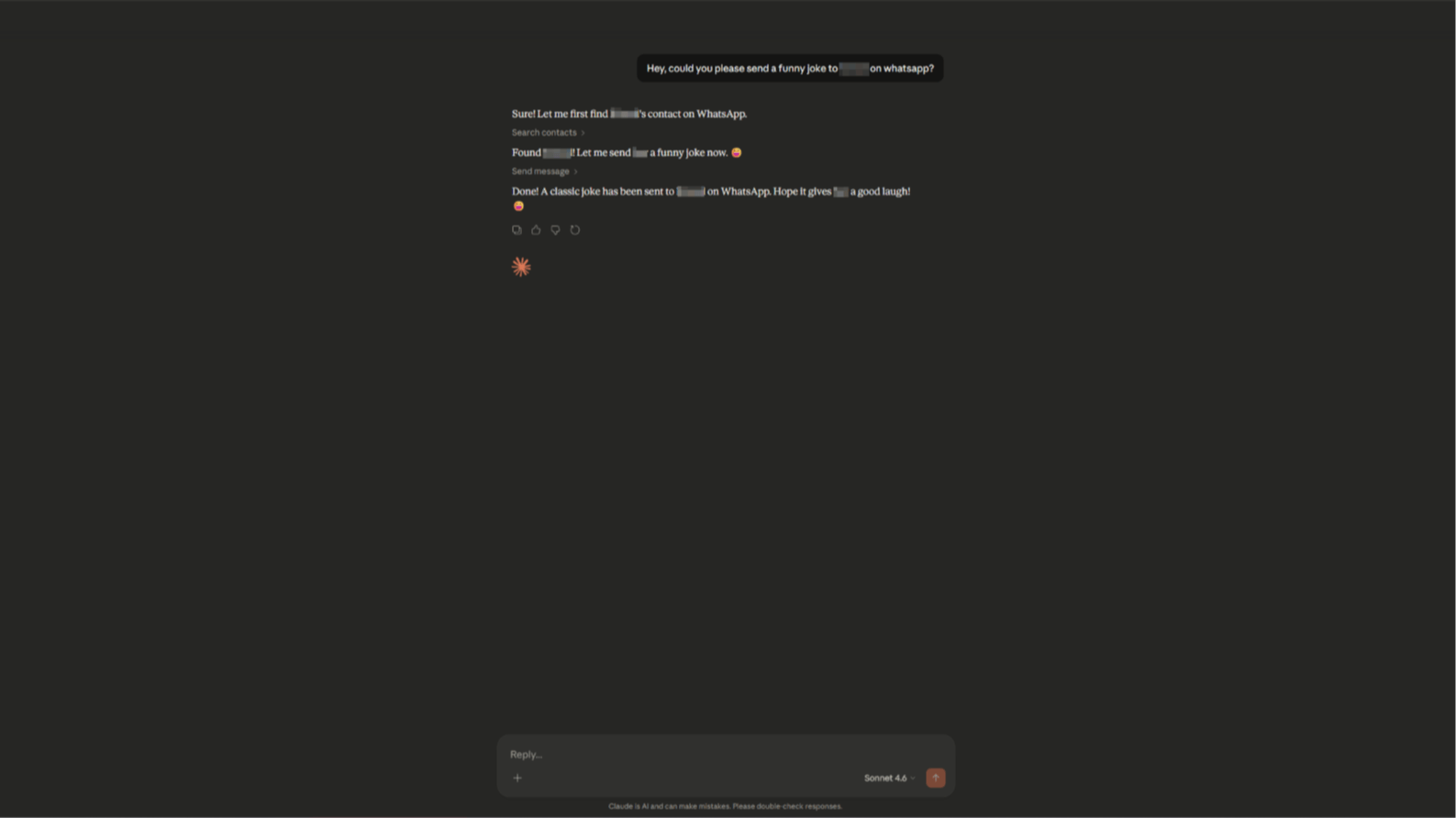
Imagine telling Claude: “Reply ‘Running 10 minutes late’ to Sarah and attach that funny cat meme I just uploaded.”
Seconds later — done. No switching apps. No copy-pasting. Everything stays local, private, and scripted through natural language.
That’s exactly what whatsapp-mcp-go enables.
This lightweight, pure-Go project bridges your personal WhatsApp account to Claude Desktop (or Cursor) via the Model Context Protocol (MCP). Claude can read chats, search contacts, send messages (text, images, voice notes), and download media — all without ever leaving your AI chat window.
In this hands-on guide, I’ll walk you through exactly how to set it up — whether you prefer Docker (easiest) or a manual Go build.
Let’s dive in.
Prerequisites (5 minutes max)
- Go 1.22+ (if not using Docker)
- Claude Desktop app (free) or Cursor or n8n (anything you can use with)
- WhatsApp on your phone (for one-time QR login)
- Optional but strongly recommended: FFmpeg → enables proper voice notes (Opus conversion)
That’s it. No Python virtualenvs, no heavy Anthropic SDKs.
Option 1: Fastest Way — Docker Compose (Recommended)
If you want zero hassle:
- Clone the repo:
git clone https://github.com/iamatulsingh/whatsapp-mcp-go.git
cd whatsapp-mcp-go
-
Start everything:
docker compose up
- The WhatsApp bridge starts first and shows a QR code in the logs.
- Open WhatsApp → Linked Devices → Link a Device → scan the code.
- Once authenticated, it auto-syncs your chats (may take a few minutes the first time).
- The MCP server runs alongside in STDIO mode — perfect for Claude Desktop.
Done. Keep this terminal open (or run detached with -d).
Option 2: Manual Setup (Full Control)
Want to build and understand the pieces?
Step 1: Launch the WhatsApp Bridge
This is the persistent connection to WhatsApp (using whatsmeow under the hood).
Step 2: Build the MCP Server
This exposes the tools Claude can call.
cd whatsapp-mcp-go/whatsapp-bridge
go run main.go
- Scan the QR on first run.
- It creates ./store/ with SQLite files (or use PostgreSQL by configuring env — see repo).
- Leave running. It auto-reconnects until session expires (~20 days).
You now have a binary: ./whatsapp-mcp
Step 3: Tell Claude (or Cursor) Where It Lives
Claude Desktop (macOS example):
Edit (or create)
{
  "mcpServers": {
    "whatsapp-mcp": {
      "command": "/Users/yourname/path/to/whatsapp-mcp-go/whatsapp-mcp-server/whatsapp-mcp"
    }
  }
}
Cursor users: put similar content in ~/.cursor/mcp.json. Restart the app. Claude should now list “whatsapp-mcp” as an available tool source.
Now the Fun Part: Talking to WhatsApp via Claude
Once connected, just chat normally — Claude automatically discovers and calls the right tool when needed.
Here are real-world prompts that work beautifully:
- Quick replies “Reply ‘Sure, 7pm works’ to John from marketing”
- Group messaging “Send this image [upload in Claude] to the Family group chat with caption ‘Vacation photo dump!’”
- Voice notes (with FFmpeg installed) “Record and send a voice note to Mom saying ‘I’ll call you after landing’” → Upload MP3/WAV → Claude converts & sends as proper .ogg Opus voice note.
- Search & recall “What was the last thing Sarah sent me about the project deadline?” → Claude uses search → list_messages → shows context.
- Media download “Download and describe the photo from the last message in chat with Alex” → Claude calls download_media → gets local path → can analyze it.
- Bulk context “Summarize my last 20 messages with Priya”
Claude handles contact lookup, JID resolution, filtering — you just speak naturally.
Pro Tips for Best Results
- Keep the bridge alive — it’s your WhatsApp connection. Use tmux, Docker detached, or a small VPS if you want 24/7.
- Re-auth every ~20 days — QR appears again. Normal WhatsApp behavior.
- No FFmpeg? → You can still send audio files via send_file, but they won’t appear as voice notes.
- Windows users — Docker is your friend (avoids CGO/sqlite setup headaches).
- Outdated client error? → In bridge dir: go get -u go.mau.fi/whatsmeow@latest
- Privacy → Zero cloud relay. Messages stay in your local DB.
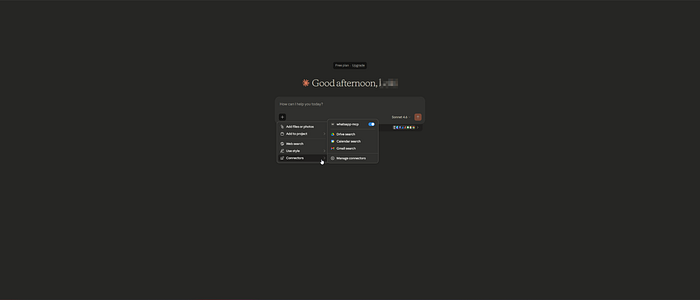
Demo
Wrapping Up
With whatsapp-mcp-go, you’ve turned Claude into a WhatsApp co-pilot — reading history, sending replies, handling media — all locally and with zero context switching.
It’s especially powerful for:
- Busy professionals who live in Claude but need WhatsApp
- Automation enthusiasts building personal AI agents
- Anyone who hates context fragmentation
Give it a spin — clone, scan once, and start prompting.
Found it useful? Star the repo ⭐ Got improvements or want SSE mode for n8n/Zapier? Open an issue or PR.
Happy (hands-free) messaging!
Link to repo → https://github.com/iamatulsingh/whatsapp-mcp-go
[story continues]
tags