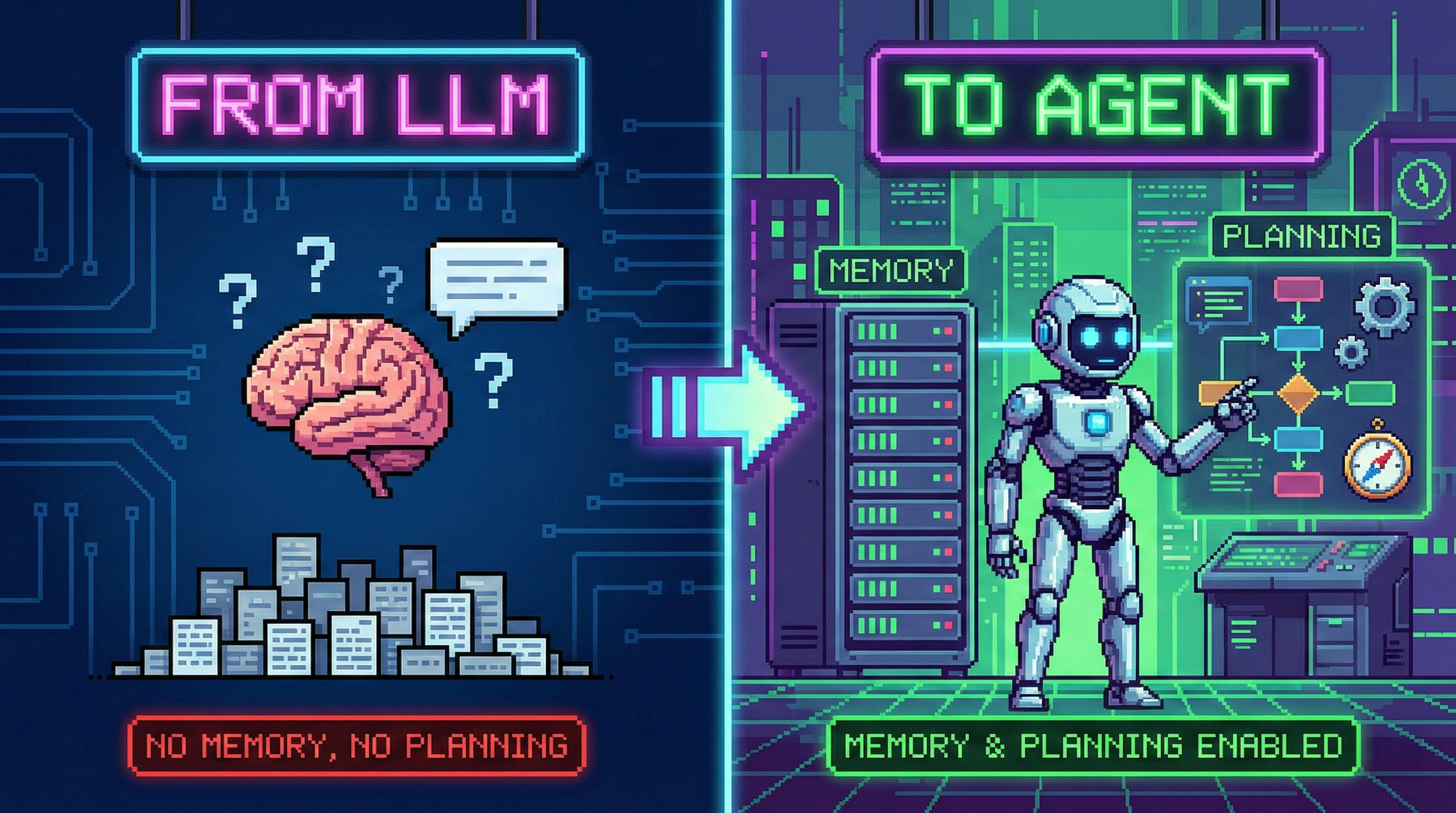
The Day Your LLM Stops Talking and Starts Doing
There’s a moment in every LLM project where you realize the “chat” part is the easy bit.
The hard part is everything that happens between the user request and the final output:
- gathering missing facts,
- choosing which tools to call (and in what order),
- handling failures,
- remembering prior decisions,
- and not spiraling into confident nonsense when the world refuses to match the model’s assumptions.
That’s the moment you’re no longer building “an LLM app.”
You’re building an agent.
In software terms, an agent is not a magical model upgrade. It’s a system design pattern:
Agent = LLM + tools + a loop + state
Once you see it this way, “memory” and “planning” stop being buzzwords and become engineering decisions you can reason about, test, and improve.
Let’s break down how it works.
1) What Is an LLM Agent, Actually?
A classic LLM app looks like this:
user_input -> prompt -> model -> answer
An agent adds a control loop:
user_input
  -> (state) -> model -> action
  -> tool/environment -> observation
  -> (state update) -> model -> action
  -> ... repeat ...
  -> final answer
The difference is subtle but massive:
- A chatbot generates text.
- An agent executes a policy over time.
The model is the policy engine; the loop is the runtime.
This means agents are fundamentally about systems: orchestration, state, observability, guardrails, and evaluation.
2) Memory: The Two Buckets You Can’t Avoid
Human-like “memory” in agents usually becomes two concrete buckets:
2.1 Short-Term Memory (Working Memory)
Short-term memory is whatever you stuff into the model’s current context:
- the current conversation (or the relevant slice of it),
- tool results you just fetched,
- intermediate notes (“scratchpad”),
- temporary constraints (deadlines, budgets, requirements).
Engineering reality check: short-term memory is limited by your context window and by model behavior.
Two classic failure modes show up in production:
- Context trimming: you cut earlier messages to save tokens → the agent “forgets” key constraints.
- Recency bias: even with long contexts, models over-weight what’s near the end → old-but-important details get ignored.
If you’ve ever watched an agent re-ask for information it already has, you’ve seen both.
2.2 Long-Term Memory (Persistent Memory)
Long-term memory is stored outside the model:
- vector DB embeddings,
- document stores,
- user profiles/preferences (only if you can do it safely and legally),
- task history and decisions,
- structured records (tickets, orders, logs, CRM entries).
The mainstream pattern is: retrieve → inject → reason.
If that sounds like RAG (Retrieval-Augmented Generation), that’s because it is. Agents just make RAG operational: retrieval isn’t only for answering questions—it’s for deciding what to do next.
The part people miss: memory needs structure
A pile of vector chunks is not “memory.” It’s a landfill.
Practical long-term memory works best when you store:
- semantic content (embedding),
- metadata (timestamp, source, permissions, owner, reliability score),
- a policy for when to write/read (what gets saved, what gets ignored),
- decay or TTL for things that stop mattering.
If you don’t design write/read policies, you’ll build an agent that remembers the wrong things forever.
3) Planning: From Decomposition to Search
Planning sounds philosophical, but it maps to one question:
How does the agent choose the next action?
In real tasks, “next action” is rarely obvious. That’s why we plan: to reduce a big problem into smaller moves with checkpoints.
3.1 Task Decomposition: Why It’s Not Optional
When you ask an agent to “plan,” you’re buying:
- controllability: you can inspect steps and constraints,
- debuggability: you can see where it went wrong,
- tool alignment: each step can map to a tool call,
- lower hallucination risk: fewer leaps, more verification.
But planning can be cheap or expensive depending on the technique.
3.2 CoT: Linear Reasoning as a Control Interface
Chain-of-Thought style prompting nudges the model to produce intermediate reasoning before the final output.
From an engineering perspective, the key benefit is not “the model becomes smarter.” It’s that the model becomes more steerable:
- it externalizes intermediate state,
- it decomposes implicitly into substeps,
- and you can gate or validate those steps.
CoT ≠ show-the-user-everything
In production, you often want the opposite: use structured reasoning internally, then output a crisp answer.
This is both a UX decision (nobody wants a wall of text) and a safety decision (you don’t want to leak internal deliberations, secrets, or tool inputs).
3.3 ToT: When Reasoning Becomes Search
Linear reasoning fails when:
- there are multiple plausible paths,
- early choices are hard to reverse,
- you need lookahead (trade-offs, planning, puzzles, strategy).
Tree-of-Thought style reasoning turns “thinking” into search:
- expand: propose multiple candidate thoughts/steps,
- evaluate: score candidates (by heuristics, constraints, or another model call),
- select: continue exploring the best branches,
- optionally backtrack if a branch collapses.
If CoT is “one good route,” ToT is “try a few routes, keep the ones that look promising.”
The cost: token burn
Search is expensive. If you expand branches without discipline, cost grows fast.
So ToT tends to shine in:
- high-value tasks,
- problems with clear evaluation signals,
- situations where being wrong is more expensive than being slow.
3.4 GoT: The Engineering Upgrade (Reuse, Merge, Backtrack)
Tree search wastes work when branches overlap.
Graph-of-Thoughts takes a practical step:
- treat intermediate reasoning as states in a directed graph,
- allow merging equivalent states (reuse),
- support backtracking to arbitrary nodes,
- apply pruning more aggressively.
If ToT is a tree, GoT is a graph with memory: you don’t re-derive what you already know.
This matters in production where repeated tool calls and repeated reasoning are the real cost drivers.
3.5 XoT: “Everything of Thoughts” as Research Direction
XoT-style approaches try to unify thought paradigms and inject external knowledge and search methods (think: MCTS-style exploration + domain guidance).
It’s promising, but the engineering bar is high:
- you need reliable evaluation,
- tight budgets,
- and a clear “why” for using something heavier than a well-designed plan loop.
In practice, many teams implement a lightweight ToT/GoT hybrid without the full research stack.
4) ReAct: The Loop That Makes Agents Feel Real
Planning is what the agent intends to do.
ReAct is what the agent actually does:
- Reason about what’s missing / what to do next
- Act by calling a tool
- Observe the result
- Reflect and adjust
Repeat until done.
This solves three real problems:
- incomplete information: the agent can fetch what it doesn’t know,
- verification: it can check assumptions against reality,
- error recovery: it can reroute after failures.
If you’ve ever debugged a hallucination, you already know why this matters: a believable explanation isn’t the same thing as a correct answer.
5) A Minimal Agent With Memory + Planning (Practical Version)
Below is a deliberately “boring” agent loop. That’s the point.
Most production agents are not sci-fi. They’re well-instrumented control loops with strict budgets.
from dataclasses import dataclass, field
from typing import Any, Dict, List, Optional
import time
# --- Tools (stubs) ---------------------------------------------------------
def web_search(query: str) -> str:
# Replace with your search API call + caching.
return f"[search-results for: {query}]"
def calc(expression: str) -> str:
# Replace with a safe evaluator.
return str(eval(expression, {"__builtins__": {}}, {}))
# --- Memory ----------------------------------------------------------------
@dataclass
class MemoryItem:
text: str
ts: float = field(default_factory=lambda: time.time())
meta: Dict[str, Any] = field(default_factory=dict)
@dataclass
class MemoryStore:
short_term: List[MemoryItem] = field(default_factory=list)
long_term: List[MemoryItem] = field(default_factory=list) # stand-in for vector DB
def remember_short(self, text: str, **meta):
self.short_term.append(MemoryItem(text=text, meta=meta))
def remember_long(self, text: str, **meta):
self.long_term.append(MemoryItem(text=text, meta=meta))
def retrieve_long(self, hint: str, k: int = 3) -> List[MemoryItem]:
# Dummy retrieval: filter by substring.
hits = [m for m in self.long_term if hint.lower() in m.text.lower()]
return sorted(hits, key=lambda m: m.ts, reverse=True)[:k]
# --- Planner (very small ToT-ish idea) ------------------------------------
def propose_plans(task: str) -> List[str]:
# In reality: this is an LLM call producing multiple plan candidates.
return [
f"Search key facts about: {task}",
f"Break task into steps, then execute step-by-step: {task}",
f"Ask a clarifying question if constraints are missing: {task}",
]
def score_plan(plan: str) -> int:
# Heuristic scoring: prefer plans that verify facts.
if "Search" in plan:
return 3
if "Break task" in plan:
return 2
return 1
# --- Agent Loop ------------------------------------------------------------
def run_agent(task: str, memory: MemoryStore, max_steps: int = 6) -> str:
# 1) Retrieve long-term memory if relevant.
recalled = memory.retrieve_long(hint=task)
for item in recalled:
memory.remember_short(f"Recalled: {item.text}", source="long_term")
# 2) Plan (cheap multi-candidate selection).
plans = propose_plans(task)
plan = max(plans, key=score_plan)
memory.remember_short(f"Chosen plan: {plan}")
# 3) Execute loop.
for step in range(max_steps):
# In reality: this is an LLM call that decides "next tool" based on state.
if "Search" in plan and step == 0:
obs = web_search(task)
memory.remember_short(f"Observation: {obs}", tool="web_search")
continue
# Example: do a small computation if the task contains a calc hint.
if "calculate" in task.lower() and step == 1:
obs = calc("6 * 7")
memory.remember_short(f"Observation: {obs}", tool="calc")
continue
# Stop condition (simplified).
if step >= 2:
break
# 4) Final answer: summarise short-term state.
notes = "\n".join([f"- {m.text}" for m in memory.short_term[-8:]])
return f"Task: {task}\n\nWhat I did:\n{notes}\n\nFinal: (produce a user-facing answer here.)"
# Demo usage:
mem = MemoryStore()
mem.remember_long("User prefers concise outputs with clear bullets.", tag="preference")
print(run_agent("Write a short guide on LLM agents with memory and planning", mem))
What this toy example demonstrates (and why it matters)
- Memory is state, not vibe. It’s read/write with policy.
- Planning can be multi-candidate without going full ToT. Generate a few, pick one, move on.
- Tool calls are first-class. Observations update state, not just the transcript.
- Budgets exist.
max_stepsis a real safety and cost control.
6) Production Notes: Where Agents Actually Fail
If you want this to work outside demos, you’ll spend most of your time on these five areas.
6.1 Tool reliability beats prompt cleverness
Tools fail. Time out. Rate limit. Return weird formats.
Your agent loop needs:
- retries with backoff,
- strict schemas,
- parsing + validation,
- and fallback strategies.
A “smart” agent without robust I/O is just a creative writer with API keys.
6.2 Memory needs permissions and hygiene
If you store user data, you need:
- clear consent and retention rules,
- permission checks at retrieval time,
- deletion pathways,
- and safe defaults.
In regulated environments, long-term memory is often the highest-risk component.
6.3 Planning needs evaluation signals
Search-based planning is only as good as its scoring.
You’ll likely need:
- constraint checkers,
- unit tests for tool outputs,
- or a separate “critic” model call that can reject bad steps.
6.4 Observability is not optional
If you can’t trace:
- which tool was called,
- with what inputs,
- what it returned,
- and how it changed the plan,
you can’t debug. You also can’t measure improvements.
Log everything. Then decide what to retain.
6.5 Security: agents amplify blast radius
When a model can take actions, mistakes become incidents.
Guardrails look like:
- allowlists (tools, domains, actions),
- spend limits,
- step limits,
- sandboxing,
- and human-in-the-loop gates for high-impact actions.
7) The Real “Agent Upgrade”: A Better Mental Model
If you remember one thing, make it this:
An agent is an LLM inside a state machine.
- Memory = state
- Planning = policy shaping
- Tools = actuators
- Observations = state transitions
- Reflection = error-correcting feedback
Once you build agents this way, you stop chasing “the perfect prompt” and start shipping systems that can survive reality.
And reality is the only benchmark that matters.
[story continues]
tags