Hey Hackers!
Picture this: You just started as a writer. You find this platform that you think is the perfect fit for your articles, so you start publishing with them. But as time goes on, the problems start to show themselves: too many ads, too many paywalls, not enough audience reach. You decide to leave this platform and move on to another one; unfortunately, the same issues arise.
Then, after much trial and error, you find the perfect place to publish your articles. But now, you have a problem. Your catalog is split into different platforms. Sure, you can manually copy and paste them into your preferred platform, but that takes a lot of time, especially when you have a lot of them.
Sound familiar?
If you’re going through this situation right now, don’t worry. There’s a tool that quickly allows you to import all of your articles into HackerNoon, regardless of where they were published first. Here’s a quick guide on how to do so.
How to Use HackerNoon’s Import Feature
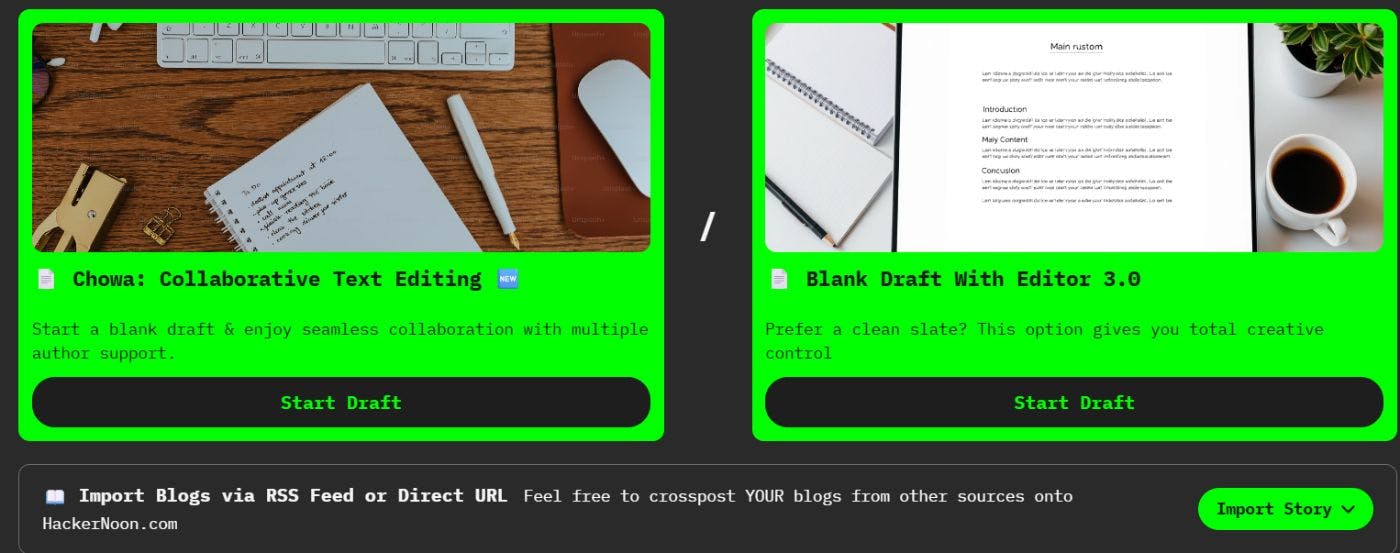
In the “Write” page, underneath the Chowa and Editor 3.0 options, there is the “Import Story” feature.
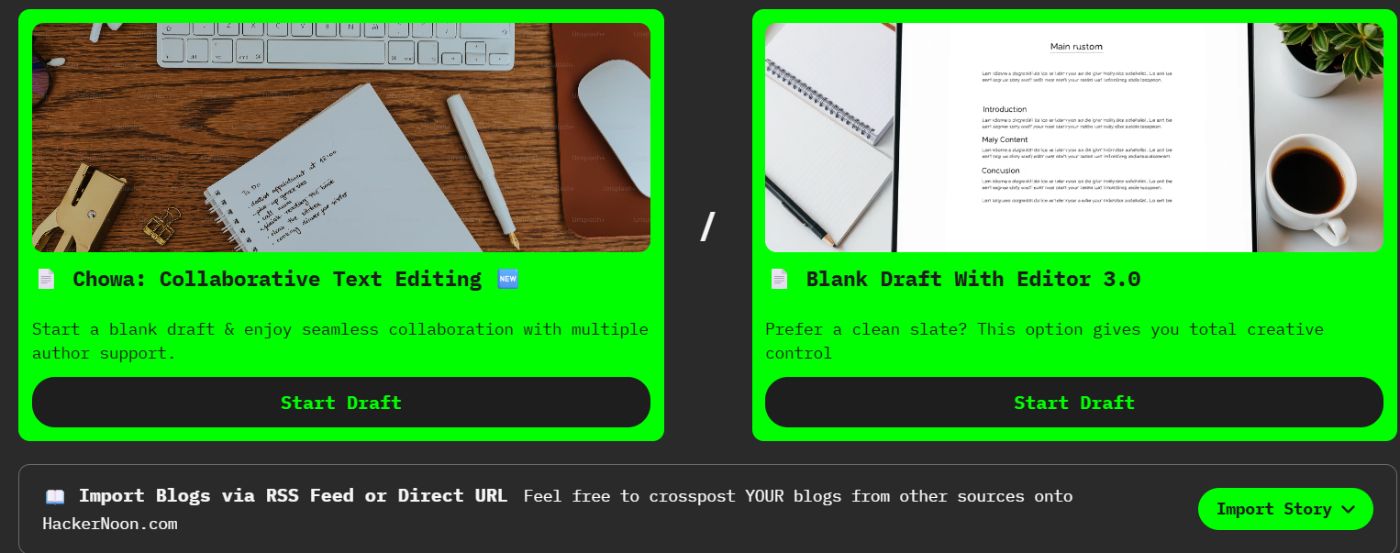
Clicking on it will give you two options: “Import Via Direct URL” and “Import Via RSS Feed.” Let’s go over both.
1. Import Via Direct URL
This option allows you to import a single article. After doing so, it’s time to clean it up. Here are some issues you might have to resolve after importing it:
- Spacing
- Getting rid of unnecessary text that was imported over (especially in the header and footer areas).
- Section titles may need to be reformatted as proper headers.
Once you do that, it’s time to come up with 8 tags and a metadescription. The next and final step before submitting it for review is to answer two quick questions in the story settings.
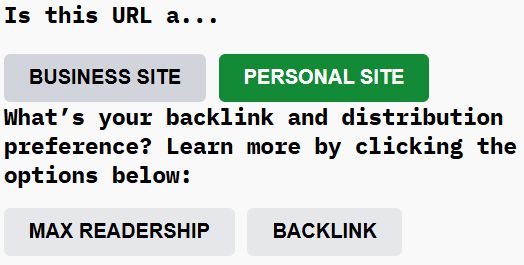
If you’re importing from Substack, Medium, Dev.to, your own personal blog, etc., click on “Personal Site.” If you’re importing an article from a business website, click on “Business Site.” Republishing business articles does require you to create a Business Blogging Account; find out more here.
The next question gives you two options: Max Readership and Backlink. Here is what you need to know about both.
Max Readership
Your story gets maximum distribution with audio story conversion, newsletter distribution, and RSS feed pickups. Upon publication, HackerNoon adds “Also published here” with a backlink at the footer of the story.
Backlink
Your story gets basic distribution with audio story conversion, and newsletter distribution. Upon publication, HackerNoon adds “Also published here” with a canonical link at the footer of the story.
Choose the one that best fits your needs. Your article is ready for submission. Now, let’s take a look at the second option.
2. Import Via RSS Feed
This option allows you to submit your entire RSS feed all at once into HackerNoon’s Editorial queue.

It also gives you the option of submitting future articles directly to the editorial queue. This is perfect if you have a huge number of articles that you want to transfer over.
Want to write an original story on HackerNoon? This template can help!
Okay, you know how to import stories into HackerNoon. That’s great! However, if you also want to know how to take your blogging career to the next level, we have something that can help with that.
HackerNoon’s Blogging Course
This course is perfect for those who have a bit of experience under their belt and for those just starting their journey. It features 8 carefully crafted and curated modules, made by writers and editors with years of experience. Here’s a sneak peek at what you can expect:
- How to Find Your “Voice” and Ideal Writing Workflow
- SEO + Storytelling: Write Content That Ranks and Resonates
- How to Write Great Articles That People Will Read
Sign up for the
That’s all for this time.
Until next time, Hackers!
[story continues]
tags