


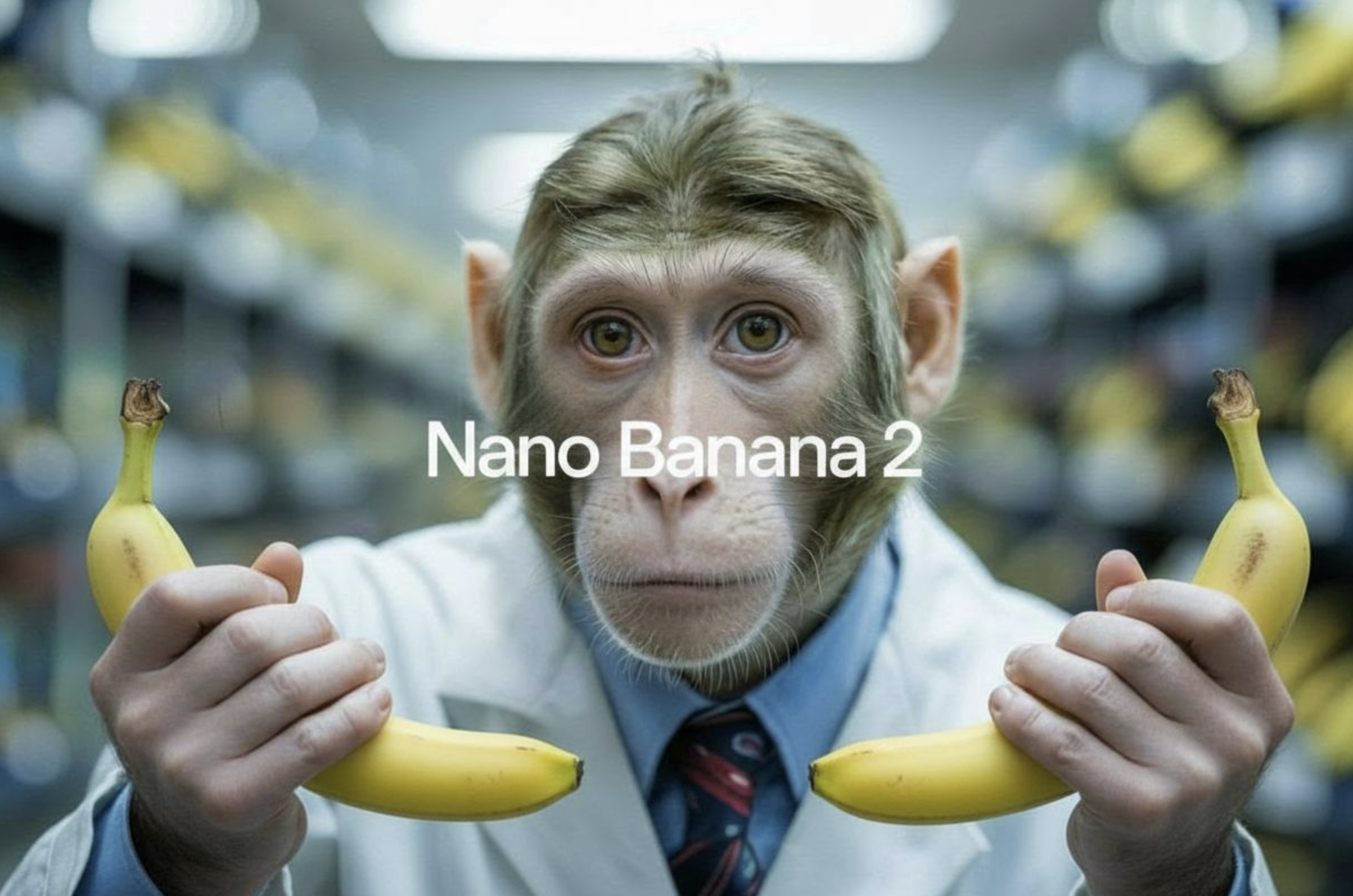
Model overview
nano-banana-2 is Google's fast image generation model built for speed and quality. It combines conversational editing capabilities with multi-image fusion and character consistency, making it a versatile tool for creative projects. Compared to nano-banana-pro, this version offers a balance between performance and resource efficiency. The model also supports real-time grounding through Google Web Search and Image Search, allowing it to generate images based on current events and visual references from the internet.
Model inputs and outputs
The model accepts text prompts along with optional reference images and generates high-quality images in your preferred format and resolution. You can control the aspect ratio, resolution, and output format, with support for up to 14 input images for transformation or reference purposes. The model returns a single image file ready for use.
Inputs
- Prompt: A text description of the image you want to generate
- Image Input: Up to 14 input images to transform or use as visual references
- Aspect Ratio: Choose from 15 different ratios including standard options like 16:9, 1:1, and 4:3, or match your input image's dimensions
- Resolution: Select from 1K, 2K, or 4K output sizes
- Google Search: Enable real-time web search grounding for current events and information
- Image Search: Use Google Image Search results as visual context for generation
- Output Format: Generate images as JPG or PNG files
Outputs
- Output Image: A generated or edited image in your specified format and resolution
Capabilities
The model generates images from text descriptions with notable speed and quality. It can transform existing images based on your instructions, maintaining character consistency when working with multiple images. The conversational editing feature lets you refine results through natural language descriptions rather than technical parameters. Real-time grounding capabilities mean you can generate images reflecting current weather conditions, recent sports events, or breaking news without waiting for training data updates.
What can I use it for?
Content creators can use this for generating blog illustrations, social media graphics, and marketing materials on demand. E-commerce businesses can transform product images or create variations for A/B testing. Designers can rapidly prototype visual concepts or explore multiple creative directions. Educational platforms can generate custom illustrations matching lesson content. You could build a service that creates personalized visual content for users, or develop applications that edit images through conversational prompts. The web search grounding opens possibilities for news outlets generating timely visual content tied to current events.
Things to try
Experiment with multi-image fusion by uploading several reference images and describing how you want them combined. Try using the Google Search grounding feature to generate images about today's weather or this week's sports highlights—this showcases how the model stays current with real-world information. Test character consistency by uploading multiple images of the same person or character, then describe how you want them positioned or what action they should perform. Use the higher resolutions for detailed work where you need crisp text or fine details. Explore how conversational descriptions of edits compare to your initial results—the model's dialogue-like capabilities often produce intuitive outcomes from natural language instructions.
This is a simplified guide to an AI model called nano-banana-2 maintained by google. If you like these kinds of analysis, join AIModels.fyi or follow us on Twitter.