
Enable Microsoft Message Queue (MSMQ) Server in Windows 11: MSMQ (Microsoft Message Queuing) is a powerful tool that facilitates asynchronous communication between applications, making data exchange seamless and efficient. It’s designed to facilitate asynchronous communication between applications and systems, offering a reliable and efficient way to exchange messages and data. This guide will walk you through the steps to enable MSMQ Server in Windows 11.
Quick Steps to Enable MSMQ Server in Windows 11
- Click on the Start Menu and open the Control Panel.
- Switch the Control Panel view to Category.
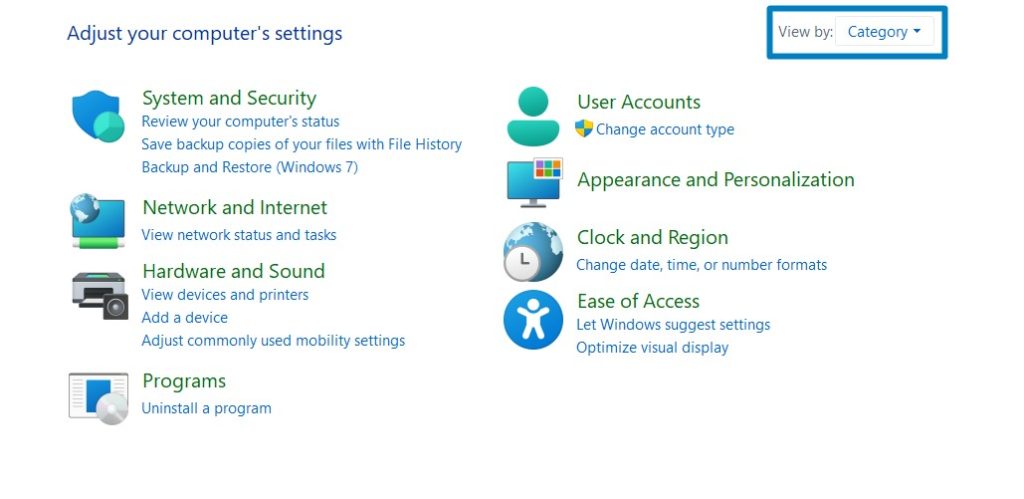
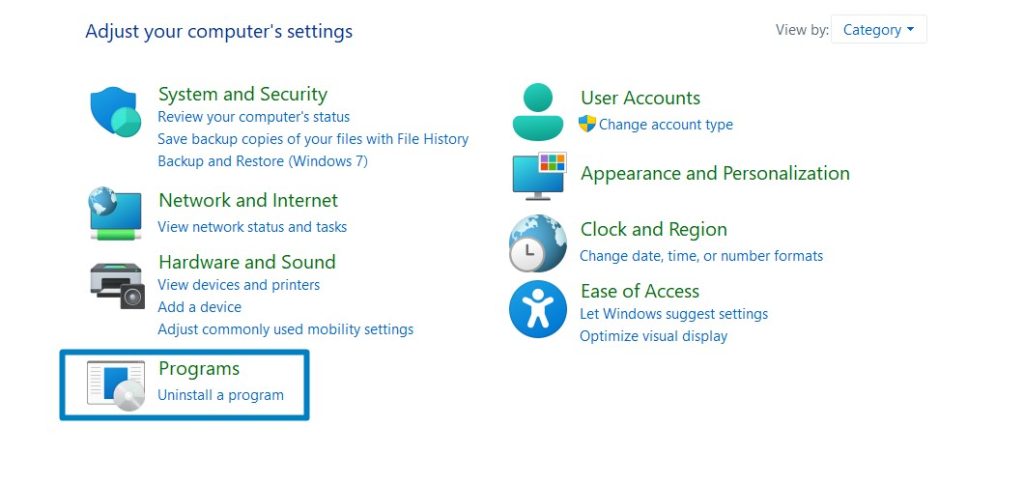
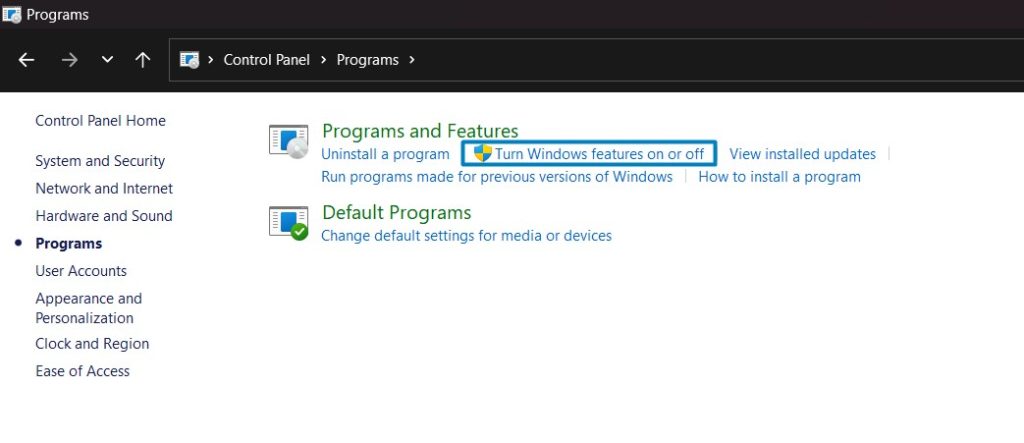
Search and locate the Microsoft Message Queue (MSMQ) Server from the list of services available.
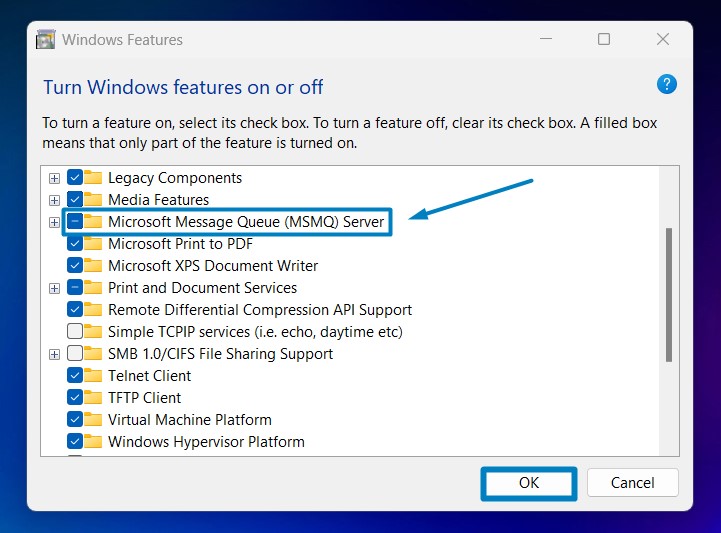
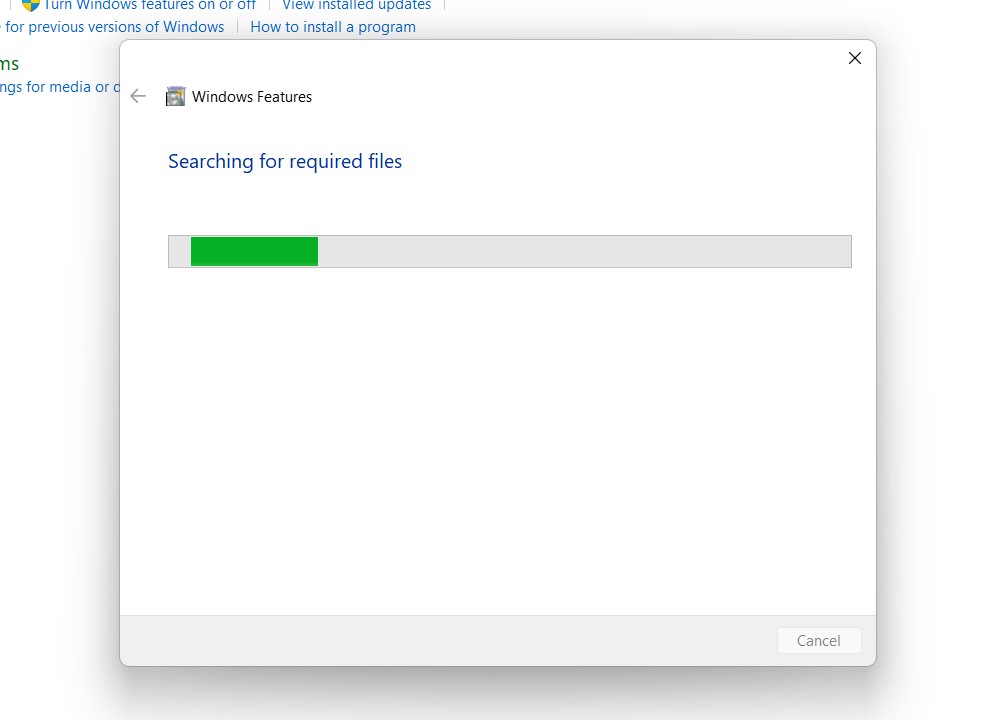
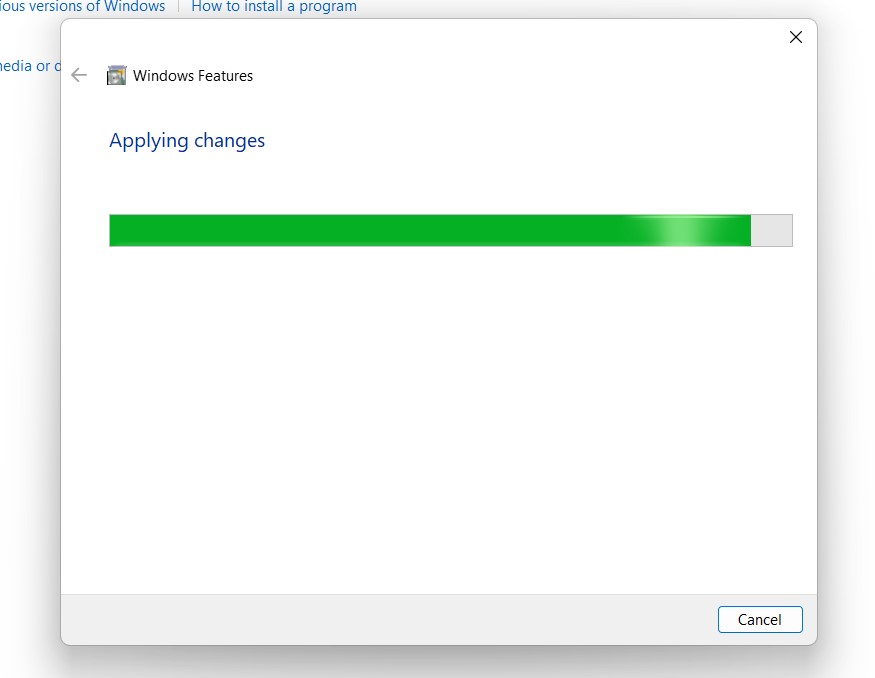
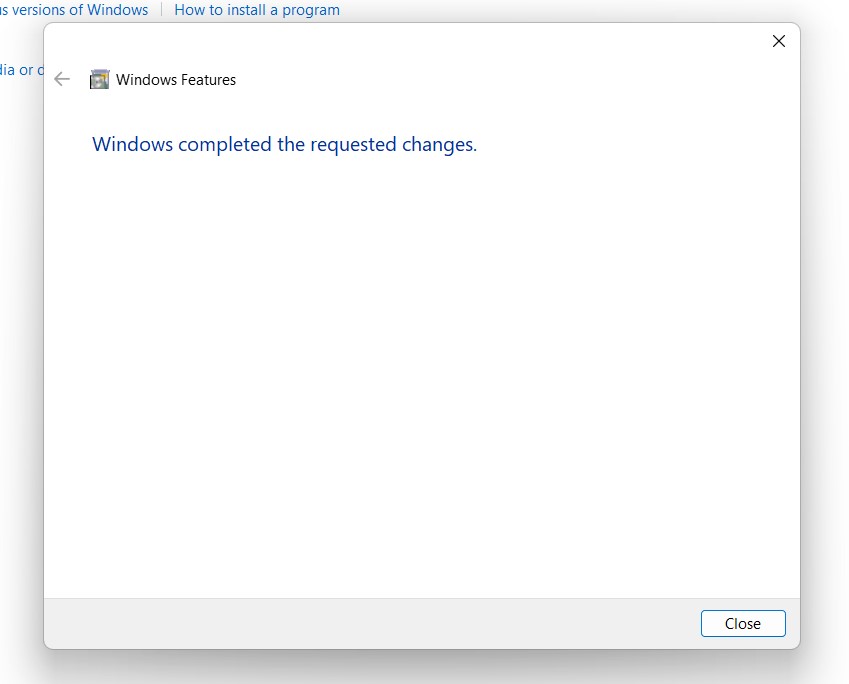
Click on the checkbox next to it, and then click on OK.
Windows 11 will search for the required files.
Key Features of MSMQ Server in Windows 11:
- Asynchronous Communication: MSMQ allows applications to send messages to a queue without waiting for a response immediately. This asynchronous model is beneficial for decoupling components in distributed systems, improving overall system reliability and scalability.
- Reliable Message Delivery: Messages sent via the MSMQ server are stored in queues, ensuring reliable delivery even in scenarios like network failures or system downtime. This reliability is crucial for critical applications where message loss or duplication is not acceptable.
- Transaction Support: It supports transactions, enabling applications to send and receive messages within atomic units of work. This ensures that message processing is consistent and reliable, with built-in support for rollback in case of failures.
- Message Queues: It uses message queues to communicate between sender and receiver applications. These queues can be local or remote, providing flexibility in designing distributed systems.
- Scalability and Performance: It is designed for high-performance messaging, capable of handling large volumes of messages efficiently. It’s scalable both in terms of message throughput and the number of queues and applications it can support.
- Integration with Windows Services: MSMQ seamlessly integrates with other Windows services and technologies, such as Active Directory for authentication and authorization, making it easy to incorporate into existing Windows-based environments.
Frequently Asked Questions
Can I use MSMQ on a Windows 11 machine that uses an ARM processor?
This is a major architectural roadblock for developers. If you are using a Windows 11 machine powered by an ARM64 processor (like a modern Snapdragon-based laptop), the native MSMQ client features are generally unavailable or highly restricted. Because MSMQ is an aging legacy feature, Microsoft has not fully ported or maintained its full suite of .NET dependencies over to the ARM64 architecture. If you are testing legacy apps that require MSMQ, you are much better off using a standard x64 Intel or AMD environment.
Why is MSMQ considered a security risk on modern networks?
Because it was designed decades ago, MSMQ’s default protocols do not line up with modern zero-trust security standards. It often relies on unencrypted network traffic and does not natively support modern web authentication guards. If you must enable it on Windows 11 to support a legacy application, the best practice is to strictly block its default ports at your external router and never allow raw MSMQ traffic to cross over the open internet.
Can I use native Active Directory certificates to sign MSMQ messages?
Yes, but only if you are running in the Directory-Integrated mode described above. When hooked into Active Directory, MSMQ can leverage your domain’s internal certificate authority to automatically attach a digital signature to every message placed in the queue.
Take away:
By utilizing MSMQ in your Windows Server, you can enhance the scalability, reliability, and performance of your applications, ensuring smooth data exchange and streamlined workflows.
Have Queries?
Embrace MSMQ Server and take your Windows 11 experience to the next level of messaging efficiency! Happy Coding! Peace out! Stay Tuned to Winsides.com!
[story continues]
tags