Firebase and Firebase Analytics Pods Error in Xcode 15
I love developing for the Apple platform, but sometimes the development environment helps us develop or improve our patience.
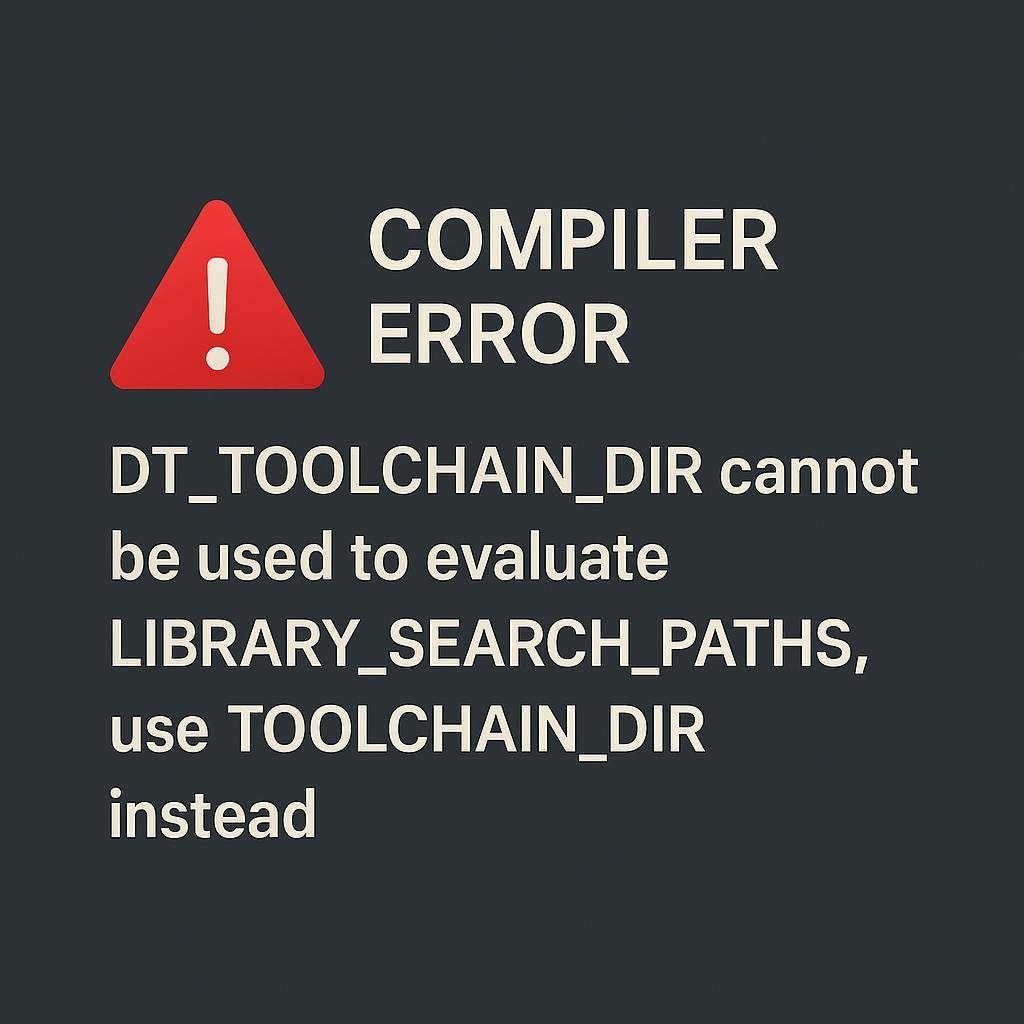
In Xcode 15, Apple made a modification to the variable that points to the default toolchain location, replacing from $DT_TOOLCHAIN_DIR to $TOOLCHAIN_DIR. As a result you get this error:
DT_TOOLCHAIN_DIR cannot be used to evaluate LIBRARY_SEARCH_PATHS, use TOOLCHAIN_DIR instead
If your project or target relies on the previous variable, you should update it to use $TOOLCHAIN_DIR.
To avoid performing this replacement every time you need to clean the project, add the following code snippet at the end of your Podfile:
# Solution for: macOS v14 (Sonoma) | XCode 15.4 | Swift 5.0 | PodFile

  post_install do |installer|
  installer.pods_project.targets.each do |target|
    target.build_configurations.each do |config|

  # Update the Swift version
      config.build_settings['SWIFT_VERSION'] = '5.0'

  # Update all Pods iOS Deployment Target ios Version
      config.build_settings['IPHONEOS_DEPLOYMENT_TARGET'] = '15.0'

    # Update LIBRARY_SEARCH_PATHS
      ['Firebase.release.xcconfig', 'FirebaseAnalytics.release.xcconfig'].each do |file_name|
        Dir.glob("Pods/**/#{file_name}", File::FNM_CASEFOLD).each do |xcconfig_path|
          text = File.read(xcconfig_path)
          new_contents = text.gsub('DT_TOOLCHAIN_DIR', 'TOOLCHAIN_DIR')
          File.open(xcconfig_path, "w") {|file| file.puts new_contents }
        end
      end

    end
  end
end
and run
pod install
This error can occur in environments with MacOS 14 (Sonoma), XCode 15.4, Swift 5.0 or higher setup in relation to Firebase and Firebase Analytics Pods.
This tip can save a few hours of your life.
[story continues]
tags