
TL;DR —
Explore Vim commands: navigate, edit, and save files efficiently in Vim, from moving between lines to inserting text, all essential for seamless editing.
Use the Vim editor
vim filename.type

Command mode
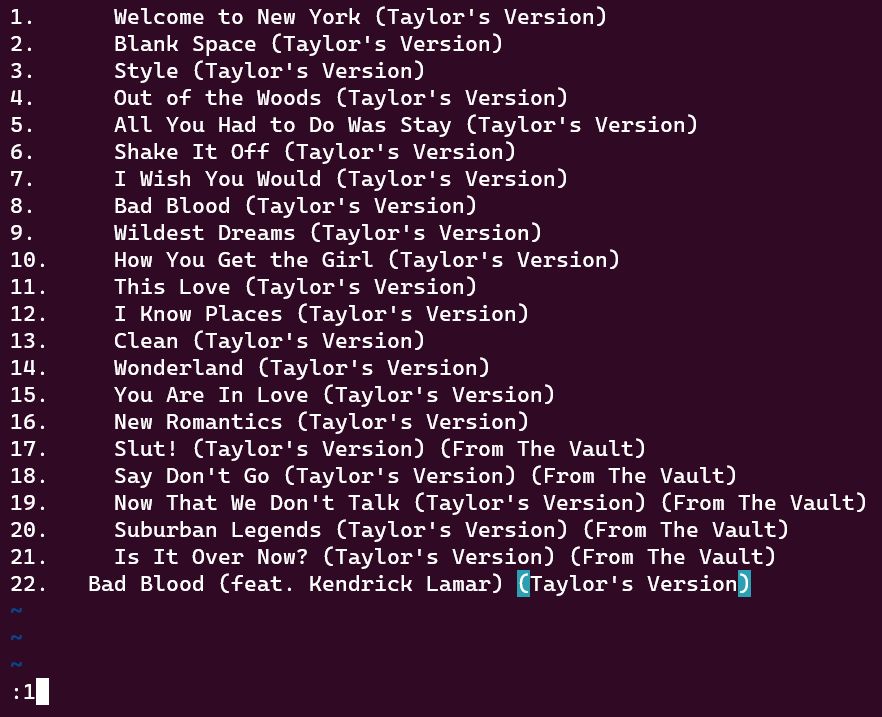
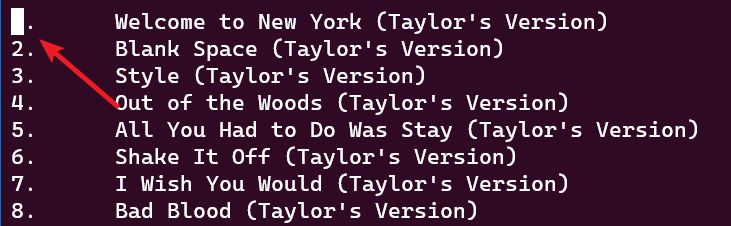
:1- Go to the first line
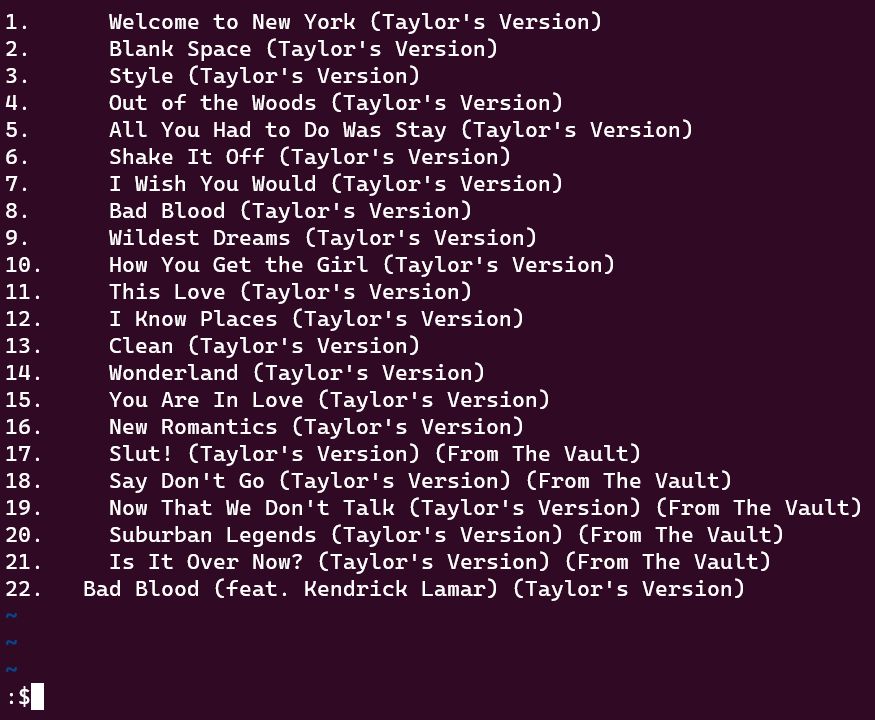
:$- Go to the last line
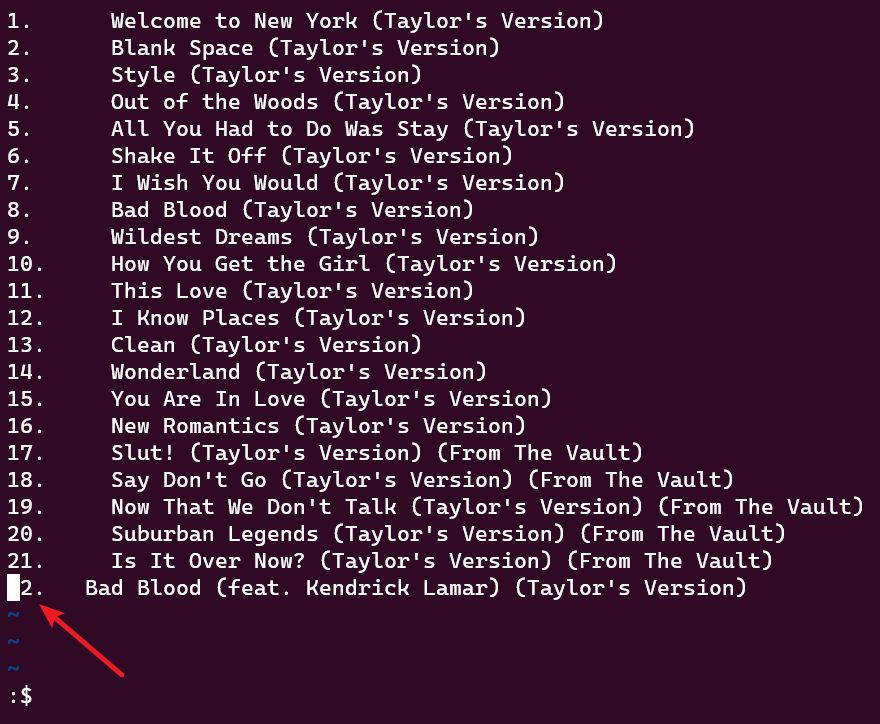
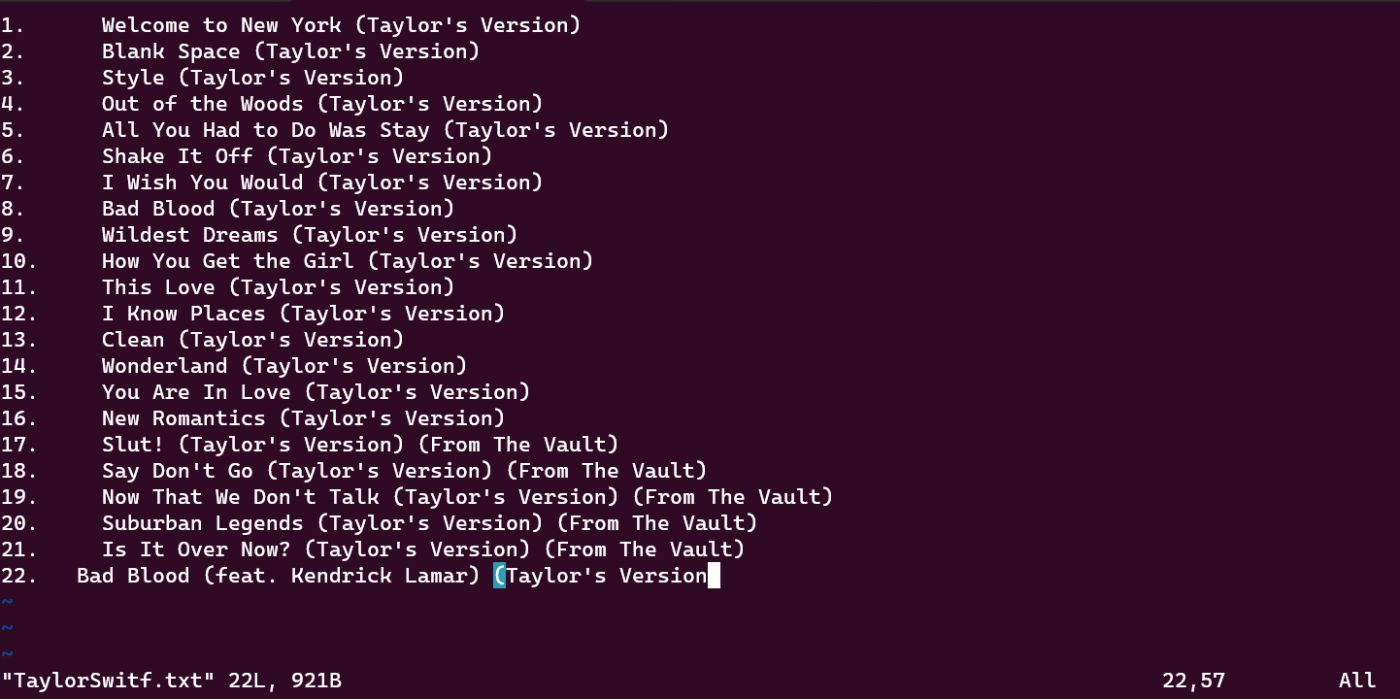
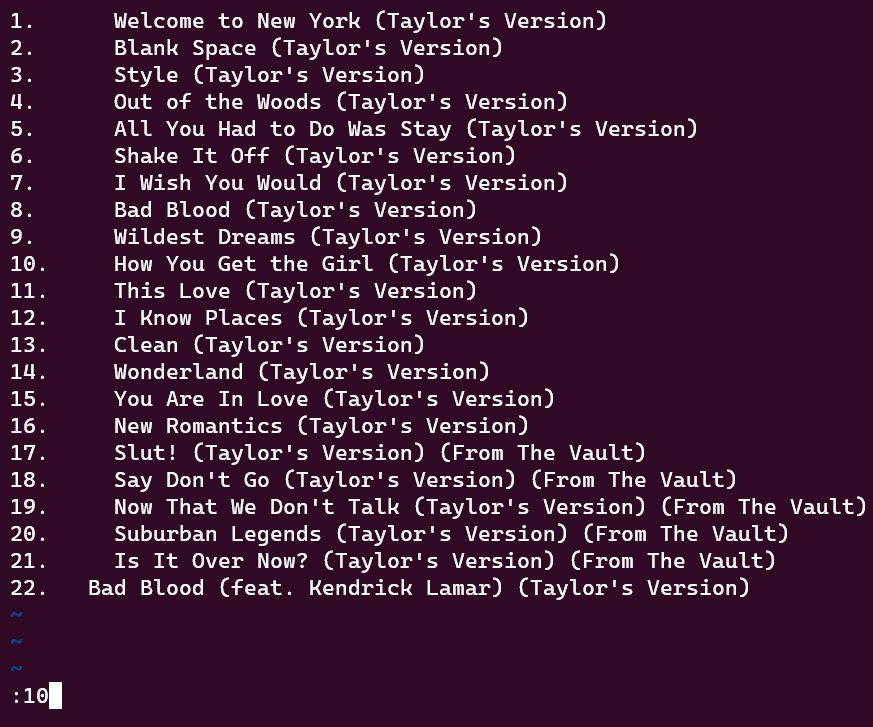
:number- Go to the line that you want to go
Insert mode
i- Enter the insert mode, you can type the text whatever you want
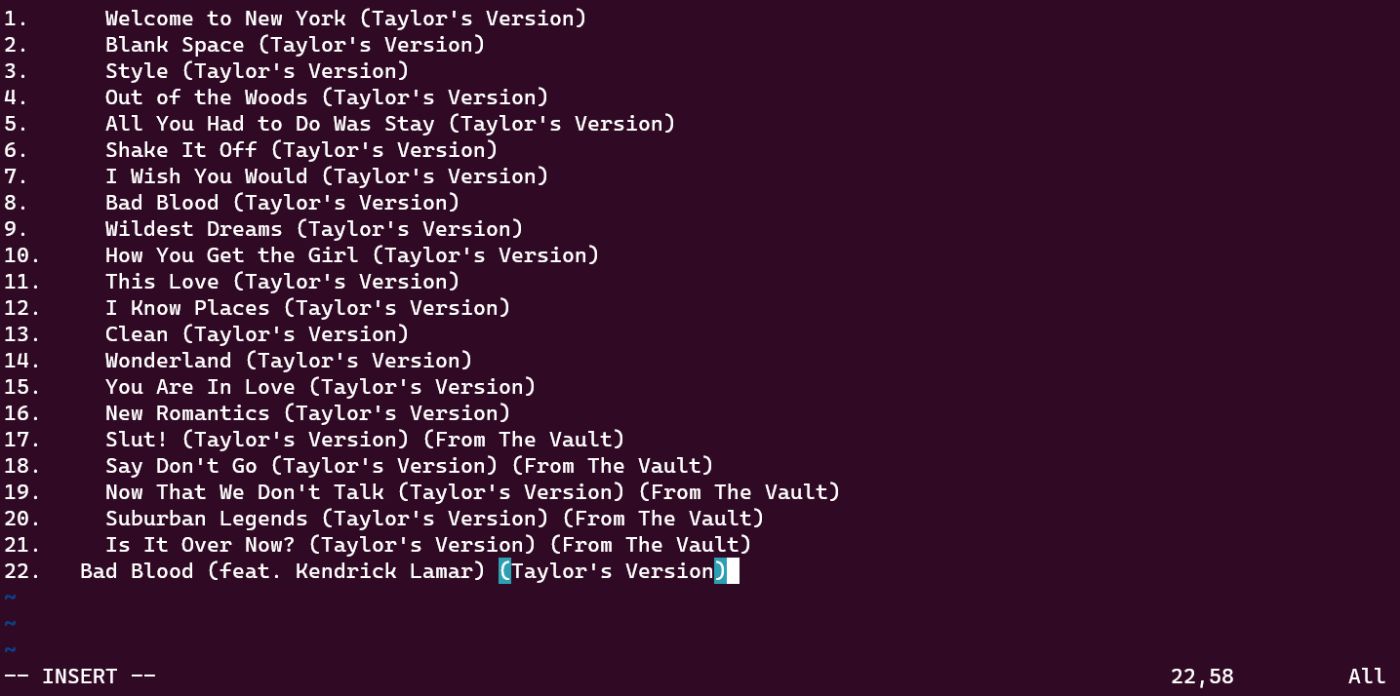
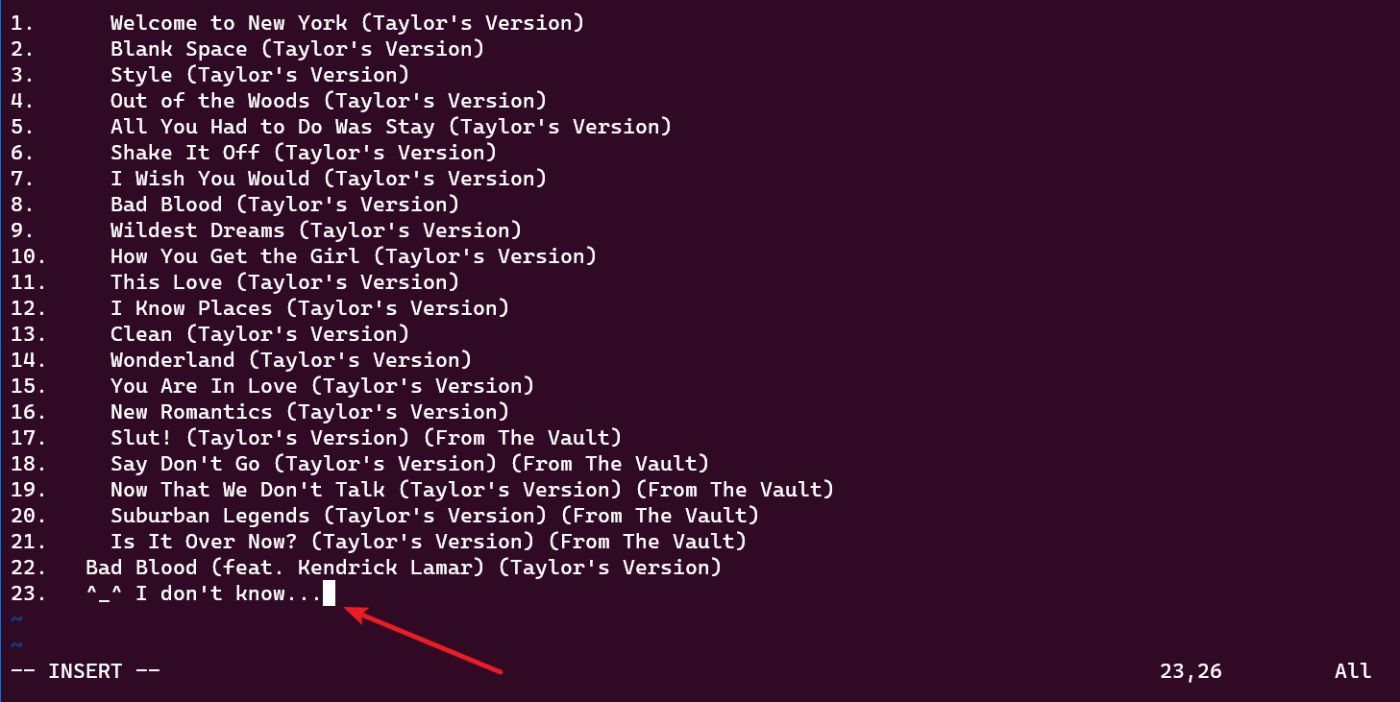
Esc- back to command mode from insert mode
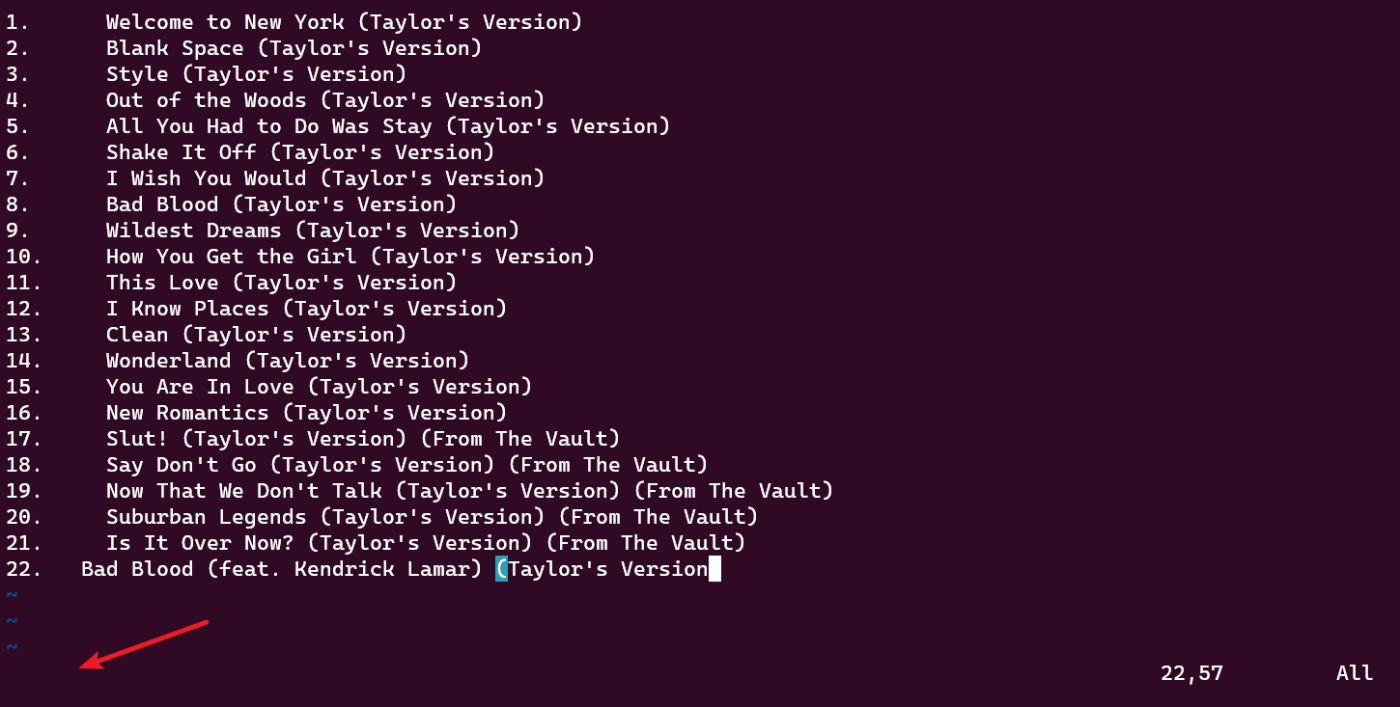
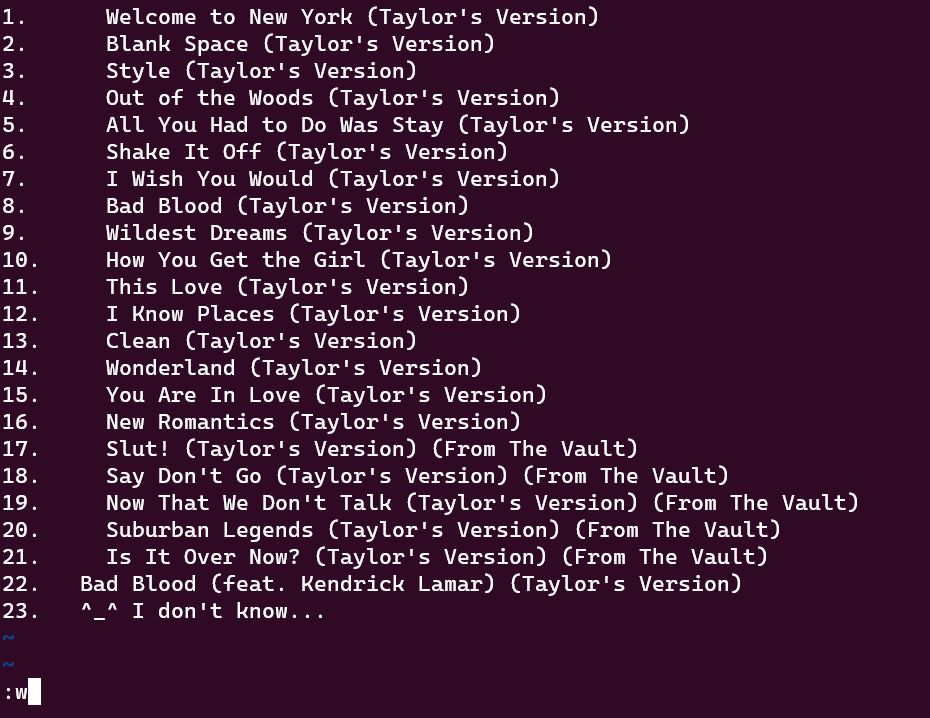
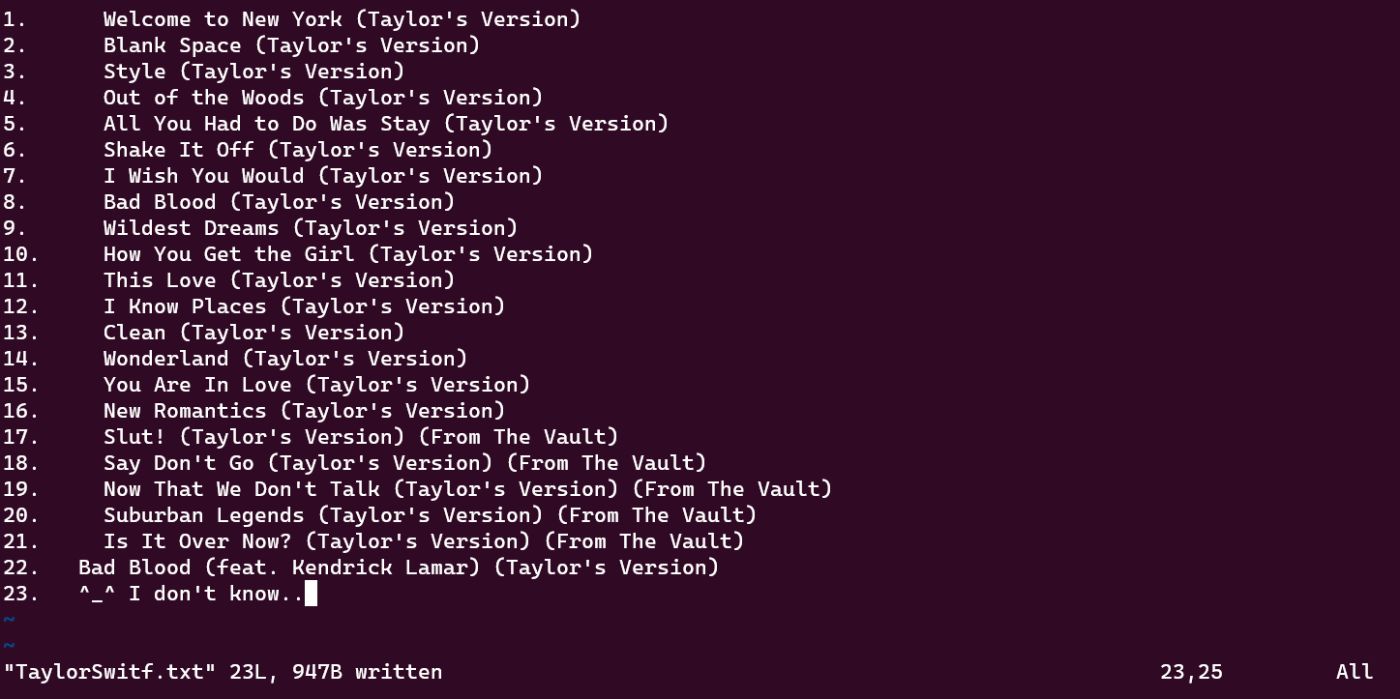
:w- Make the text you type into the document
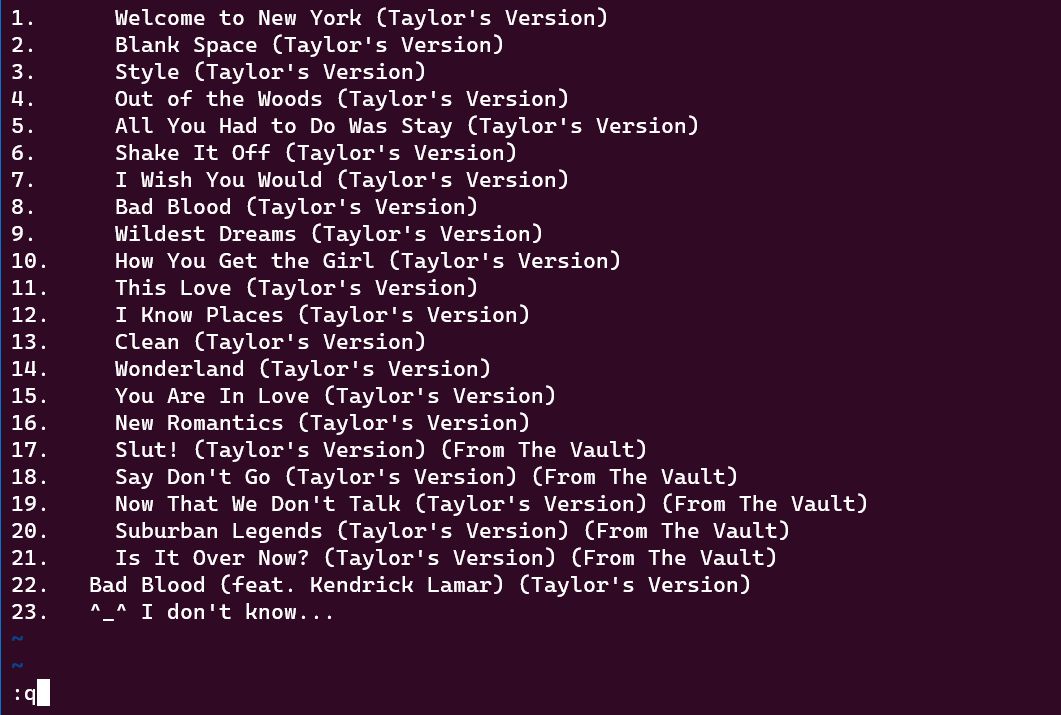
:q- Quit the vim editor

[story continues]
Written by
@artwalker
Passionate about Crafting Intelligent OS & Pioneering TinyML Applications for Resource-Constrained Devices
Topics and
tags
tags
vim-editor|vim|how-to-use-vim|vim-beginners-guide|open-a-file-with-vim|how-to-open-a-file-with-vim|vim-for-dummies|vim-for-noobs
This story on HackerNoon has a decentralized backup on Sia.
Transaction ID: JcLyuBNivIF0OashivTaaHbl9oF6h0et8Kbz-tUDk_E