
Staying productive sounds easy. It isn’t. There are too many tools, and most of them feel the same.
I’m a solopreneur with over three years of freelancing experience. I work on design, development, marketing, and content. I also enjoy building MVPs with no-code tools, which helps me test ideas quickly.
This article is a list of productivity tools I’ve tried and genuinely liked. These tools helped me work faster or think more clearly. You won’t find the usual, over-talked-about tools here. No “obvious” picks.
Instead, this list focuses on new, underrated, or less popular tools that actually helped me in real work.
You’ll find tools here for:
- Designing and building MVPs
- Testing and deploying your apps
- Creating and marketing content
- Automating SEO and outreach
The goal is simple: share tools that worked for me and might work for you too. If you like trying new tools and avoiding the usual ones, this list is for you.
1. TestSprite — AI software testing agent
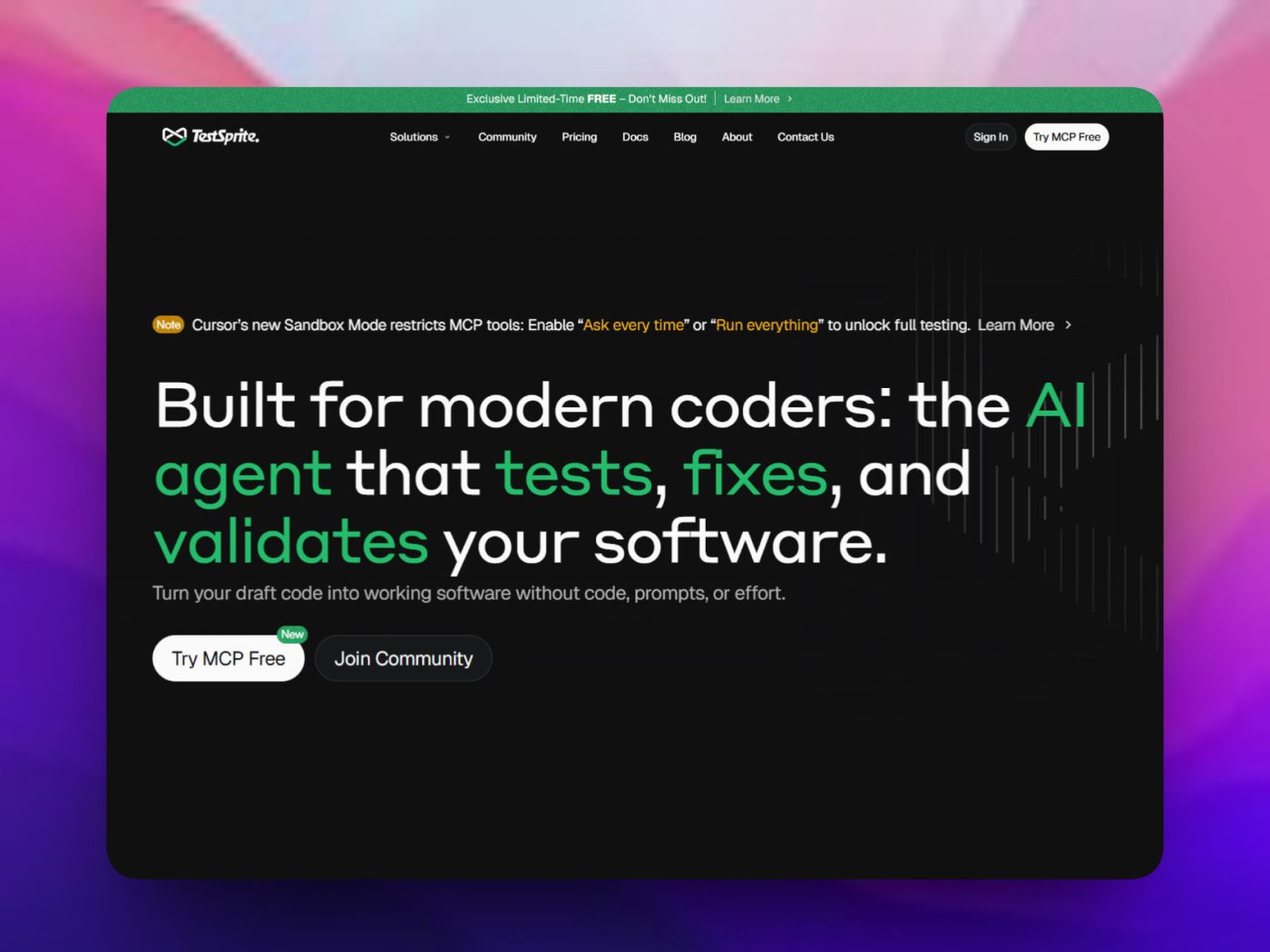
TestSprite is an AI-driven platform that automates software testing from start to finish. It generates test cases, runs them, and helps find and fix bugs for both frontend and backend apps without writing manual tests.
Key features:
- Autonomous test generation: Uses AI to create test plans and test scripts automatically.
- End-to-end coverage: Tests user journeys, APIs, UI flows, and backend logic.
- Debugging insights: Provides test reports and highlights issues with actionable feedback.
Why I Like It:
TestSprite saves a lot of manual QA effort by creating and running tests for you, which is huge when building complex apps fast. Developers and QA engineers in community discussions often point out that tools like this help catch bugs early and reduce repetitive work, making the development process smoother and faster overall. Sources like Product Hunt also praise its automation and ease of use.
🌍 Website Link: https://www.testsprite.com/
2. Seednode — Simple Cloud Deployment for Developers
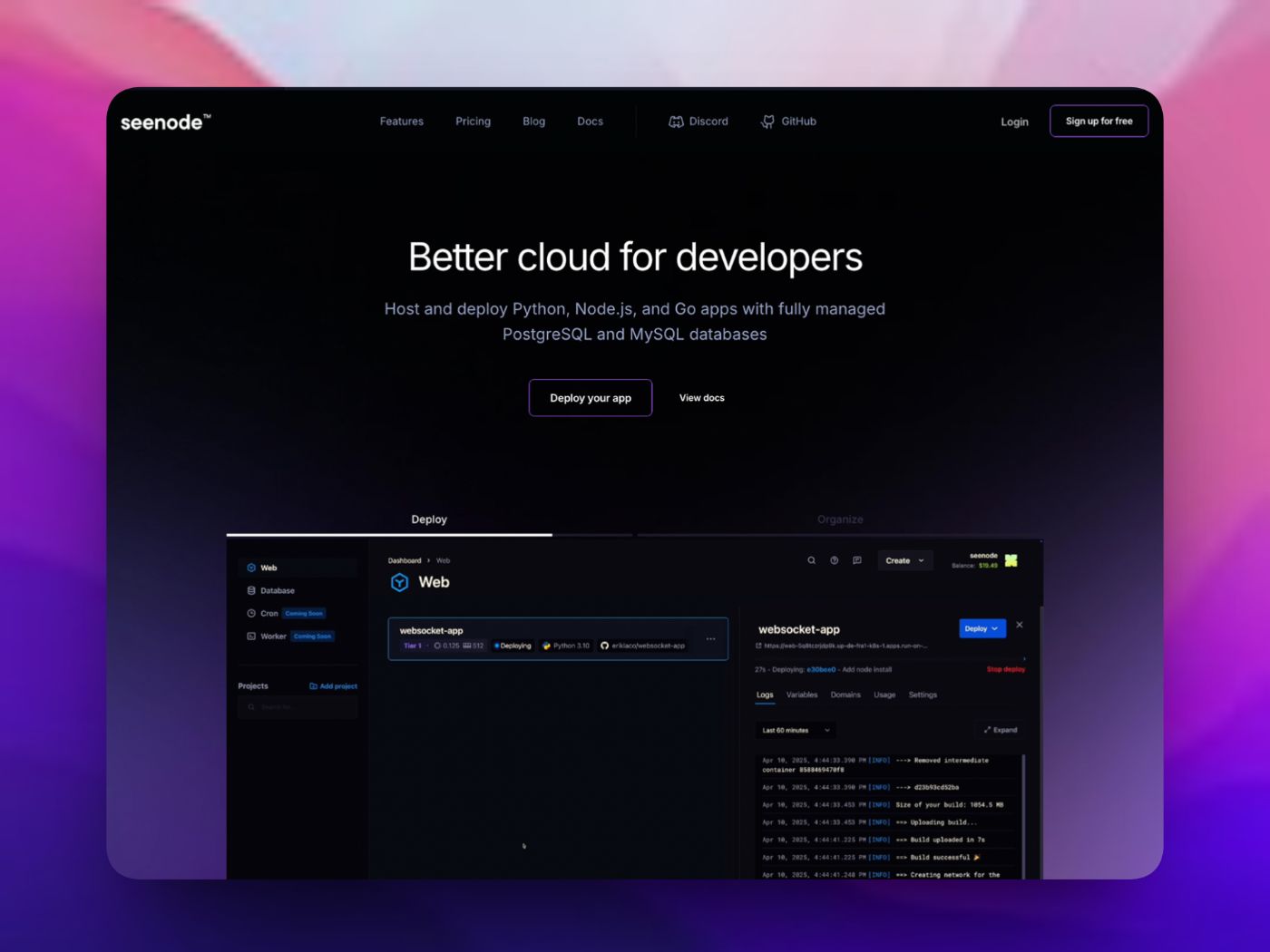
Seednode is a modern cloud platform that helps you deploy and manage full-stack apps, services, and databases without manual server setup. It makes launching web apps and APIs fast and easy by handling hosting, SSL, scaling, and database provisioning for you.
Key features:
- Easy Git-based deployment: Connect your GitHub or GitLab repo and deploy on every push.
- Managed services: Run web apps, worker services, and managed PostgreSQL or MySQL databases without extra setup.
- Automatic scaling & hosting: Cloud platform handles scaling, load balancing, and SSL certificates for your services
Why I Like It:
I’ve found Seednode very straightforward for quickly putting real apps live without dealing with infrastructure details. It’s especially useful when building MVPs or prototypes that need reliable hosting fast. Many developers in communities and on Twitter highlight its simple setup and clear docs as big pluses, making it great for solo builders and small teams alike.
🌍 Website Link: https://seenode.com/
3. Overfig — Overlay Figma Designs on Live Websites
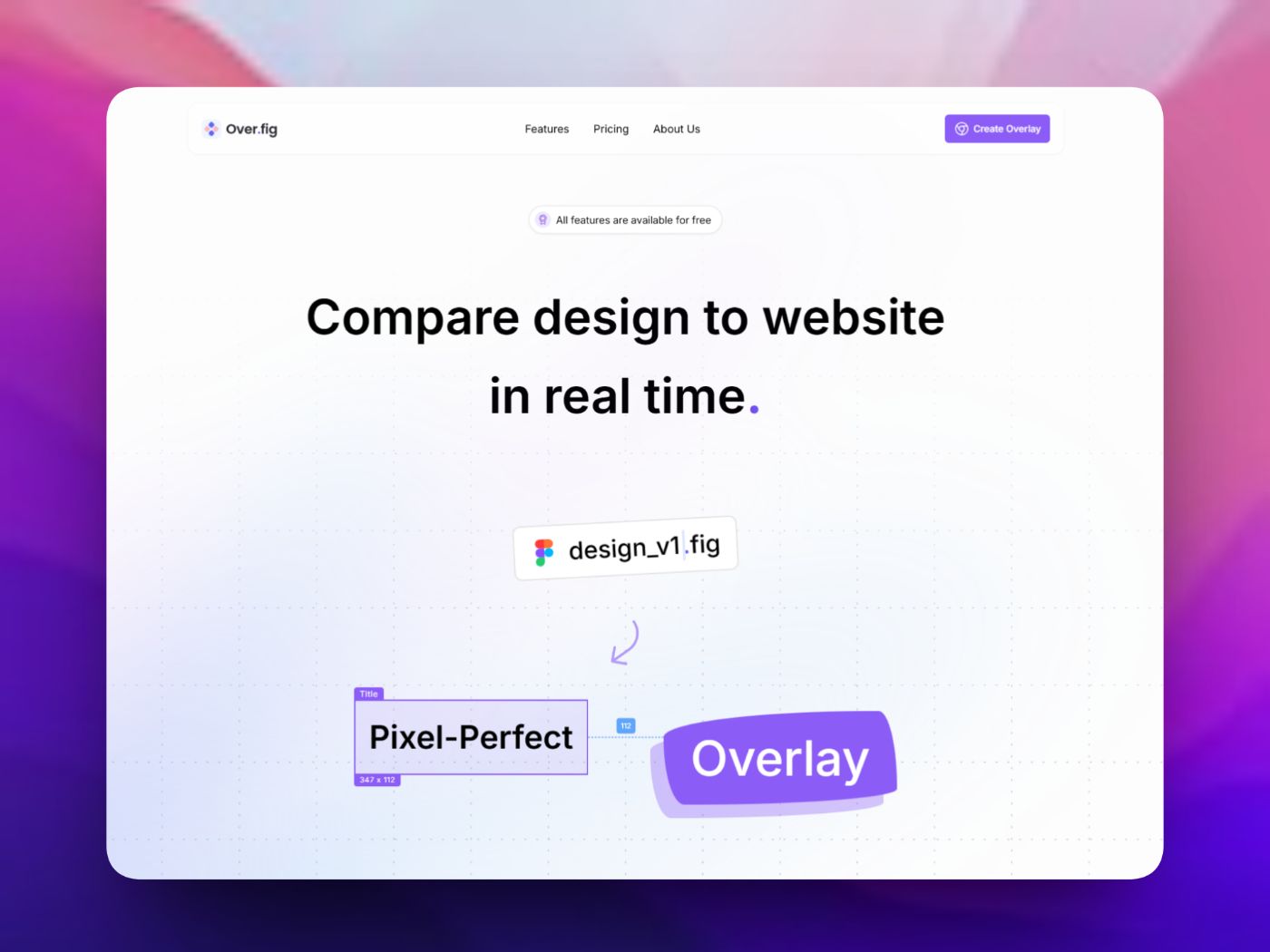
Overfig is a browser tool that lets you place your Figma design directly on top of a live website. It helps designers and developers compare design and implementation without switching tabs.
Key features:
- Overlay Figma frames on live sites with adjustable opacity
- Check spacing, alignment, fonts, and layout in real time
- Inspect styles and export CSS or Tailwind classes
Why I Like It:
Overfig removes a lot of back-and-forth between Figma and the browser. It makes UI fixes faster and more accurate, especially during final polish. The idea behind the tool is also clearly explained by the makers, and it’s easy to see why many designers find this approach useful when matching designs to live code.
🌍 Website Link: https://overfig.com/
4. NoteGPT — Turn Videos, PDFs, and Articles into Notes
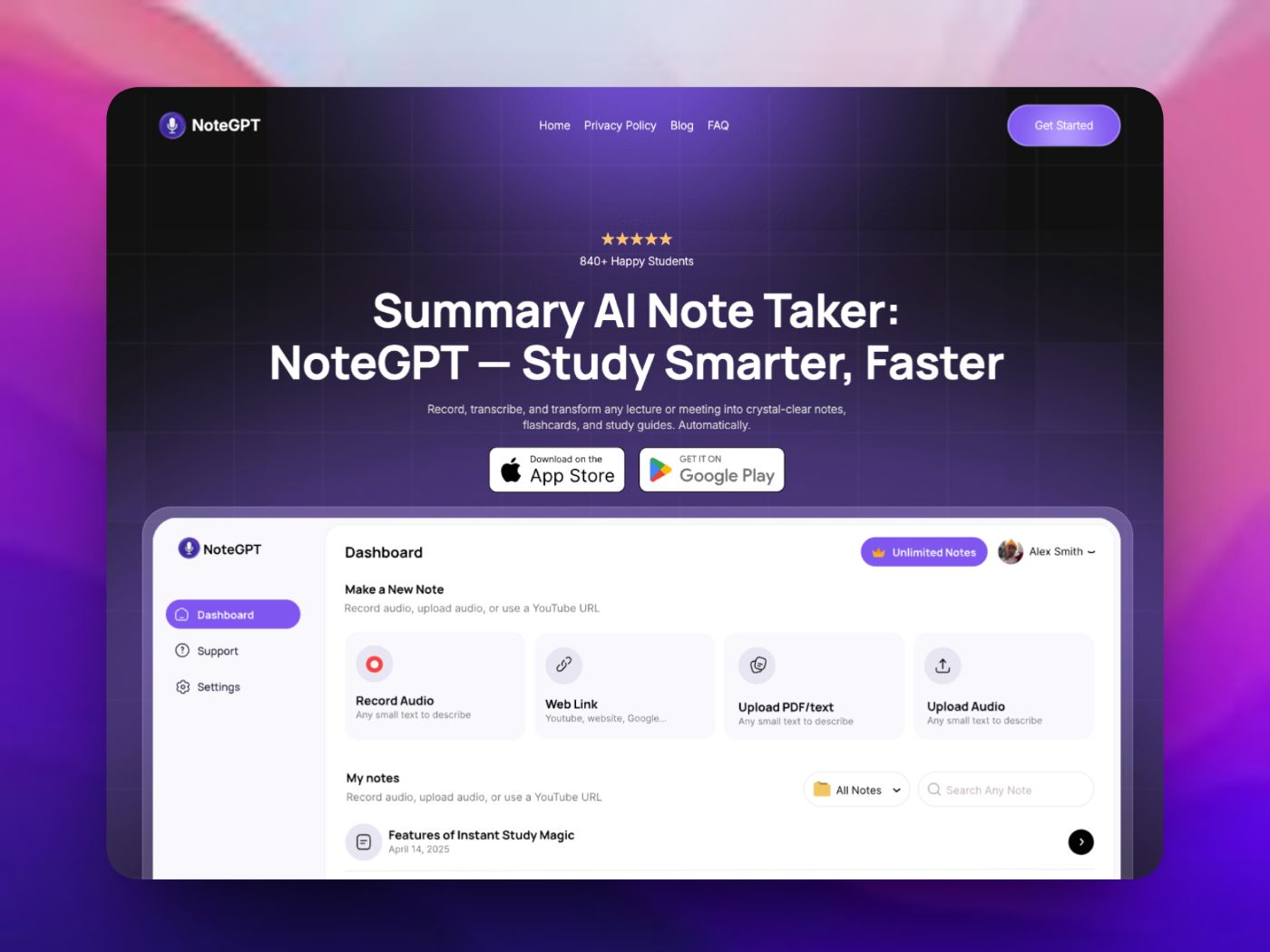
NoteGPT is an AI tool that helps you create notes and summaries from videos, PDFs, articles, and webpages. It’s useful when you want the main points without going through everything yourself.
Key features:
- Create summaries from YouTube videos
- Generate notes from PDFs, articles, and links
- Ask questions based on the content you upload
Why I Like It:
NoteGPT works well for quickly understanding long or dense content. It’s especially useful for learning, research, and skimming topics before going deeper. Many users in online discussions mention using it to save time on videos, study material, and documentation instead of taking notes from scratch.
🌍 Website Link: https://notegpt.com/
5. Alai — AI-Powered Presentation Maker
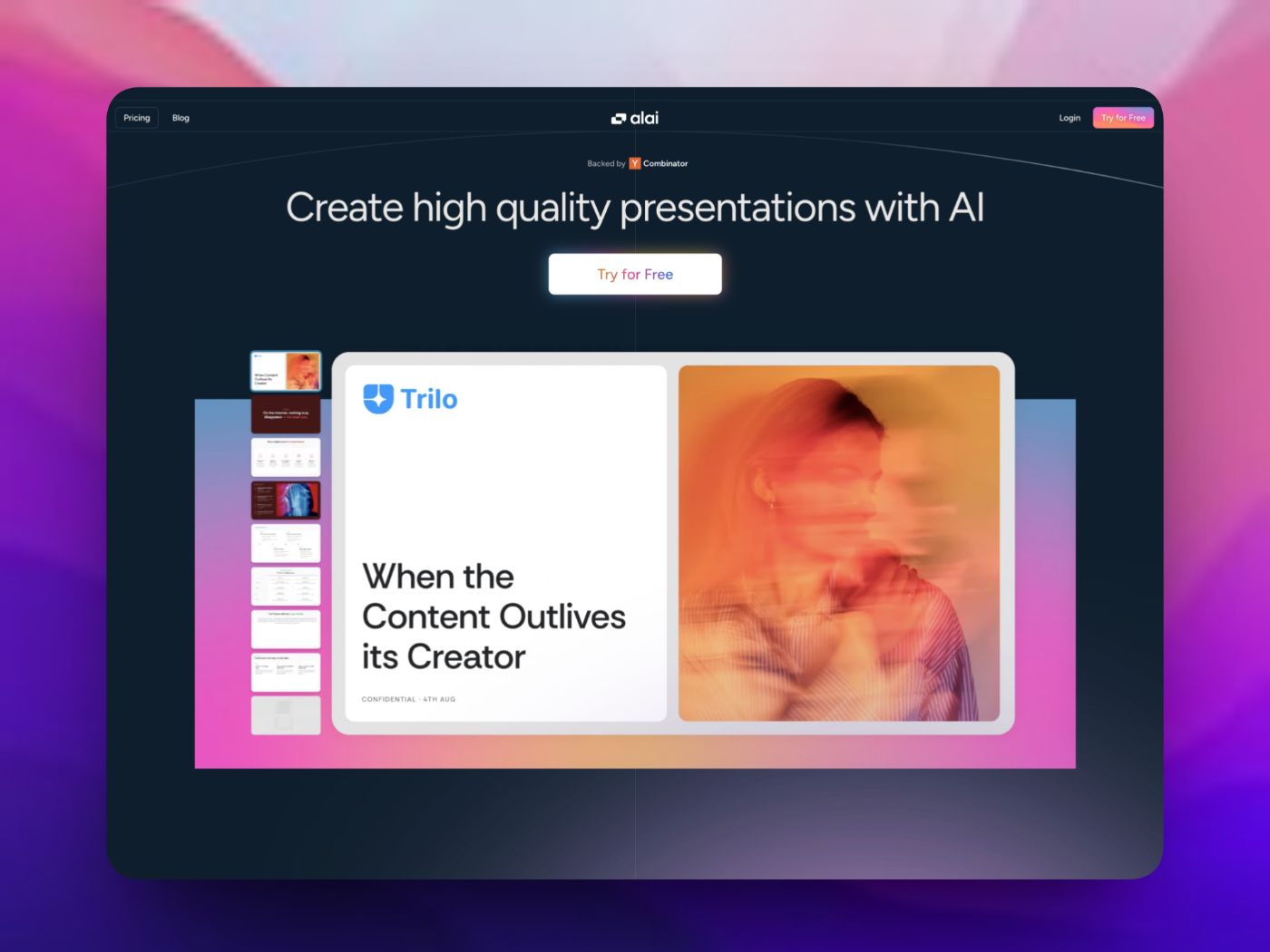
Alai is an AI tool that helps you create high-quality presentations quickly and easily. It uses AI to turn your notes, ideas, and input into well-designed slide decks in minutes.
Key features:
- AI slide generation: Paste your content or upload files and Alai drafts complete slides with multiple layout options.
- Editable designs: You can tweak styles, layouts, visuals, and text without starting from scratch.
- Export & share: Export your presentation as PDF or PowerPoint, or present directly from the platform.
Why I Like It:
Alai significantly cuts down the time it takes to build a professional deck from scratch. Instead of wrestling with slide layouts and templates, you get a smart first draft that’s easy to refine. On the official site, real user feedback shows professionals switching from other tools and praising Alai’s design quality and workflow — for example, users say it “feels different” from other AI presentation makers and helps reduce design headaches.
🌍 Website Link: https://getalai.com/
6. Bazzly — Automate Reddit Customer Outreach

Bazzly is a marketing automation tool that helps you find, reply to, and DM potential customers on Reddit automatically. It scans Reddit for posts and comments where people ask about tools like yours and lets you engage with them without manual searching.
Key features:
- Automatic lead discovery: Scans Reddit 24/7 for posts where people are looking for solutions like yours.
- AI-powered replies & DMs: Creates replies and direct messages you can approve and send directly from your Reddit account.
- Full control: You remain in control of what gets sent so automation doesn’t feel unsafe.
Why I Like It:
Bazzly helps me turn Reddit from a hit-or-miss traffic source into a predictable way to find leads and start conversations without endless scrolling. Some users shared that it helped increase signups and reduce the time spent manually searching Reddit, making outreach more predictable and less tedious. You can see examples of how it works and user comments on the official site.
🌍 Website Link: https://www.bazzly.ai/
7. Soro — AI SEO Autopilot That Writes and Publishes Content
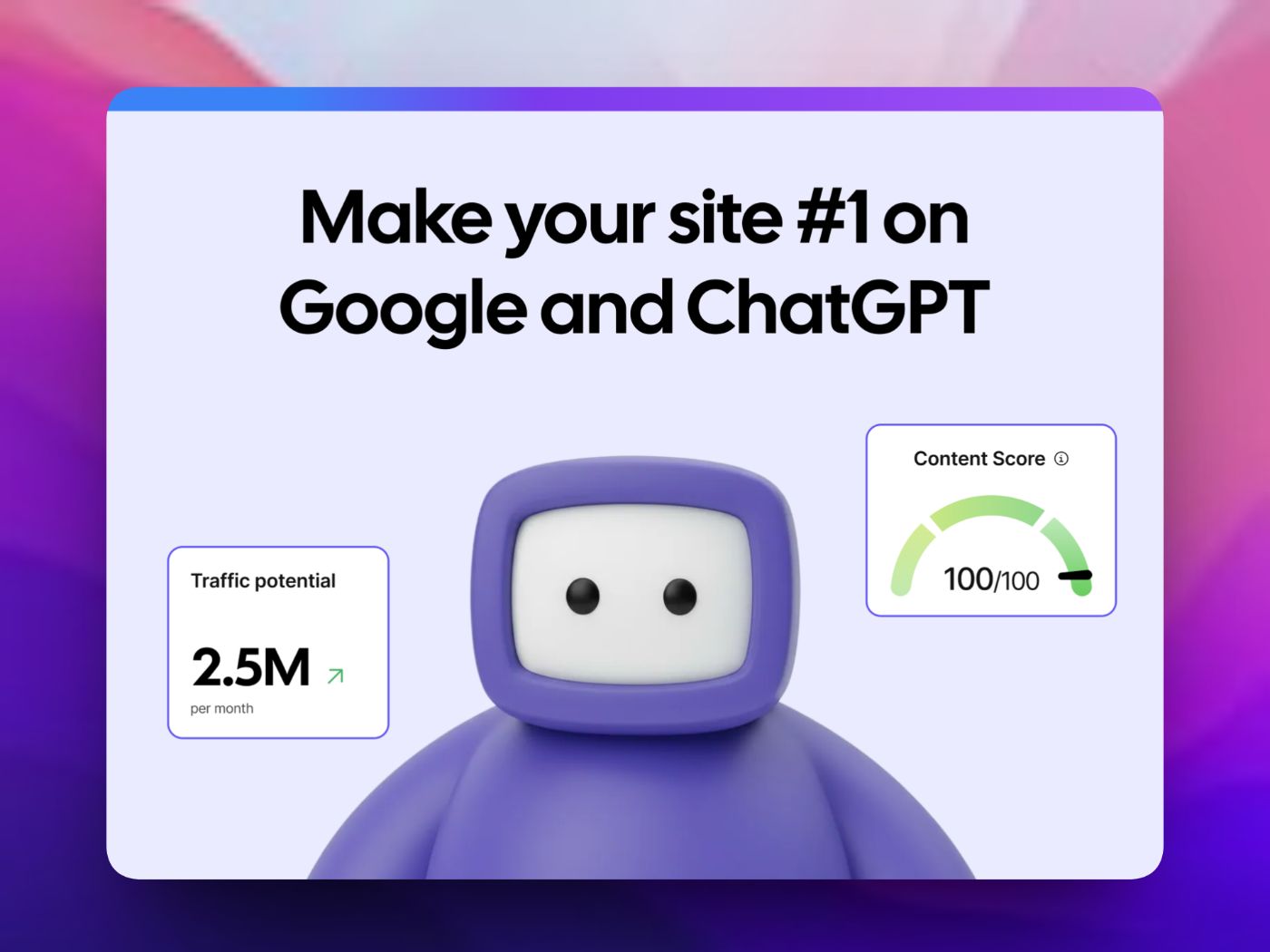
Soro is an AI-driven SEO automation platform that researches keywords, writes optimized articles, and publishes them for you. Instead of just giving data or suggestions, it handles much of the SEO content workflow automatically.
Key features:
- Full content automation: From keyword research to publishing without manual writing.
- Brand tone learning: Learns your voice so content feels like it came from you.
- Ranking focus: Designed to help content show up higher on Google and AI search results.
Why I Like It:
Soro is useful when you want to offload SEO and content publishing work instead of doing it piece by piece. It can save hours of research and writing by automating the process end to end, so you focus more on strategy than execution.
🌍 Website Link: https://trysoro.com/
8. Sentencify — AI-Powered Multilingual Writing and Correction Tool
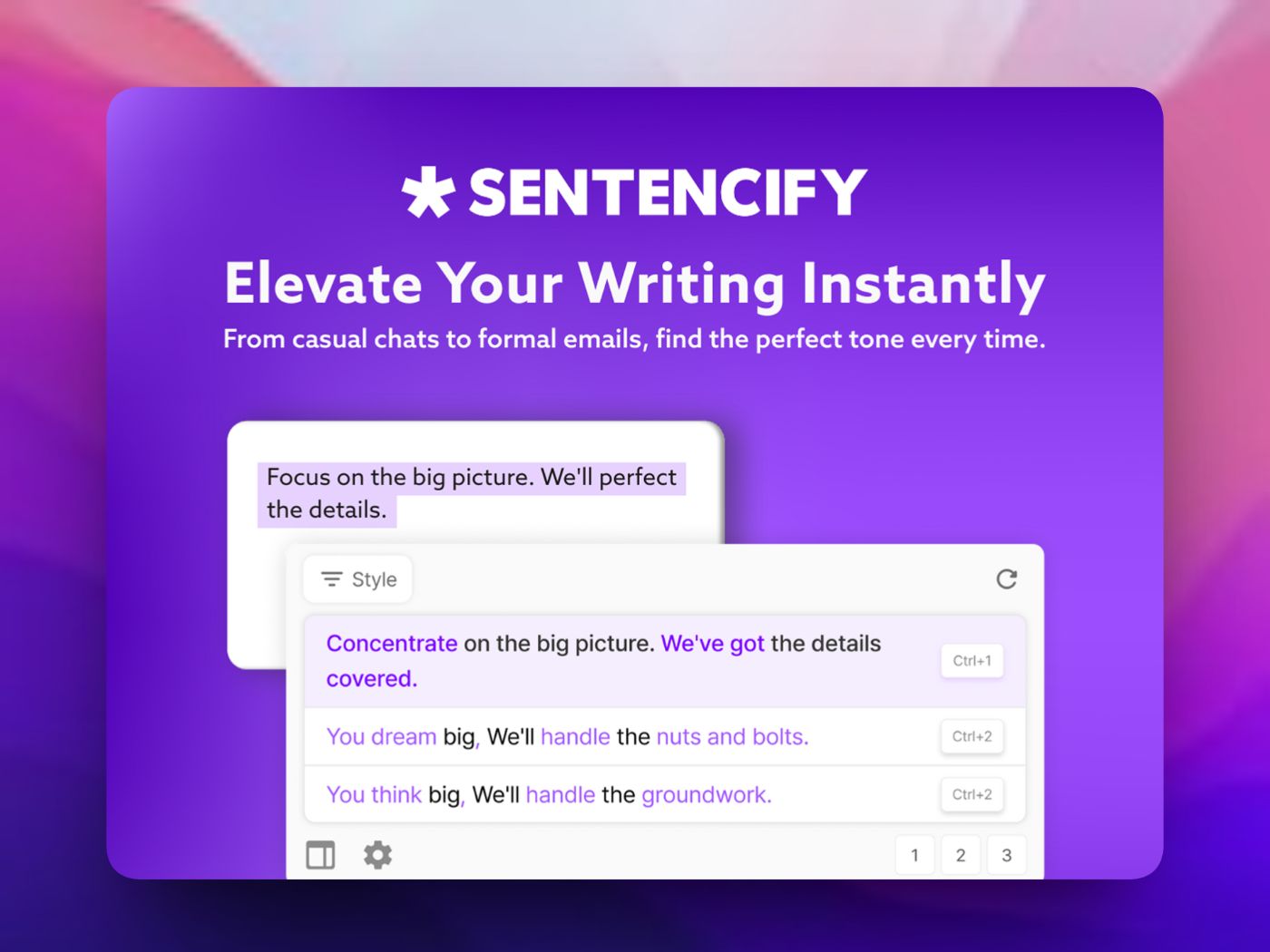
Sentencify is an AI writing assistant that helps you improve your writing by correcting grammar, refining style, and polishing sentences in multiple languages. It works anywhere you write—like Word, Notion, Slack, or Gmail—so you don’t have to switch apps.
Key features:
- AI sentence correction: Fix grammar, spelling, and clarity in your text.
- Multilingual support: Works with several languages and can help translate or rewrite text.
- In-place writing help: Use keyboard shortcuts to activate it directly in your workflow without leaving your editor.
Why I Like It:
Sentencify makes writing smoother and clearer, especially when working across languages or long text. It saves time on editing and helps ideas come through more confidently.
🌍 Website Link: https://www.sentencify.ai/en/
That wraps up the set of tools in this list. They cover different parts of my work, from building and testing to writing, design, and growth. If you’ve come across a productivity tool that actually helped you work better, feel free to share it. I’m always curious to try new tools.
Thanks for reading!!
[story continues]
tags