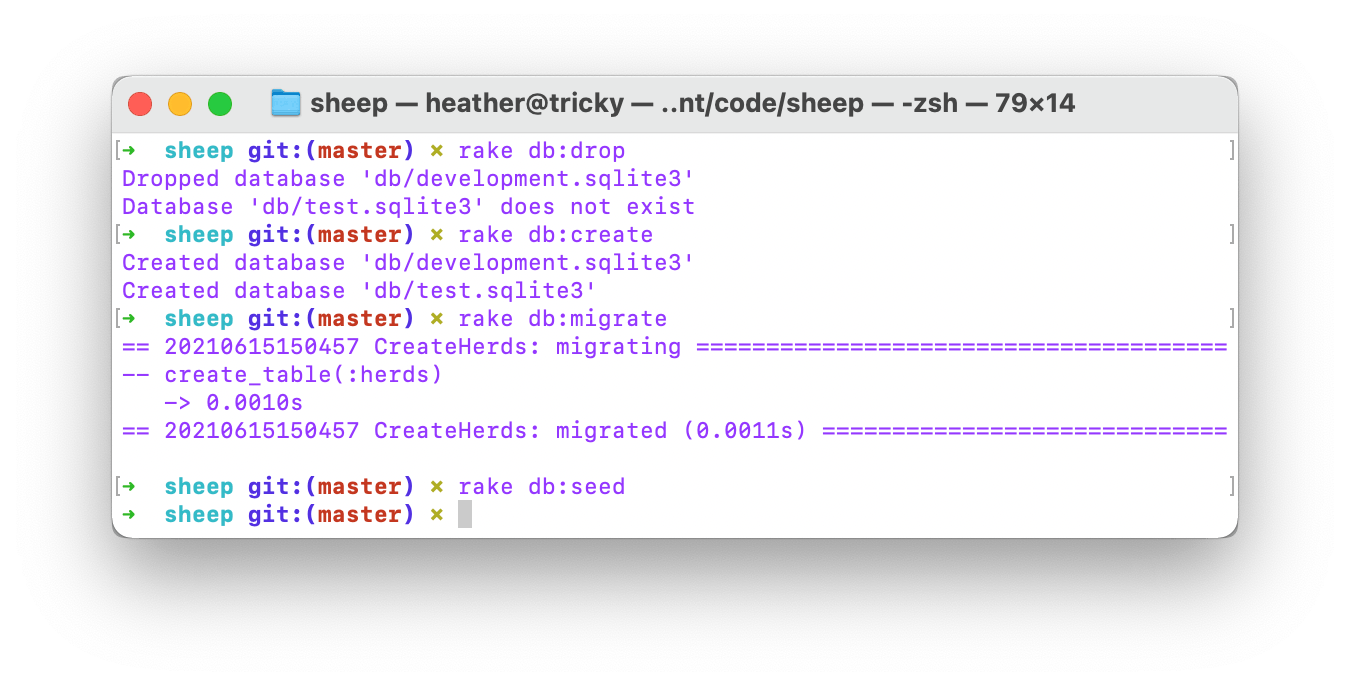
TL;DR —
Terminal commands will allow you to delete and re-create your Active Record database. The terminal commands below will let you delete the database and create a migration. The commands below include: Creating a model Herd name:string address:text and Seeding the database. Creating a Migration: Creating an App: Create a Migration. Seeding a migration: Create the database: Creating the migration: Seed the database. Seed the migrations: Create an application: Create your migration: Migration. Create a migration. Seed a migratory. Seed a new database: Create
[story continues]
Written by
@osxgirl
Technical Writer on HackerNoon.
Topics and
tags
tags
rails|ruby-on-rails|active-record|database|migration|seed|programming|coding
This story on HackerNoon has a decentralized backup on Sia.
Transaction ID: 2VRoUmoF9q3UcozOTcXhWxW85yggP6rb4AqfOlwysT8