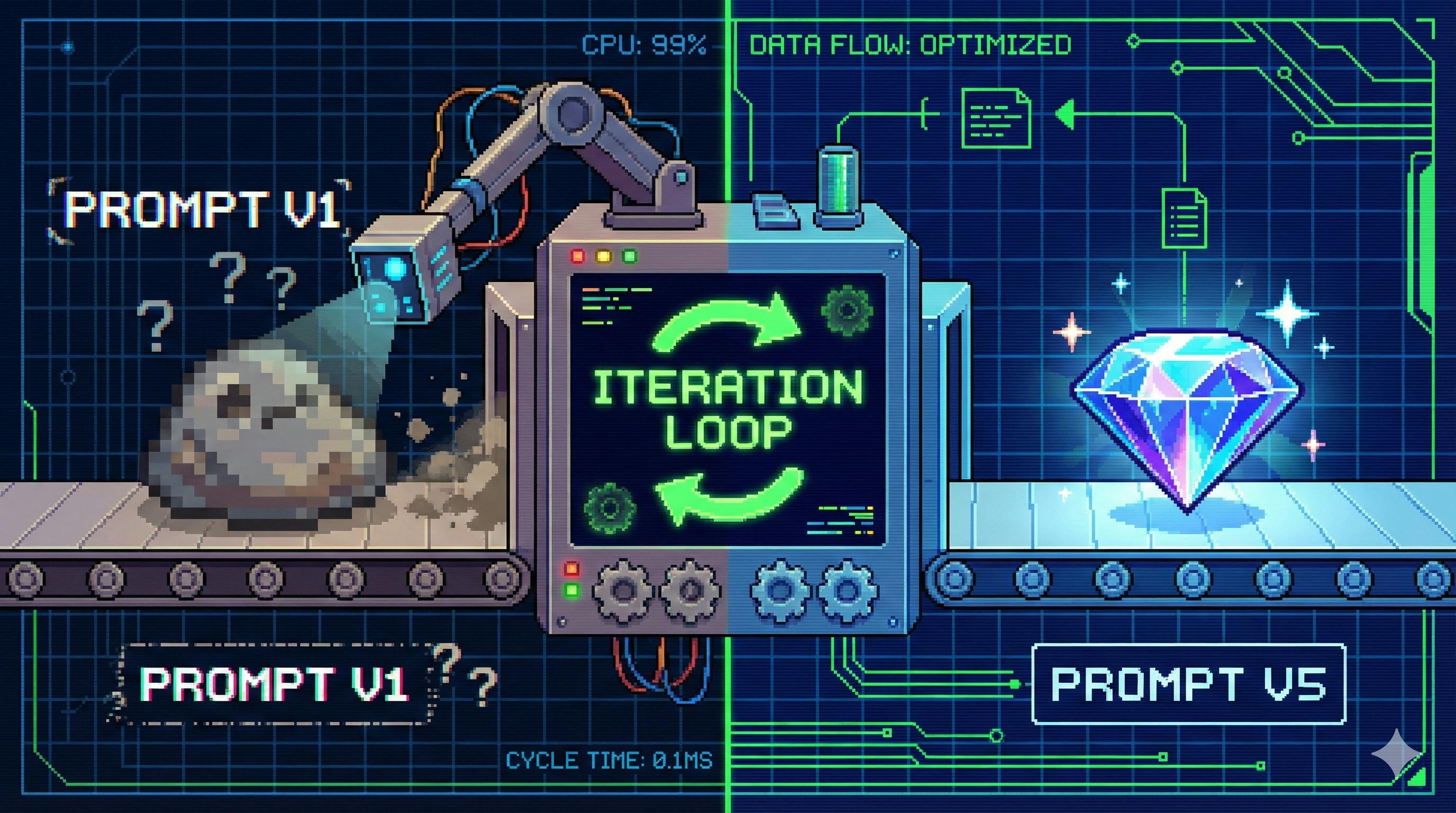
Why Re-Prompting Exists (and Why You’ll Use It More Than You Think)
The “classic” LLM interaction is one-and-done:
You type: “Write me an article about sustainability.” The model replies with a generic school essay.
That’s not a model problem. That’s a spec problem.
Re-prompting (re-issuing a refined prompt after seeing the first output) is the practical bridge from:
- human intent → machine-readable instruction → usable output
It’s how you get from “there is output” to “this output is correct, structured, and shippable.”
Re-Prompting, Defined
Re-prompting is the practice of adjusting the prompt’s content, structure, or constraints after inspecting the model’s first response, then re-running it to get a better result.
Key point: it’s feedback-driven. The first output is not “the answer.” It’s telemetry.
A tiny example
Prompt v1: “Write something about climate change.”
Output: generic overview, no angle, no audience fit.
Prompt v2: “Write a 350–450 word explainer for UK secondary school students about climate change. Include:
- two causes, 2) two impacts, 3) three everyday actions students can take, and 4) end with a one-sentence call to action. Keep tone friendly; avoid jargon.”
Same model. Different outcome. Because the spec became real.
Why Single-Prompting Fails (And Re-Prompting Doesn’t)
Single prompts assume you can fully predict what you need up front. That’s sometimes true… until it isn’t.
|
Dimension |
Single Prompt |
Re-Prompting |
|---|---|---|
|
Interaction |
One-way |
Feedback loop |
|
Info base |
Only initial intent |
Intent + output defects |
|
Goal |
“Get an answer” |
“Get the right answer” |
|
Best for |
Simple asks |
Fine-grained or high-stakes output |
The Real Value: What Re-Prompting Buys You
1) Lower barrier to entry
You don’t need to be a prompt wizard on day one. You need to be able to iterate.
2) Dynamic calibration for complex asks
Brand voice, product marketing, technical writing, policy summaries — these are moving targets. Re-prompting lets you tune tone and structure quickly.
3) More consistent output
Temperature, sampling, and model randomness can cause drift. Adding constraints (“no slang”, “use bullets”, “include acceptance criteria”) reduces variance.
When Should You Re-Prompt? A Practical Trigger List
Not every response deserves another round. But these do:
1) The output misses the core goal
Signal: it talks around the topic but ignores the reason you asked.
Example ask: “Write selling points for a hiking watch whose key feature is 72-hour battery, aimed at UK hikers.”
Bad output: paragraphs about aesthetics and strap material; battery barely mentioned.
Why you re-prompt: you didn’t make “battery + hiking context” non-negotiable.
2) The format is wrong
Signal: you asked for something machine-usable, you got prose.
Example ask: “Put these phone specs into a Markdown table with headers Model | RAM | Storage.”
Bad output: a numbered list.
Why you re-prompt: formatting must be explicit, and often benefits from a mini example.
3) There are logic or concept errors
Signal: wrong definitions, contradictions, or “sounds right” but isn’t.
Example ask: “Explain Chain-of-Thought prompting with a maths example.”
Bad output: says CoT means “give the answer directly” and uses 2+3=5 as the “example”.
Why you re-prompt: your prompt didn’t anchor the definition, and you didn’t supply a correct exemplar.
4) It’s too short or too long
Signal: you asked for steps, got a sentence. Or asked for a summary, got an essay.
Why you re-prompt: “detailed” and “short” are not instructions. They’re vibes. Replace vibes with structure and word limits.
The 5-Step Loop: Turn Re-Prompting Into a System
Here’s a framework that keeps iteration from becoming random thrashing.
Step 1: Evaluate the output (with a 3-axis checklist)
Use these three axes every time:
|
Axis |
What you’re checking |
Example failure |
|---|---|---|
|
Accuracy |
Does it solve the actual problem? |
Deletes the wrong rows when asked to handle missing values |
|
Format |
Is it structured as requested? |
No code comments / no table / wrong schema |
|
Completeness |
Did it cover every must-have point? |
Handles missing values but ignores outliers |
Pro-tip: write a quick “defect list” like a QA engineer would: Goal Drift / Format Break / Missing Points / Wrong Concepts / Verbosity.
Step 2: Trace the defect back to the prompt
Most output failures come from prompt causes you can fix.
|
Defect |
Likely prompt cause |
Example |
|---|---|---|
|
Goal drift |
vague priorities |
didn’t state the primary selling point |
|
Format break |
format not explicit |
“organise this” ≠ “Markdown table with headers…” |
|
Logic error |
wrong / missing definition |
didn’t anchor the concept and example |
|
Too brief |
no structure requirement |
didn’t specify steps, length, sections |
Important mindset shift: don’t blame the model first. Blame the spec.
Step 3: Apply one of 4 high-leverage adjustments
Strategy A: Add context + constraints (fixes vagueness / goal drift)
Add: audience, scenario, priority order, forbidden content, required points.
Before: “Write an eco article.” After: “Write 400 words for UK Year 9 students, school recycling context, include 3 actionable tips, friendly tone, no jargon, end with a call to action.”
Strategy B: Make format executable (fixes format break)
Specify: type + schema + example.
After prompt snippet:
Return a Markdown table exactly like this:
| Model | RAM | Storage |
|---|---|---|
| Example | 8GB | 128GB |
Strategy C: Add or correct examples (fixes misunderstandings)
If the model is confused, show it the pattern.
Example for Chain-of-Thought (correct pattern):
- Problem: “Sam has 5 apples, eats 2, buys 3…”
- Reasoning: 5−2=3, 3+3=6
- Answer: 6
Strategy D: Control detail with structure + limits (fixes verbosity)
Specify sections, bullet counts, word limits, and what “done” looks like.
Prompt snippet: “Explain Few-Shot prompting in 3 steps. Each step: 1 sentence, max 20 words.”
Step 4: Validate (then decide if you iterate again)
Re-run the prompt. Re-score against the same 3 axes.
Stop when:
- core goal is met,
- format is correct,
- no major logic errors.
Don’t chase “perfect.” Chase usable.
Rule of thumb: 3–5 iterations. If you’re still unhappy after 5, the requirement might be underspecified or you might need a different model/tooling.
Step 5: Template the win (so you never start from zero again)
Once it works reliably, freeze it as a prompt template:
- Fixed parts: instructions, structure, formatting rules
- Variable parts: fillable fields like
{audience},{constraints},{inputs}
Example: Python data-cleaning prompt template
Generate Python code that meets this spec:
1) Goal: {goal}
2) Input: {input_description}
3) Requirements:
- Use pandas
- Handle missing values using {method}
- Handle outliers using {outlier_rule}
4) Output rules:
- Include comments for each step
- End with 1–2 lines on how to run the script
- Wrap the code in a Markdown code block
This is how re-prompting compounds: you build a library of prompts that behave like tools.
A Full Iteration Walkthrough
Let’s build something real: 3 promo posts for a bubble tea brand, but done like an operator.
Round 0: Prompt that fails
Prompt: “Write 3 social posts for Sweet Sprout Bubble Tea.”
Output: repetitive, bland, no hooks, no platform cues.
Evaluation
- Accuracy: vague brand fit
- Format: no hashtags, no CTA
- Completeness: technically 3 posts, but zero differentiation
Round 1: Add brand features + platform format
Re-prompt:
- Brand: low-sugar, 0-cal options
- Signature: taro boba milk tea
- Shop vibe: Instagrammable interior
- Style: energetic, emojis, end with 2–3 hashtags
- Differentiation: each post focuses on (1) taste, (2) photos, (3) low-cal
Output improves, but still missing “do something now”.
Round 2: Add action trigger (location + promo)
We add:
- Location: Manchester city centre
- Promo: BOGOF until 31 Oct
- CTA: “come by after work / this weekend”
Now the output becomes deployable.
Common Mistakes (and How Not to Waste Your Life)
Mistake 1: Changing everything at once
You can’t learn what worked if you mutate the entire prompt each time. Change one major variable per iteration.
Mistake 2: “The model is bad” as your default diagnosis
Most of the time, your prompt didn’t specify:
- priority
- format
- constraints
- examples
- success criteria
Mistake 3: Infinite iteration chasing perfection
Set a stopping rule. If it’s correct and usable, ship it.
Mistake 4: Not saving the final prompt
If the task repeats, a template is worth more than a great one-off answer.
Mistake 5: Copy-pasting the same prompt across platforms
What works on Hacker News will flop on TikTok. Put platform constraints in the prompt.
Tooling and Workflow Tips
- Keep a “defect → fix” cheat sheet (format missing → add schema + example; repetition → enforce distinct angles; concept wrong → add definition + exemplar).
- Test on 3–5 outputs before you mass-generate 50.
- Store prompts in a template system (Notion, Obsidian, even a git repo).
- If you’re working in a team: track prompt versions like code.
Final Take
Re-prompting isn’t a trick. It’s the workflow.
If prompting is writing requirements, re-prompting is debugging those requirements — using the model’s output as your error logs. When you do it systematically, you stop “asking ChatGPT things” and start building reliable text-and-code generators you can actually ship.
[story continues]
tags