
As a developer/architect, you will often need to build or consume a third-party system via an API channel. In this article, we primarily focus on the best way to consume APIs to tackle network or API system issues through .NET Core using the Polly open-source package.
Why Do We Need It?
In small or large micro services or distributed environments, systems are frequently connected to read or push the data in terms of API, message queues, or asynchronous HTTP calls.
When we deal with calling external services, network issues happen all the time. Since services will fail one time or another, we always need safety protection.
What is Polly?
Microsoft has introduced Microsoft.Extensions.Resilience and Microsoft.Extensions.Http.Resilience as new resilience APIs optimized for .NET 8, building on the Polly concepts.
These new libraries,” Http Resilience,” are based on the
These are now the recommended libraries for HTTP resilience in .NET 8 apps.
Learn more about the packages.
I would suggest using Polly if your .NET version is <.Net8
Implementation
In this article, we are going to explain the traditional and modern approaches through Polly.
- Retry through the manual way
- Retry through Resilience Pipelines (Polly)– Auto Retries
As of now (Feb 2026), we have .NET 10 in preview release; for that reason, I am building through .NET 8.

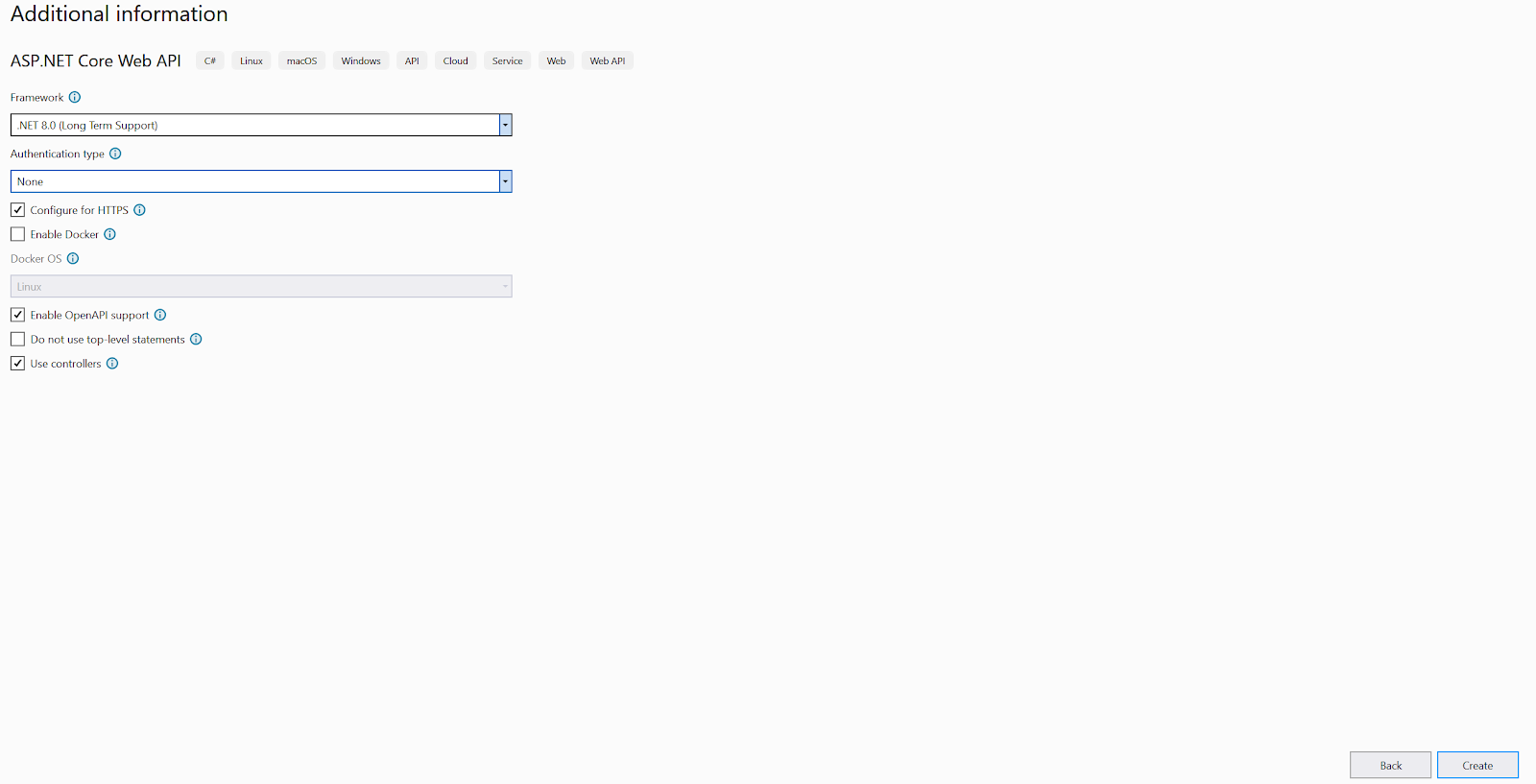
API Controller
[ApiController]
[Route("[controller]")]
public class WeatherForecastController : ControllerBase
{
    private static readonly string[] Summaries = new[]
    {
        "Freezing", "Bracing", "Chilly", "Cool", "Mild", "Warm", "Balmy", "Hot", "Sweltering", "Scorching"
    };
    private readonly ILogger<WeatherForecastController> _logger;
    public WeatherForecastController(ILogger<WeatherForecastController> logger)
    {
        _logger = logger;
    }
    [HttpGet(Name = "GetWeatherForecast")]
    public IEnumerable<WeatherForecast> Get()
    {
        return Enumerable.Range(1, 5).Select(index => new WeatherForecast
        {
            Date = DateOnly.FromDateTime(DateTime.Now.AddDays(index)),
            TemperatureC = Random.Shared.Next(-20, 55),
            Summary = Summaries[Random.Shared.Next(Summaries.Length)]
        })
        .ToArray();

    }
}
Testing API in Postman 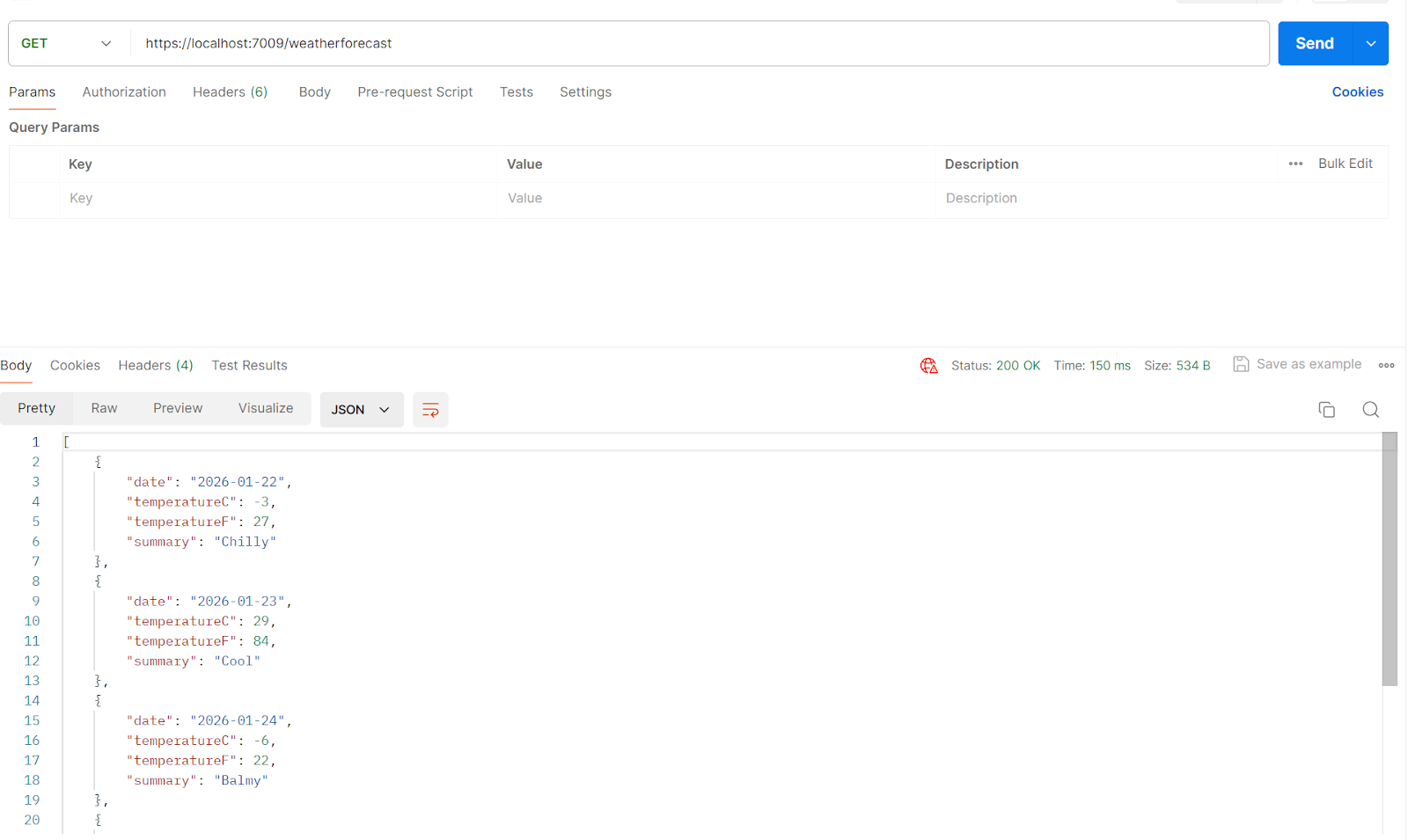
Let’s throw the exception in the get method
[HttpGet(Name = "GetWeatherForecast")]
public IEnumerable<WeatherForecast> Get()
{
    throw new Exception("Error in dotnet 8");
}
Test in Postman 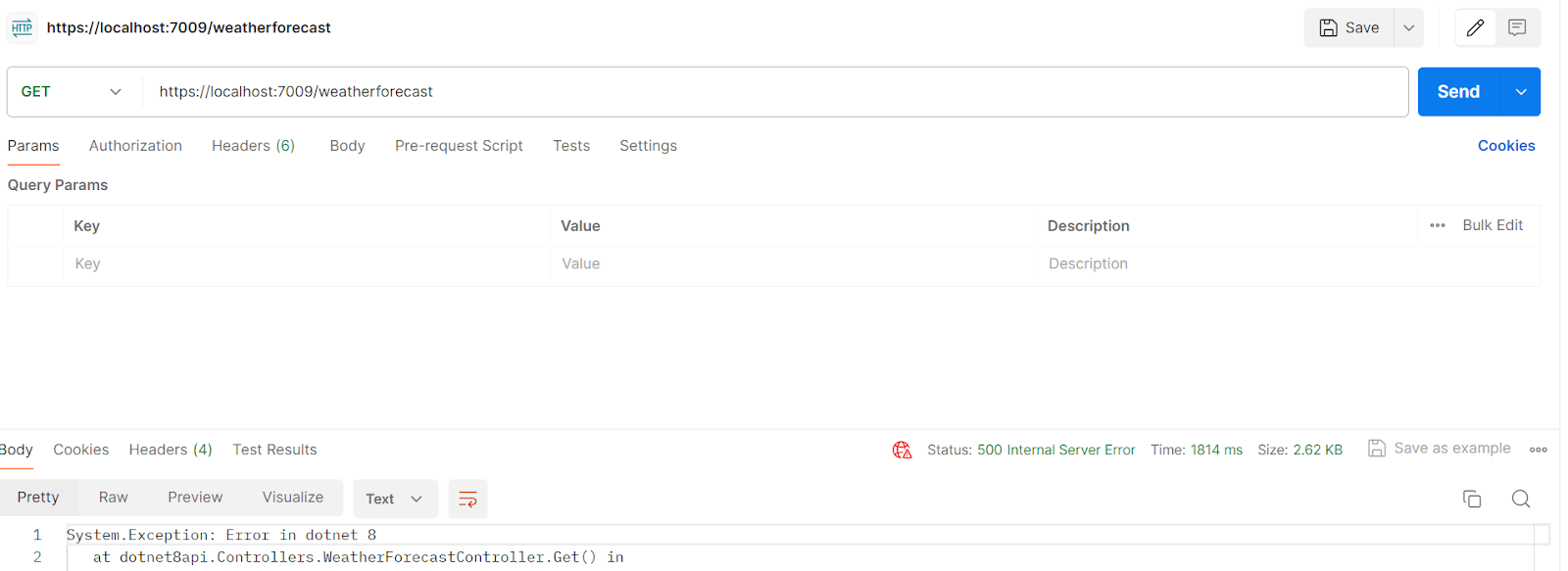
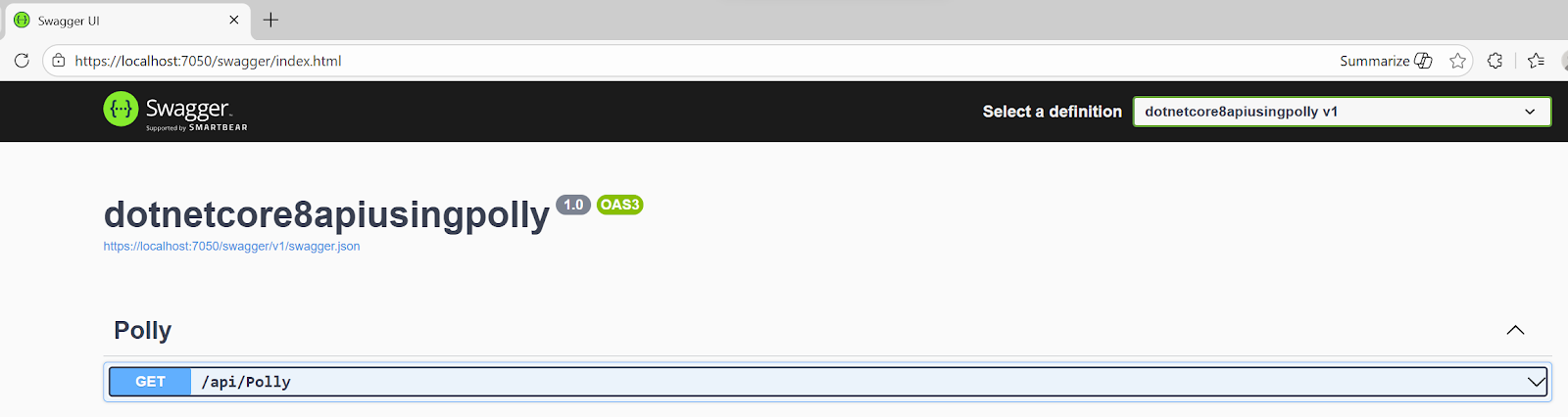
Let's build another API to consume this API.
Swagger
It’s running on the endpoint: https://localhost:7050/
Let's proceed with implementing retries.
-
Retry through the manual way
Program.cs
// This method gets called by the runtime. Use this method to add services to the container.
builder.Services.AddHttpClient("errorApiClient", client =>
{
    client.BaseAddress = new Uri("https://localhost:7009/");
});
Pollycontroller.cs
[Route("api/[controller]")]
[ApiController]
public class PollyController : ControllerBase
{
    private readonly IHttpClientFactory _httpClientFactory;
    public PollyController(IHttpClientFactory httpClientFactory)
    {
        this._httpClientFactory = httpClientFactory;
    }
    // GET api/values
    [HttpGet]
    public async Task<IActionResult> Get()
    {
        StringBuilder sbresult = new StringBuilder();
        var result = "";
        try
        {
            result = await GetValues();
            if (result.Contains("Error in dotnet"))
            {
                throw new Exception("Error");
            }
        }
        catch
        {
            // Retry 3 times
            for (var count = 1; count < 3; count++)
            {
                try
                {
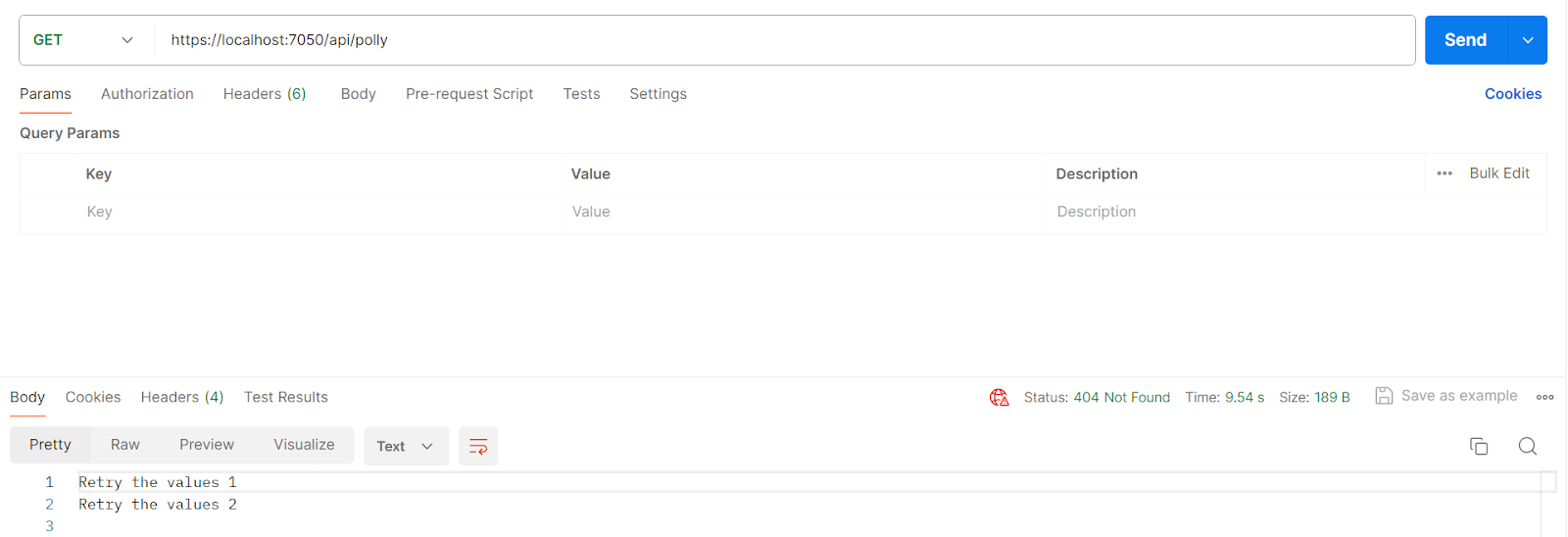
                    sbresult.AppendLine($"Retry the values {count}");
                    Thread.Sleep(1000 * count);
                    await GetValues();
                }
                catch { }
            }
            return NotFound(sbresult.ToString());
        }
        return Ok(result);
    }
    private async Task<string> GetValues()
    {
        var client = _httpClientFactory.CreateClient("errorApiClient");
        var response = await client.GetAsync("weatherforecast");
        return await response.Content.ReadAsStringAsync();
    }
Postman
-
Retry through Resilience Pipelines– Auto Retries
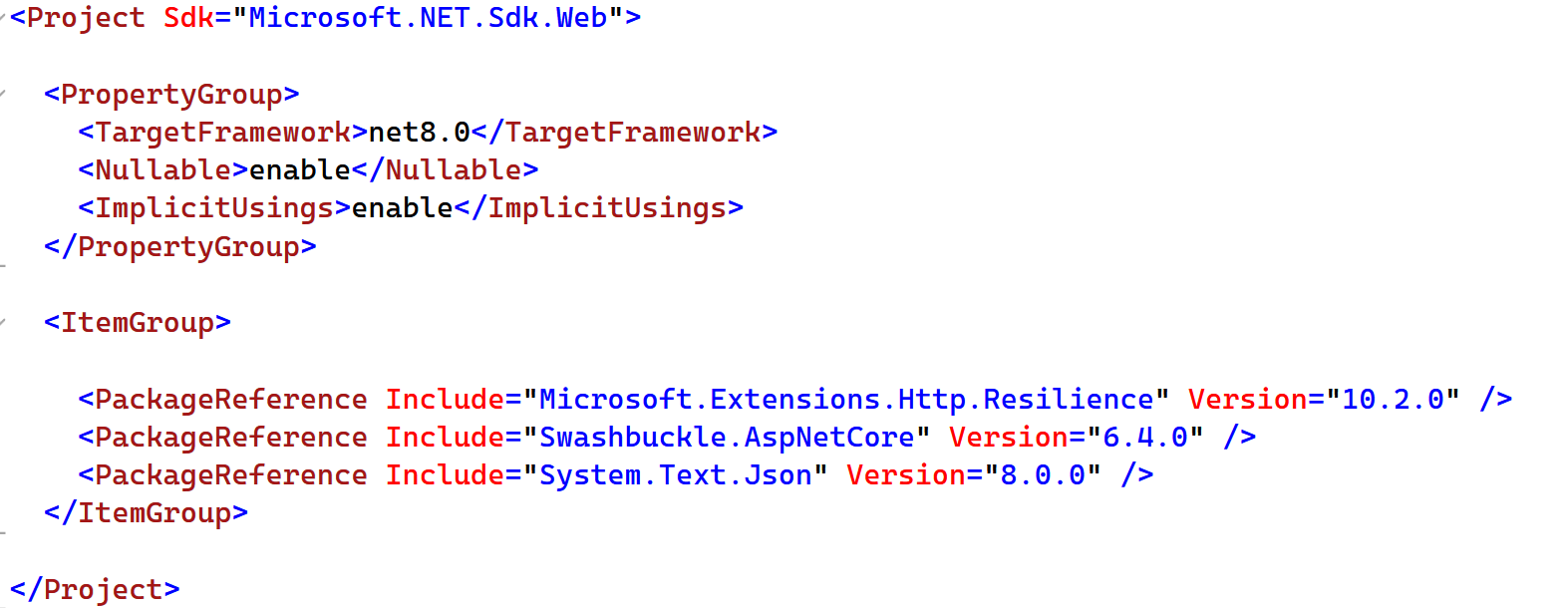
Install Package: “Microsoft.Extensions.Http.Resilience”
Program.cs
// This method gets called by the runtime. Use this method to add services to the container.

builder.Services.AddHttpClient("errorApiClient", client =>
{
    client.BaseAddress = new Uri("https://localhost:7009/");
}).AddResilienceHandler("retry-pipeline", builder =>
{
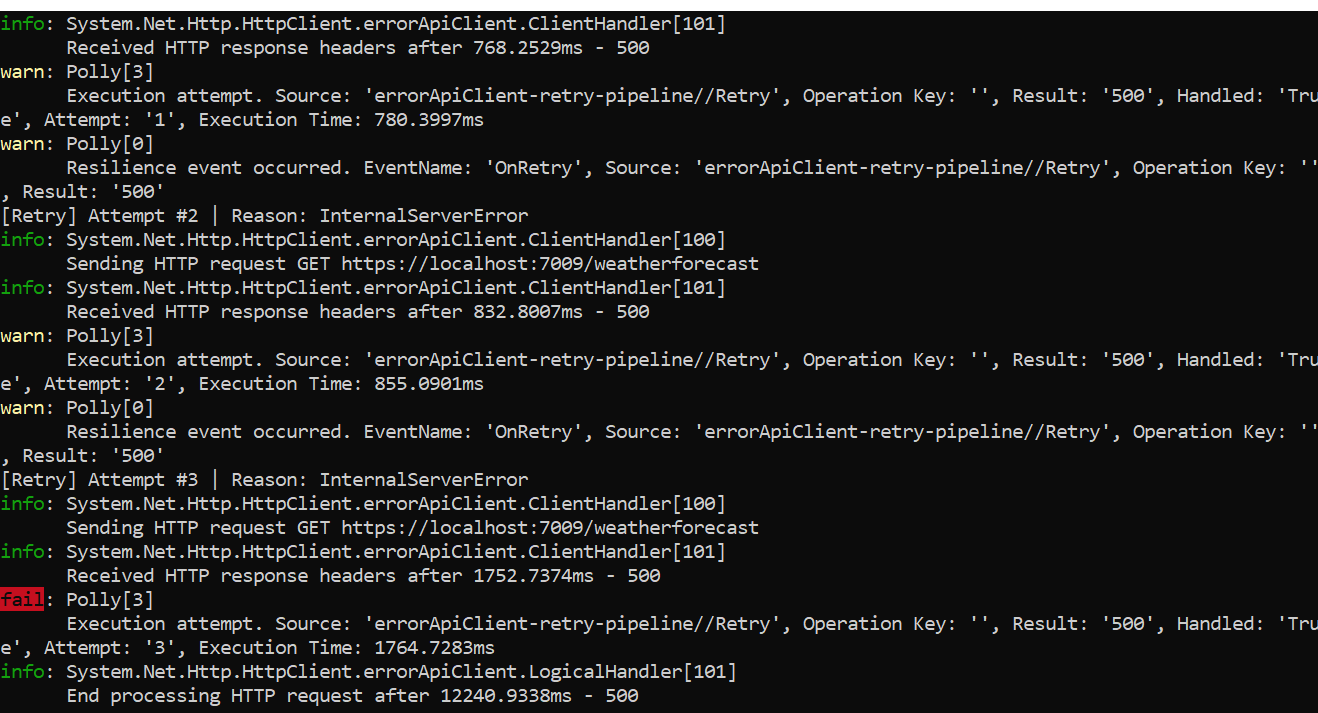
    builder.AddRetry(new HttpRetryStrategyOptions
    {
        MaxRetryAttempts = 3,
        Delay = TimeSpan.FromSeconds(2),
        BackoffType = DelayBackoffType.Exponential,
        OnRetry = args =>
        {
            Console.WriteLine(
                $"[Retry] Attempt #{args.AttemptNumber + 1} | " +
                $"Reason: {args.Outcome.Exception?.Message ?? args.Outcome.Result?.StatusCode.ToString()}"
            );
            return ValueTask.CompletedTask;
        }
    });
});
PollyController.cs
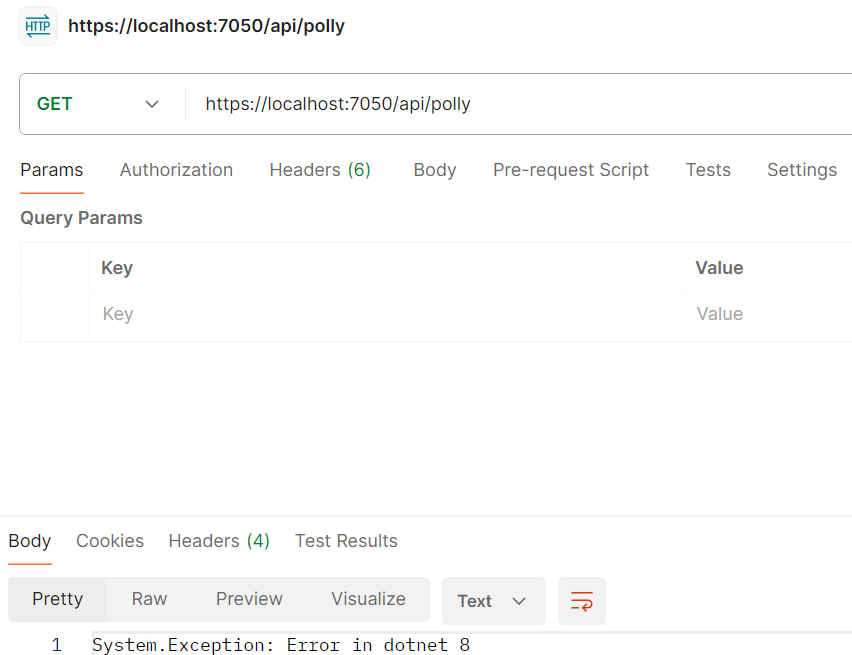
Remove the retry code in the exception block.
Postman
Conclusion
The retry feature is very useful when you try to connect to any other system. Without this, you typically write duplicated try/catch logic everywhere. This package will also address the problems such as “Circuit breaker, Timeout, Rate limiting”.
I hope you learned the importance and implementation of auto-retries in the .NET 8 ecosystem.
[story continues]
tags