
Tin is a product of TeamCode that can generate executable applications instantly without manual environment configuration. Users can click to run projects directly in the cloud.
Login to TIN and Clone the GitLab-ce app
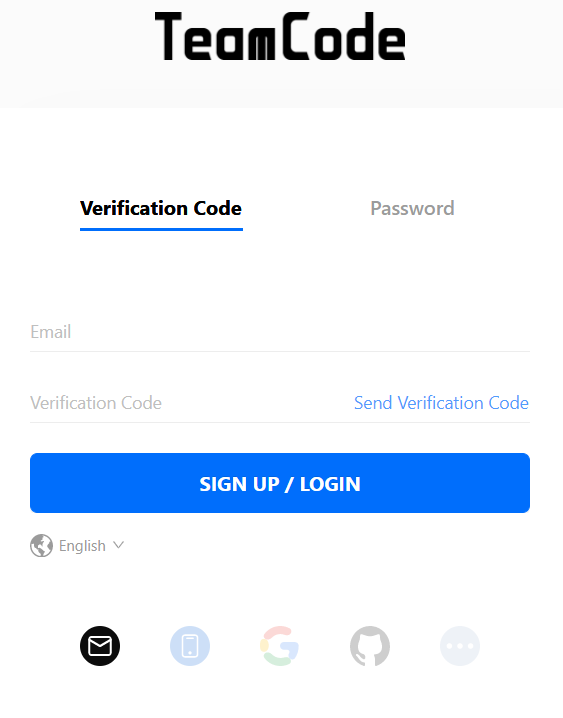
Click the Tin URL of GitLab-ce. https://www.teamcode.com/tin/clone?applicationId=270871676042256384 Users who have not logged in should sign up first.
Log in to Tin with your email, Github account, or phone number.
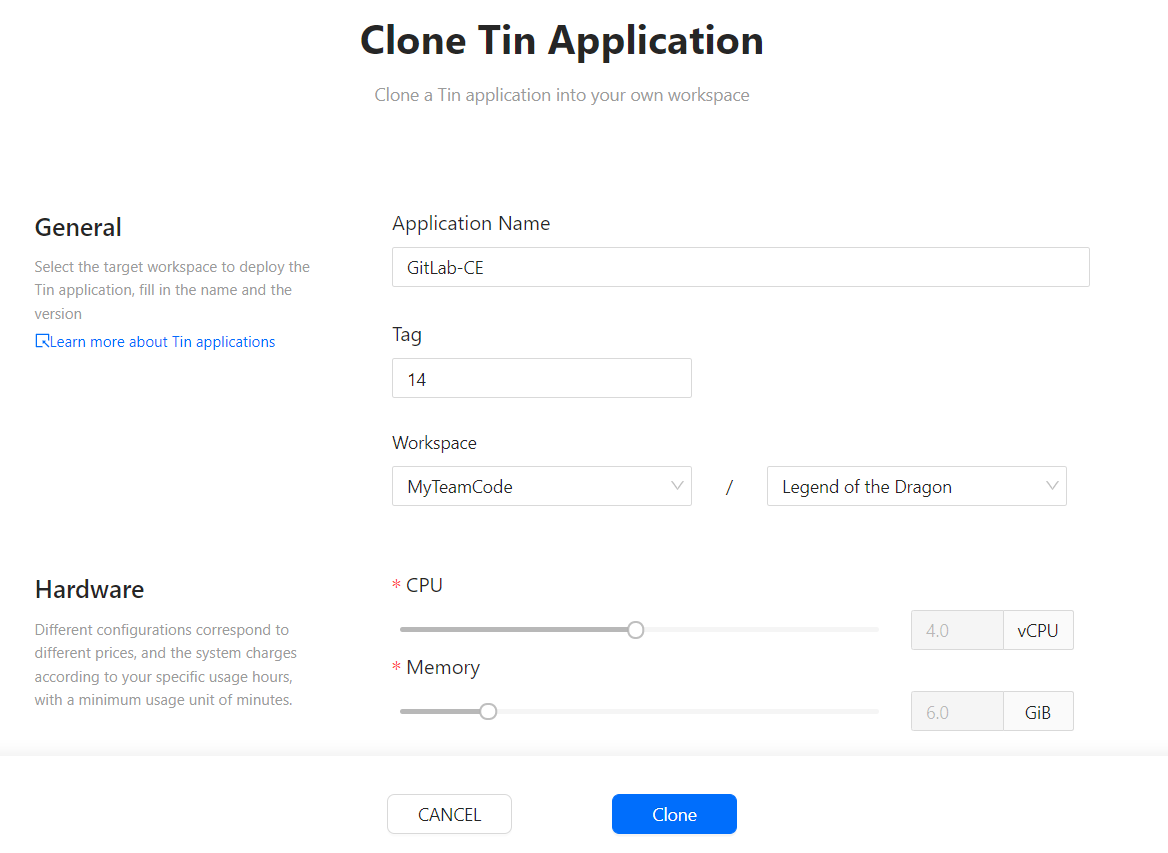
(Optional) After logging in, you can change the “Application Name” or “Tag”
Click the Clone button to clone the Tin app to your workspace.
Note: Tin will give new users a free trial for a certain length of time, which is determined by the instance size. After the free trial time, the Tin app will automatically stop working. You will not be charged for the whole process.
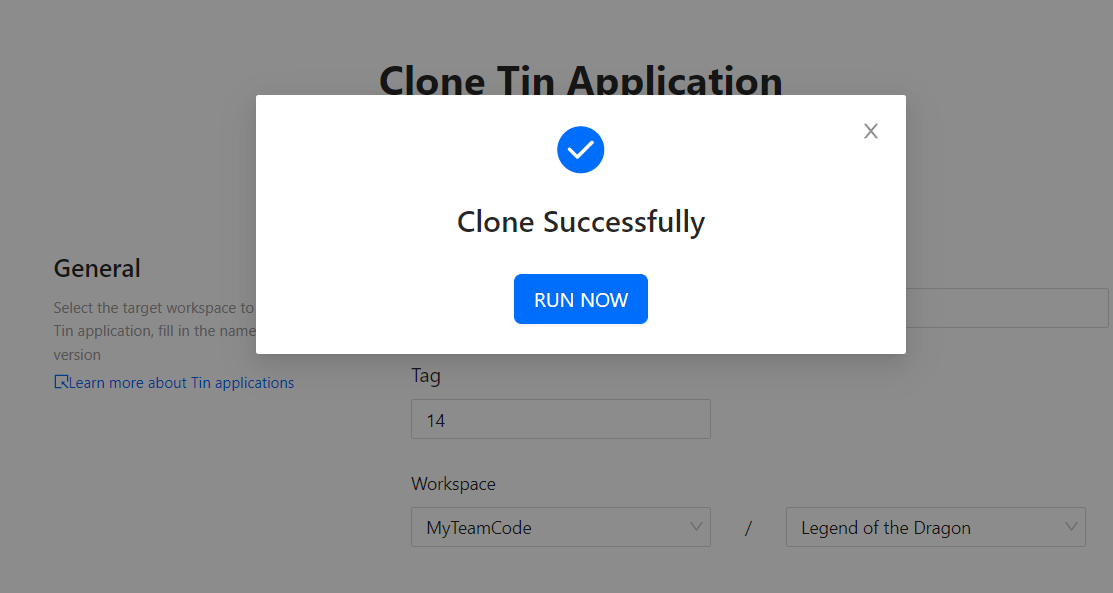
Click "RUN NOW" to initiate the application.
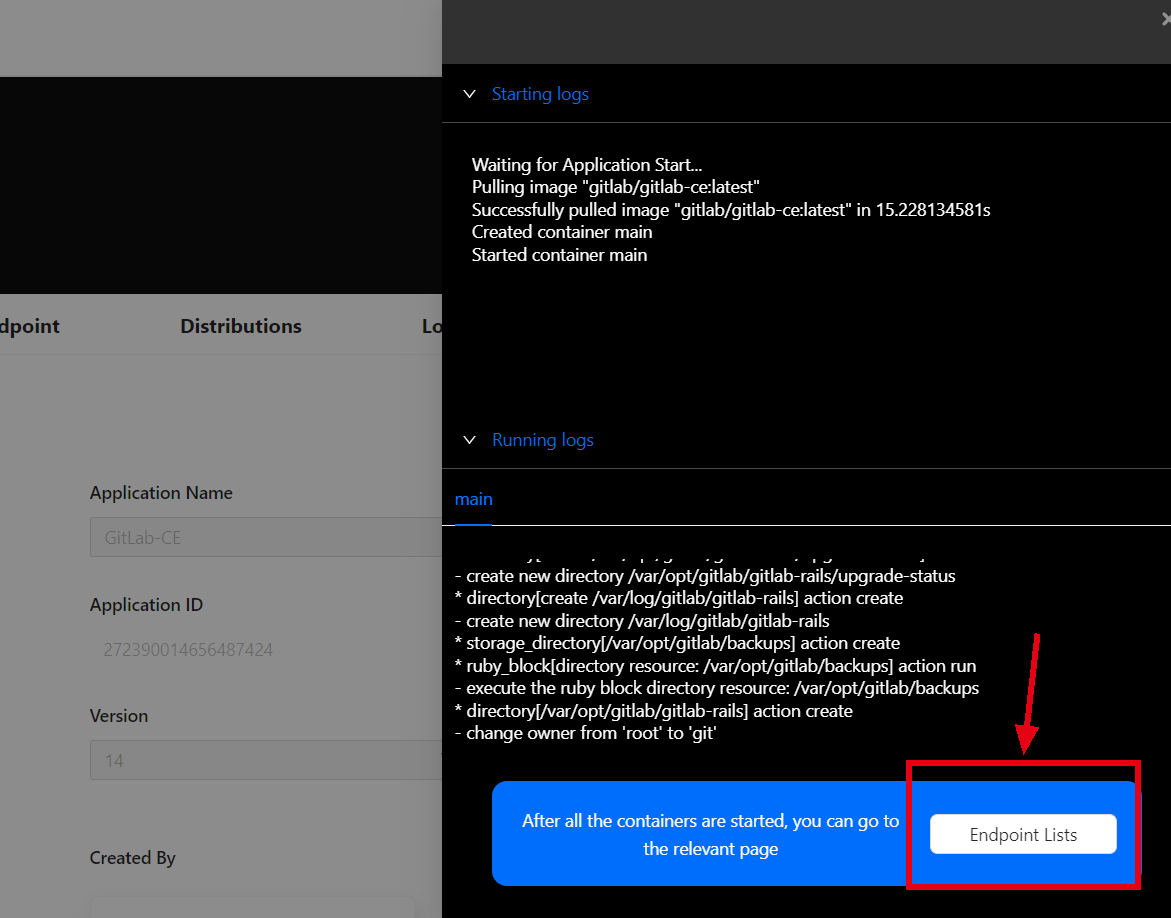
Click the Endpoint List button to go to the Endpoint list, with the entry points for all apps displayed. Click the URL of the entry point.
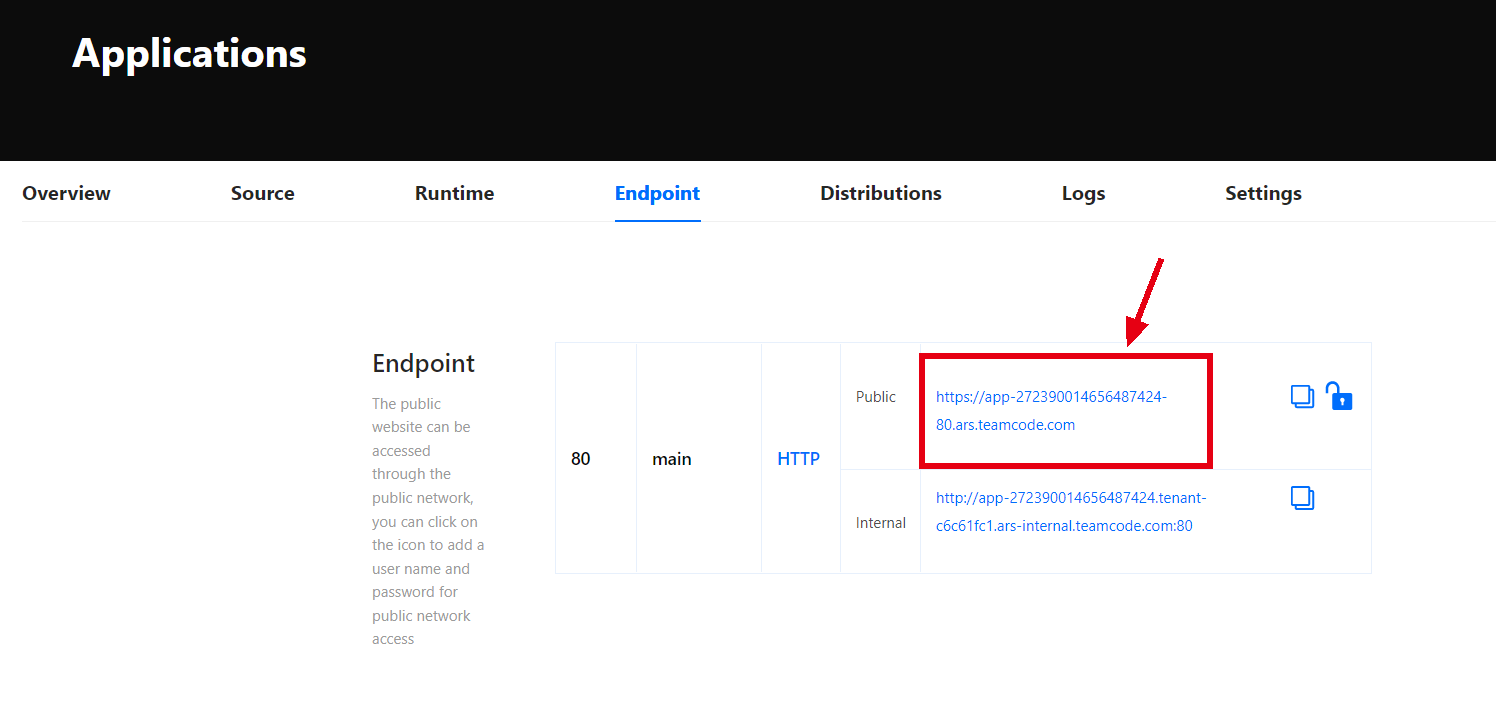
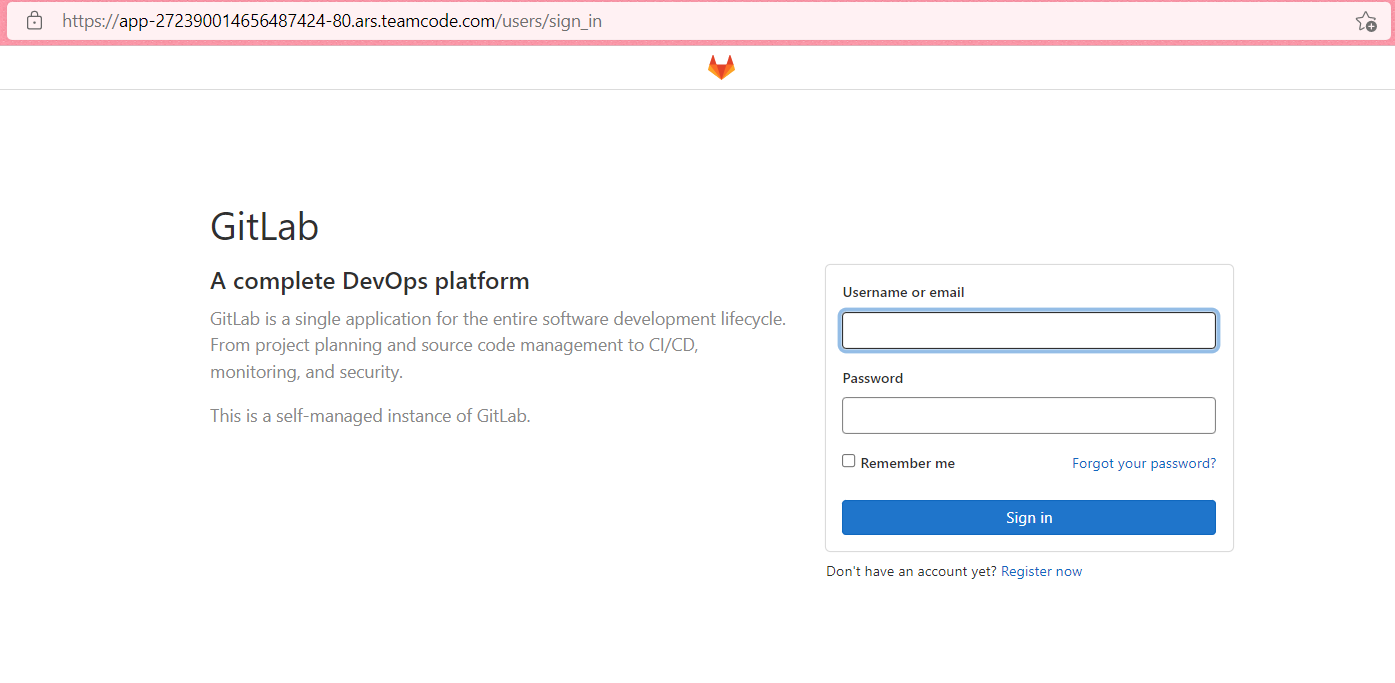
Now you can log in to GitLab-ce to use it.
You can also use the Tin to quickly set up other excellent open source projects, see the guide: https://www.teamcode.com/docs/en-US/tin/create-tin.
[story continues]
tags