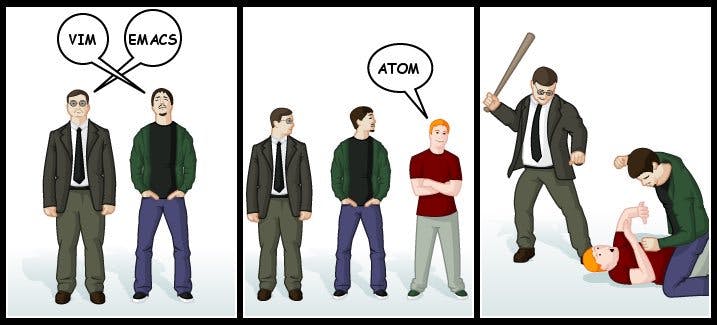
TL;DR —
Setting up Atom as a Python IDE [A How To Guide] The guide shows how you can setup and maintain a python friendly development environment from within Atom. In a separate article I (will) show how to setup Microsoft Visual Studio Code in a similar manner. The guide is tested and valid for the latest version of Atom 1.40-40-Python 3. (It may work for earlier versions of Atom, but untested.) The guide includes a Linter Package (Source Code Checker) and a Script Package.
[story continues]
Written by
@DavidDataScience
Machine Learning and Data Science Evangelist, HPC Cloud Specialist, Founder and Innervator
Topics and
tags
tags
python|python-tips|ide|developer-tools|atom-editor|integrated-development-environment|python-top-story|hackernoon-top-story|hackernoon-es
This story on HackerNoon has a decentralized backup on Sia.
Transaction ID: K57BlsX2J6loJk82Oq6H_KSyyIrGKknKAZbNMYgLQKg