After setting up Git, node and Cordova one need to get the Java setup done for moving towards getting Ionic ready on Ubuntu linux.
Setting up Java on Ubuntu Linux
Enter the command sudo apt-get install openjdk-7-jdk. Enter the root password and let the system do it’s tasks.
Enter apt-cache search jdk
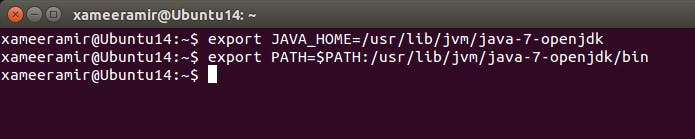
Set “JAVA_HOME” and “PATH” environment Variables:
export JAVA_HOME=/usr/lib/jvm/java-7-openjdk export PATH=$PATH:/usr/lib/jvm/java-7-openjdk/bin
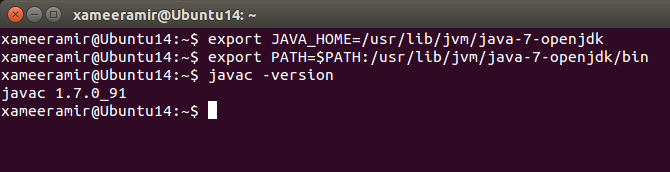
Finished, now just verify the installation by checking the installed version:
javac -version
Installing Java on Windows
Open the setup file downloaded from here
Follow the instructions as shown:
Select installation components — this may be required for servers where specific configurations are needed
Select installation path
Incase you already have Java installed, a warning will be shown
[story continues]
tags