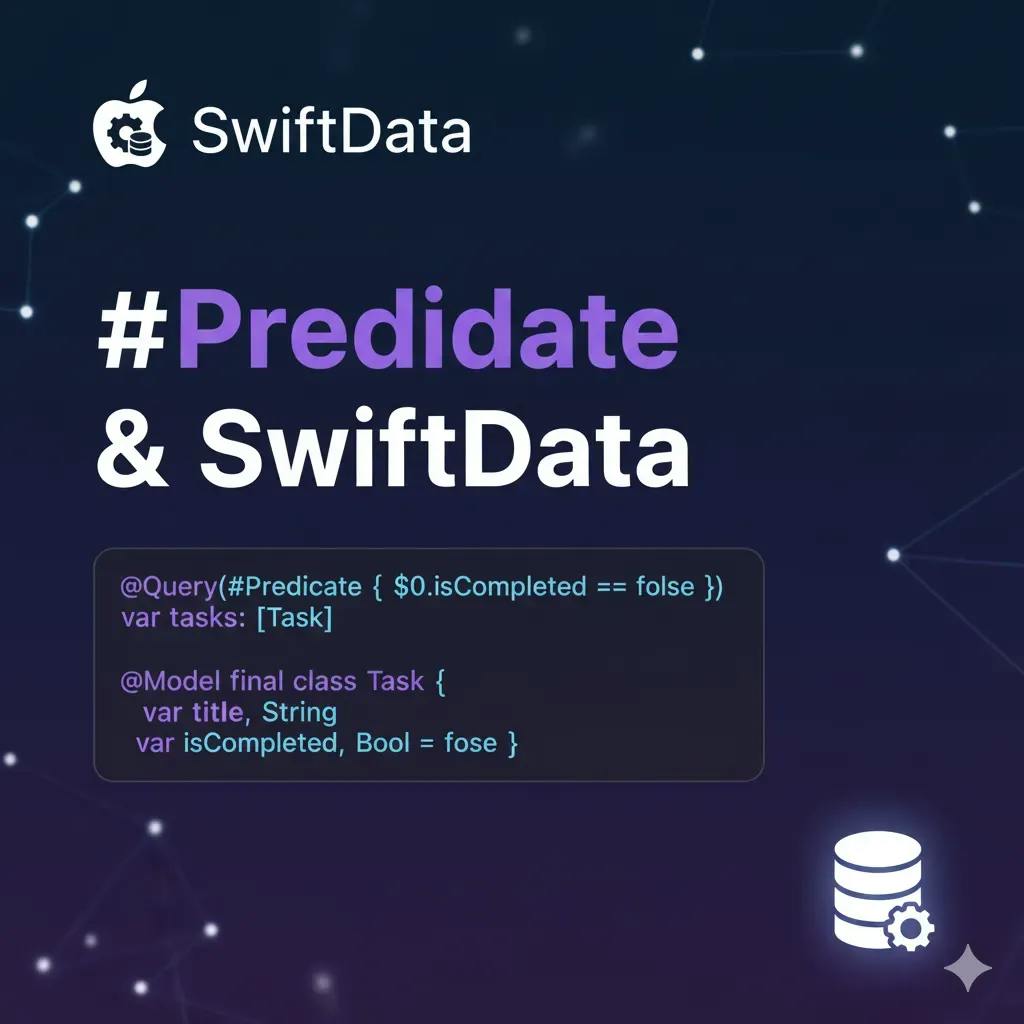
A "#Predicate" is a boolean condition used to select or filter records. It answers "does this object meet the criteria?" and returns true or false.
In databases/ORMs, the predicate is sent to the persistence engine, which returns only the records that satisfy the condition.
In the Apple ecosystem, we have:
- NSPredicate: The classic API (Core Data, Foundation) based on formatted strings, like NSPredicate(format: "age >= %d", 18). It's flexible, but less safe (errors only appear at runtime).
- #Predicate: A modern, type-safe DSL (SwiftData/SwiftUI). You write conditions with Swift code, and the macro generates a compile-time safe boolean expression.
Usage in SwiftData/SwiftUI
@Query(filter: #Predicate { ... }), where $0 represents a record of type Model.
You compare fields with captured values:
// Example with strings:
#Predicate<CompanyAndLocation> {
  $0.company.name == companyName &&
  $0.location.location == locationName
}

// Example by identity:
#Predicate<CompanyAndLocation> {
  $0.company.id == companyId &&
  $0.location.id == locationId
}
This allows the filter to run in the store, returning only items that match the criteria.
When should you use #Predicate?
Filter a persisted collection via @Query or FetchDescriptor to bring from the database only what matters. It replaces NSPredicate when you want type safety and direct integration with SwiftData.
What are the advantages of #Predicate?
- Type-checked at compile-time.
- Integrates with @Query and FetchDescriptor, reducing formatting errors.
- Improves completions and refactoring (if you rename a field, the compiler helps).
Watch out for some small pitfalls!
- Comparing "key path to key path" instead of "field to value" causes type errors in the DSL.
- Referencing self or properties of @Model inside the block without capturing simple values can break macro expansion.
- Comparing relationships by the entire object may fail depending on the SDK version; comparing by id or unique attributes is more robust.
Code Examples
Let me show you the complete example with all the files:
// PredicateApp.swift

import SwiftUI
import SwiftData

@main
struct PredicateApp: App {
  var body: some Scene {
    WindowGroup {
      DataView(
        company: Company(name: "Company 1", type: 1),
        location: Location(location: "Location 1", value: 100)
      )
    }
  }
}
// CompanyAndLocation.swift

import SwiftData

@Model
class Company {
  #Unique<Company>([.name])
  var name: String
  var type: Int

  init(name: String, type: Int) {
    self.name = name
    self.type = type
  }
}

@Model
class Location {
  #Unique<Location>([.location])
  var location: String
  var value: Int

  init(location: String, value: Int) {
    self.location = location
    self.value = value
  }
}

@Model
class CompanyAndLocation {
  #Unique<CompanyAndLocation>([.company, .location])
  var company: Company
  var location: Location

  init(company: Company, location: Location) {
    self.company = company
    self.location = location
  }
}
// DataView.swift

import SwiftUI
import SwiftData

struct DataView: View {

  @Environment(\.modelContext) var modelContext
  var company: Company
  var location: Location

  @Query
  var companyAndLocation: [CompanyAndLocation]
  var body: some View {
    Text("Hello World!")
  }

  init(company: Company, location: Location) {
    self.company = company
    self.location = location
    let predicate = #Predicate<CompanyAndLocation>
    {
      $0.company == self.company && $0.location == self.location
    }

    _companyAndLocation = Query(filter: predicate)
  }
}
Create a SwiftUI project, add these 3 files, and build the project. If you get this error, it means you're on the right track (in receiving the error):
Cannot convert value of type 'PredicateExpressions.Conjunction<PredicateExpressions.
Equal<PredicateExpressions.KeyPath<PredicateExpressions.Variable<CompanyAndLocation>, Company>,
PredicateExpressions.KeyPath<PredicateExpressions.Value<DataView>, Company>>,
PredicateExpressions.Equal<PredicateExpressions.KeyPath<PredicateExpressions.Variable<CompanyAndLocation>,
Location>, PredicateExpressions.KeyPath<PredicateExpressions.Value<DataView>,
Location>>>' to closure result type 'any StandardPredicateExpression<Bool>'
This error means you're trying to compare complex objects directly, when #Predicate only accepts comparisons of scalar types (Int, String, UUID, etc.). It also means the Predicate closure is returning an internal DSL type that isn't accepted as any StandardPredicateExpression, usually due to incorrect predicate construction.
The problem is in this part of the code
let predicate = #Predicate<CompanyAndLocation>
{
  $0.company == self.company && $0.location == self.location
}
You could solve it like this:
let companyName = company.name
let locationName = location.location
let predicate = #Predicate<CompanyAndLocation>
{
  $0.company.name == companyName && $0.location.location == locationName
}
If you don't need to compare the whole object. But what if you do? For two properties, it's simple, but what if this object had more properties? And what if it gets updated with more properties over time? You'd have to revisit this code to update it and ensure a complete comparison.
You could try:
let predicate = #Predicate<CompanyAndLocation>
{
  $0.company.id == company.id && $0.location.id == location.id
}
Here you're trying to access company.id and location.id directly. The macro can't track these dynamic properties of external objects. It expects simple, scalar values that can be captured as constants. In other words, it doesn't work.
The solution: Compare identifiers, not objects
This is a common issue with Swift's #Predicate macro. The problem is in how the macro captures variables. #Predicate works through type-safe query generation, meaning it needs to translate your Swift expression into a query that can be executed in the database (CoreData or SwiftData).
So, solve it like this:
let companyId = company.id
let locationId = location.id
let predicate = #Predicate<CompanyAndLocation>
{
  $0.company.id == companyId && $0.location.id == locationId
}
The variables companyId and locationId are captured by the closure as simple (Equatable) values. The macro can identify them as external constants and substitute them correctly in the query.
Conclusion
#Predicate can only translate to database query expressions that compare scalar values (numbers, strings, UUIDs). Comparisons between complex objects cannot be translated to SQL/data queries.
So, inside a #Predicate, compare identifiers, not objects. Always extract the values you want to compare into simple local variables before using them in the closure. This allows the macro to understand exactly which constants should be compiled into the query.
Happy Coding!
[story continues]
tags