


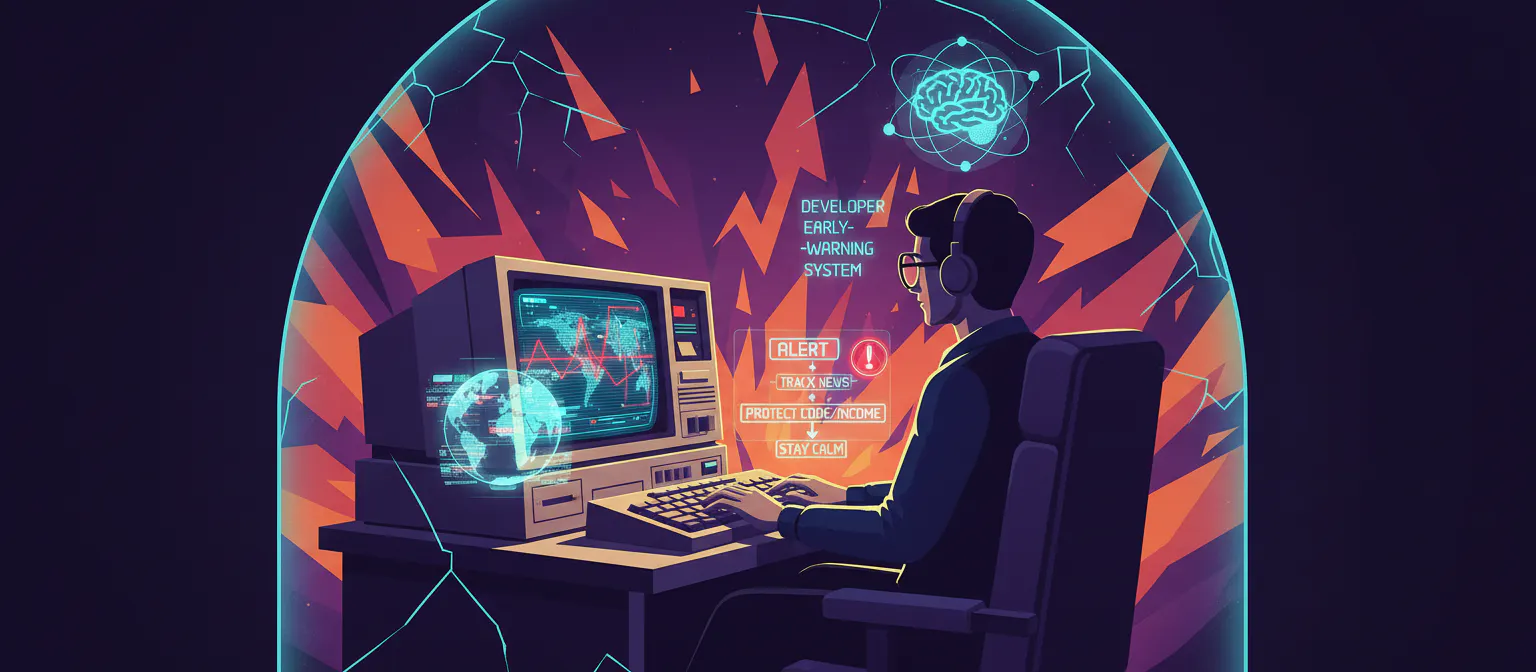
When you live and work in a place that can flip from normal to “breaking news” in one push notification, being a techie feels different.
You are not just thinking about the next sprint or client deliverable. You are quietly asking yourself: If something bad happens this week, will I still be able to work, get paid, and stay calm enough to think straight?
This is where your own “developer early‑warning system” comes in. Not a fancy dashboard in a big company, but a simple, personal setup: how you track news, how you protect your code and income, and how you keep your head clear when the outside world feels unstable.
You cannot control geopolitics. You can control how prepared you are when things move fast.
1. News That Warns You, Not Drowns You
Most developers either ignore the news completely or doom‑scroll until 3 a.m. when things feel unsafe. Neither helps. What you want is filtered information: just enough to act early, not so much that you freeze.
A simple approach:
- Pick 2–3 general news sources you trust (local + global).
- Pick 2–3 tech/developer sources so you do not miss industry shifts.
- Set up alerts and quiet hours so you get pings only when it actually matters.
Practical tools that work well for devs:
- Twitter/X (or similar): Follow local journalists, government agencies, and airports for real‑time updates. Create a private list like “Crisis Watch” so your home feed stays normal.
- Reddit: Subreddits for your city/region often surface on‑the‑ground info faster than big outlets, but always verify before you act.
- Hacker News + HackerNoon: Good for macro tech shifts that might affect remote work, hiring, or platforms you depend on.
- Daily.dev: A browser extension and web app that pulls curated dev news into a single feed, so you are always in touch with what is happening in the tech world without chasing 20 tabs.
- InfoQ / DevBytes: Short, summarized updates about tools, frameworks, and architecture trends—useful when your brain is already overloaded by real‑world stress.
Your goal is to build a small radar, not a 24/7 news bunker.
You want to know: Is travel restricted? Are there internet issues? Are companies adjusting hiring or remote policies? Then you can adjust early.
2. Turn News Into Decisions, Not Anxiety
Staying updated is only useful if it changes your behavior.
So before the next crisis hits, decide in advance:
- “If flights start getting cancelled, I will stock an extra week of essentials and recharge all power banks.”
- “If mobile networks get weak, I will move my critical work to an offline‑friendly flow for a few days.”
- “If tensions spike, I will check in with my manager or clients and reset expectations before they start asking me.”
One way to do this as a developer is to keep a tiny crisis playbook:
- 1 page in Notion, Google Docs, or Obsidian.
- 3 sections: Work, Money, Health.
- Under each, 3–5 bullet points of what you will do if things look bad for a week.
For example:
- Work: “Switch to local Git backups + push to remote when connection is stable, pause non‑critical features, focus on bug fixes and maintenance.”
- Money: “Delay big purchases, keep extra cash in local + international account, prioritize invoices for foreign clients.”
- Health: “Limit news to 2 checks/day, walk 20 minutes without phone, speak to one friend/family member daily.”
This way, when your phone starts exploding with alerts, you already know your first three moves. That single change turns you from reactive to slightly in control, which is priceless when everything else feels shaky.
3. Protecting Your Code and Data When Things Go Sideways
When you work in an unstable place, the real risk is not just physical. It is losing access to your code, your tools, and your clients because of power cuts, ISP outages, or platform blocks.
At a minimum, you want three layers of protection:
a) Version control and external backups
- Use Git for everything, even solo projects. Push to GitHub, GitLab, or Bitbucket regularly.
- Add an extra backup layer using services like Cloudback, which automatically backs up your GitHub or Azure DevOps repos to cloud storage (AWS, Azure, Google Cloud, etc.).
- Once a week, create an offline backup: export your key repos to a ZIP and store them on an external SSD or encrypted USB drive in a safe place.
If your ISP fails or an account is locked, you still have your work and can move faster than most people around you.
b) Local‑first tools Ask yourself:
If I had unstable internet for 3 days, what could I still work on?
- Use editors like VS Code with offline extensions and docs cached where possible.
- Keep local copies of important API docs or SDK guides that you use often.
- Use password managers (Bitwarden, 1Password) with offline vault support so you are not locked out of your own accounts when sync fails.
c) Power and connectivity
- A mid‑range UPS for your router and main machine can turn a one‑hour blackout into a normal working hour.
- Keep at least one unlocked phone with a different carrier SIM as backup.
- Test tethering speeds before you need them.
None of this is glamorous, but these are the small things that decide whether you can still deliver a build on a bad day—or disappear from your clients for a week.
4. Crisis‑Ready Workflow: Work Like You Might Need To Move
When you live in an unstable region, it helps to work as if you might need to change apartments, cities, or even countries with short notice. That does not mean living in fear. It means designing your workflow to travel well.
Some simple shifts:
- Cloud‑based project management: Use tools like Trello, Jira, Linear, or ClickUp instead of local spreadsheets. Your tasks and history stay available from anywhere with a browser.
- Shared documentation: Keep client/project docs in Google Docs, Notion, or Confluence so you or your teammates can pick up easily if someone goes offline.
- Centralized credentials: Avoid passwords spread across random sticky notes and browser autofill. Use a password manager with 2FA and recovery codes stored safely.
On a personal level, always ask: If I needed to work from another city next week, could I? If the answer is “not really,” adjust one small thing each week until it becomes “yes, if I have my laptop and internet.”
5. Staying Employable When Local Conditions Are Unstable
You might not control your local job market, but as a tech worker, you have more leverage than many people around you. Your employability comes from three things: skills, proof, and network.
a) Skills that travel
Focus on skills that are useful across borders:
- Web development (frontend/backend), especially in common stacks.
- Cloud basics (AWS, Azure, GCP) and CI/CD.
- Practical security, performance, and SEO for real businesses.
Set a simple rhythm: one micro‑course, deep article, or small side project per month. It is better to move slowly and consistently than to binge and then stop.
b) Proof of work you can show
When things go wrong, you do not want to start building your portfolio from zero. Keep these updated:
- GitHub with clean, readable repos and clear READMEs.
- A basic portfolio website with 3–10 case studies explaining problems, solutions, and results.
- A few blog posts or short write‑ups about how you solved specific problems (performance, security, uptime, migrations).
Even if your local company freezes hiring, someone in another country might be happy to pay you for exactly those skills.
c) Network that is not tied to one office
If all your contacts are from your current office, one bad company event can shake your entire world. So invest in:
- Online dev communities (e.g., dev.to, Reddit dev subs, Discord/Slack servers for your stack).
- Occasional contributions to open source, even small ones.
- Posting short insights on LinkedIn or X once a week about what you are learning or fixing.
You do not need to become an influencer. You just need enough visibility that, if you ever say “I am open to remote work,” someone sees it.
6. Mental Health: You Can’t Patch Burnout With a Library Import
Let us be honest: living with constant “what if something happens?” in the background is exhausting. You might still hit your deadlines, but your sleep, focus, and mood pay the price. You cannot fully separate tech life and real‑world instability, but you can soften the impact.
Simple practices that help:
News windows, not 24/7 feeds: Check news twice a day (morning and evening), not every time your hand twitches toward your phone. Turn off non‑critical alerts.
- Move your body daily: Even a 15–20 minute walk, stretch, or simple workout changes how your brain processes stress.
- Slow, offline hobbies: Reading a physical book, drawing, tending to plants, cooking—anything that reminds your nervous system that life is more than screens.
- Talk like a human, not a machine: Message a friend or family member and share how you are actually feeling, not just “all good.” Small honest conversations do a lot more than you think.
Think of your brain like your main production server. You do not push features nonstop without monitoring, backups, and maintenance. Do not do that to yourself either.
7. When the Worst Days Come
Even with preparation, some days will still be bad. Sirens, rumors, airports full, internet shaky, people on edge. On those days, lower your bar.
Ask:
- “What are the 1–3 most important tasks I can realistically do today?”
- “Who needs to know my situation so I do not surprise them later?”
- “What can I postpone without breaking anything important?”
Send quick, honest updates to your manager or clients:
Internet is unstable / there are disruptions in my area today. I have backups and will prioritize X and Y, but Z might slip by a day. I will keep you posted.”
Most reasonable people will understand if you tell them early and show that you still care about your work. That single message can save you from panic and misunderstandings later.
If things become truly unsafe, survival and safety are more important than any job. The whole point of your early‑warning system and preparation is to give you more options, more quickly, so you can protect yourself and the people you care about.
8. Turn Instability Into Quiet Strength
Living and working in an unstable place is not a weakness. It can become a strange kind of strength.
You learn to:
- Plan ahead without obsessing.
- Work from almost anywhere with a laptop and a hotspot.
- Stay calm when other people are just discovering that the world can change fast.
Your “developer early‑warning system” is not one app or one tool. It is the way you combine news, backups, workflows, skills, and human relationships into something that helps you move when it is time to move, and stay still when it is time to rest.
You cannot fix the world on your own. But you can make sure that when it shakes, you do not fall apart with it.