


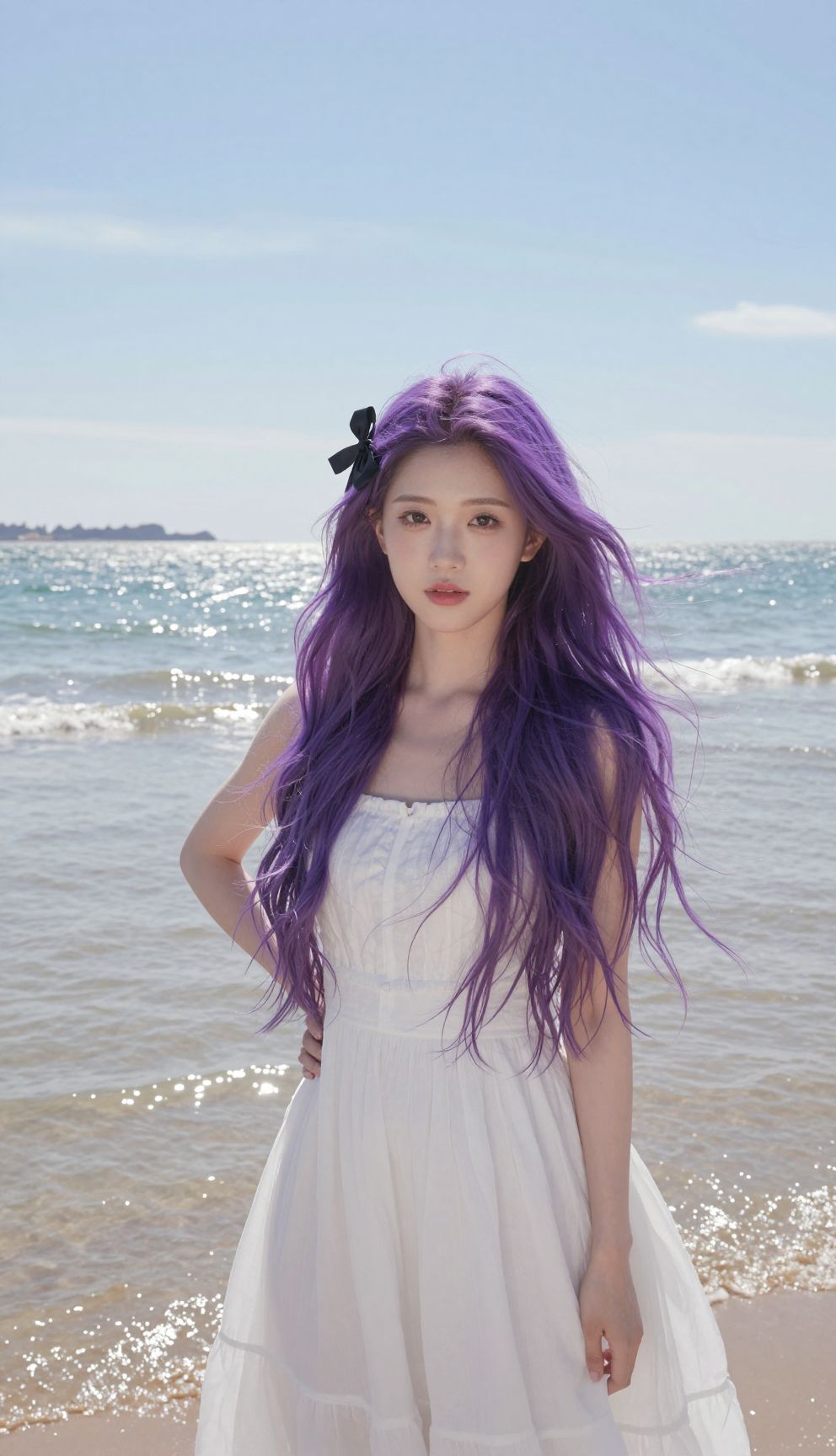
This is a simplified guide to an AI model called z-image-turbo-img2img maintained by prunaai. If you like these kinds of analysis, join AIModels.fyi or follow us on Twitter.
Model overview
z-image-turbo-img2img is an image-to-image transformation model based on the Z-Image Turbo architecture. It builds on the fast text-to-image capabilities of z-image-turbo by enabling users to transform existing images according to text prompts. The model supports LoRA (Low-Rank Adaptation) weights, allowing customization with fine-tuned style and concept adaptations. This positions it alongside z-image-turbo-lora, which handles text-to-image generation with LoRA support, while offering the distinct advantage of starting from an existing image rather than generating from scratch.
Model inputs and outputs
The model accepts an input image and a text prompt, then generates a transformed version based on how strongly you want the transformation applied. You can control the transformation intensity, number of processing steps, and apply multiple LoRA weights simultaneously for fine-grained style control. The output is a single generated image in your choice of format and quality level.
Inputs
- Prompt: Text description of how to transform the image
- Image: The input image to transform
- Strength: Controls transformation intensity from 0.0 (no change) to 1.0 (full transformation), defaults to 0.6
- Num Inference Steps: Number of processing steps, defaults to 8 with a maximum of 50
- Guidance Scale: Should remain at 0 for Turbo models
- Seed: Optional random seed for reproducible results
- Lora Weights: URLs to LoRA weight files in .safetensors, tar, or zip formats
- Lora Scales: Array of strength values for each LoRA weight, defaults to 1.0 each
- Output Format: Choose from PNG, JPG, or WebP
- Output Quality: Quality setting from 0-100, not applicable for PNG
Outputs
- Output: A URI pointing to the generated transformed image
Capabilities
The model transforms images through a guided text-to-image process. You can make subtle adjustments by lowering the strength parameter, or achieve dramatic style transfers by increasing it. Multiple LoRA weights can be combined to layer different artistic styles, concepts, or visual characteristics onto your base image. The model processes these transformations rapidly compared to traditional diffusion approaches.
What can I use it for?
Creative professionals can use this for iterative design work, applying style transfers to photographs, or adapting artwork concepts. Marketers and content creators can customize product imagery or generate variations of existing photos for campaigns. Artists exploring generative techniques can blend their original work with AI-assisted transformations. The LoRA support enables consistent style application across multiple images, useful for maintaining visual cohesion in projects or product lines. Prunaai has optimized this model for production environments where speed matters.
Things to try
Start by uploading a photograph and using a simple prompt like "oil painting style" with moderate strength around 0.5 to see how the transformation respects your original composition. Experiment with lower strength values (0.2-0.3) to make subtle enhancements like lighting adjustments or color shifts. Try chaining multiple LoRA weights together, such as combining a specific artist style with a texture or medium style for unique hybrid results. Push the strength toward 1.0 with a completely different prompt to explore how much of your original image structure the model preserves versus how much it reimagines based on your text direction.