
Vim Commands for Text Modification
In the realm of Vim, mastering essential commands like append, change word, and replace can significantly enhance your text editing prowess.
Append (a)
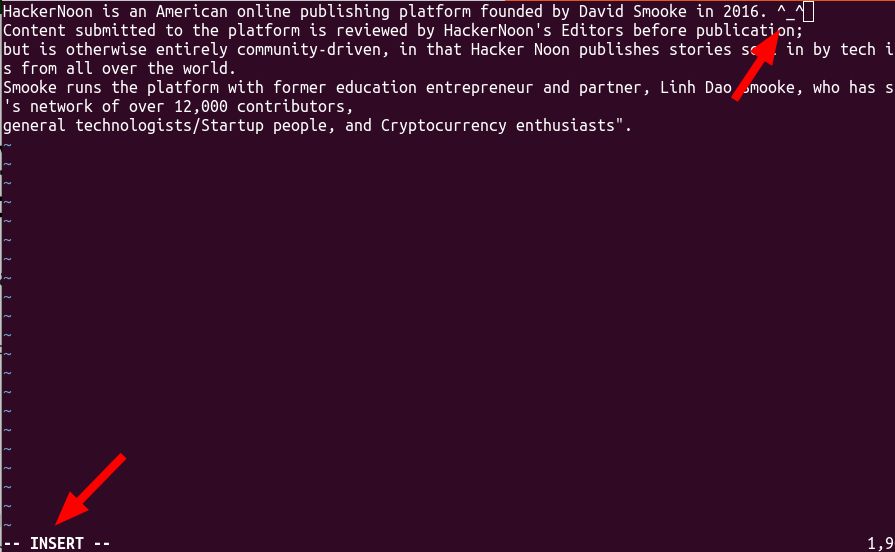
Appending text using `a` places you in insert mode, allowing for seamless additions after the cursor position. For instance, adding a new field in a file becomes intuitive:
# Go to the end of the line
$ (to reach the end of a line)
# Use 'a' to append text
a


Change Word (cw) and Replace (r/R)
- cw: Alter a word or overwrite text until the next punctuation character or space. Example: Correcting a word, say 'Hackernoon' to 'World' involves using `cw` and editing the text.
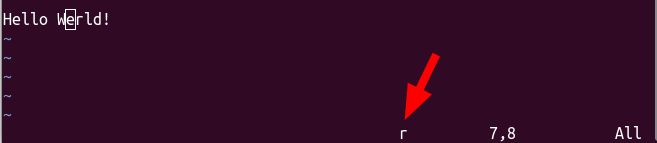
- r/R: Replace one character (`r`) or overwrite text (`R`). Typing errors or changing your mind about the edit becomes effortless:
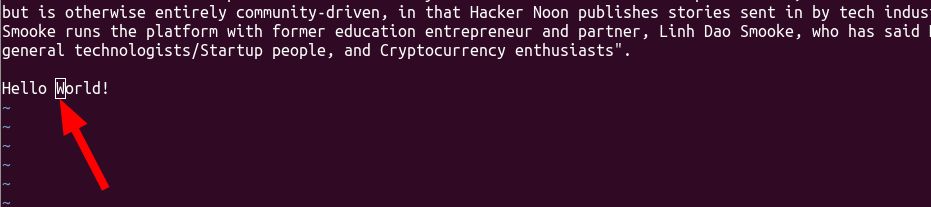
# Change 'Hackernoon' to 'World' (with a typo)
cw World
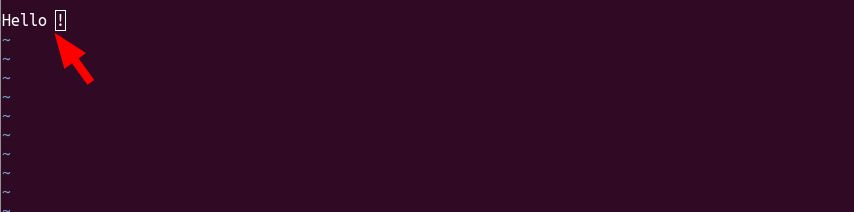
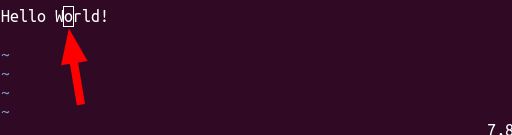
# Correct the typo using 'r' (replaces one character)
re

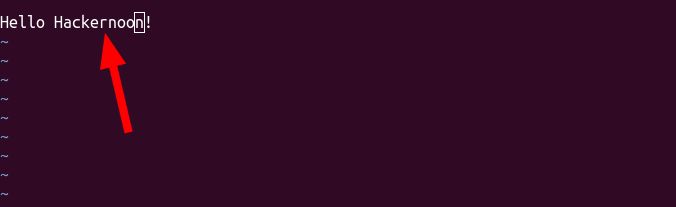
# Overwrite the text with 'R'
R Discover Anything


Refining Text and Streamlining Edits
Vim offers shortcuts for effective text refinement:
- Navigate: Use arrow keys for navigation and `$` to reach the end of a line.
- Deleting Spaces: Trim trailing spaces by maneuvering with arrow keys and using D to delete from the cursor position to the end of the line.


Wrapping Up Modifications and Writing Files
Once edits are complete, ensure to save changes:
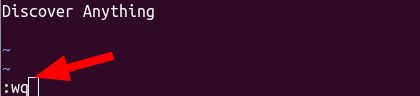
# Save changes and exit
:wq (write and quit)
Conclusion
Mastering these foundational Vim commands empowers efficient text editing and streamlines the process of modifying files. With practice, these commands become second nature, boosting productivity and precision in your editing endeavors.
[story continues]
tags