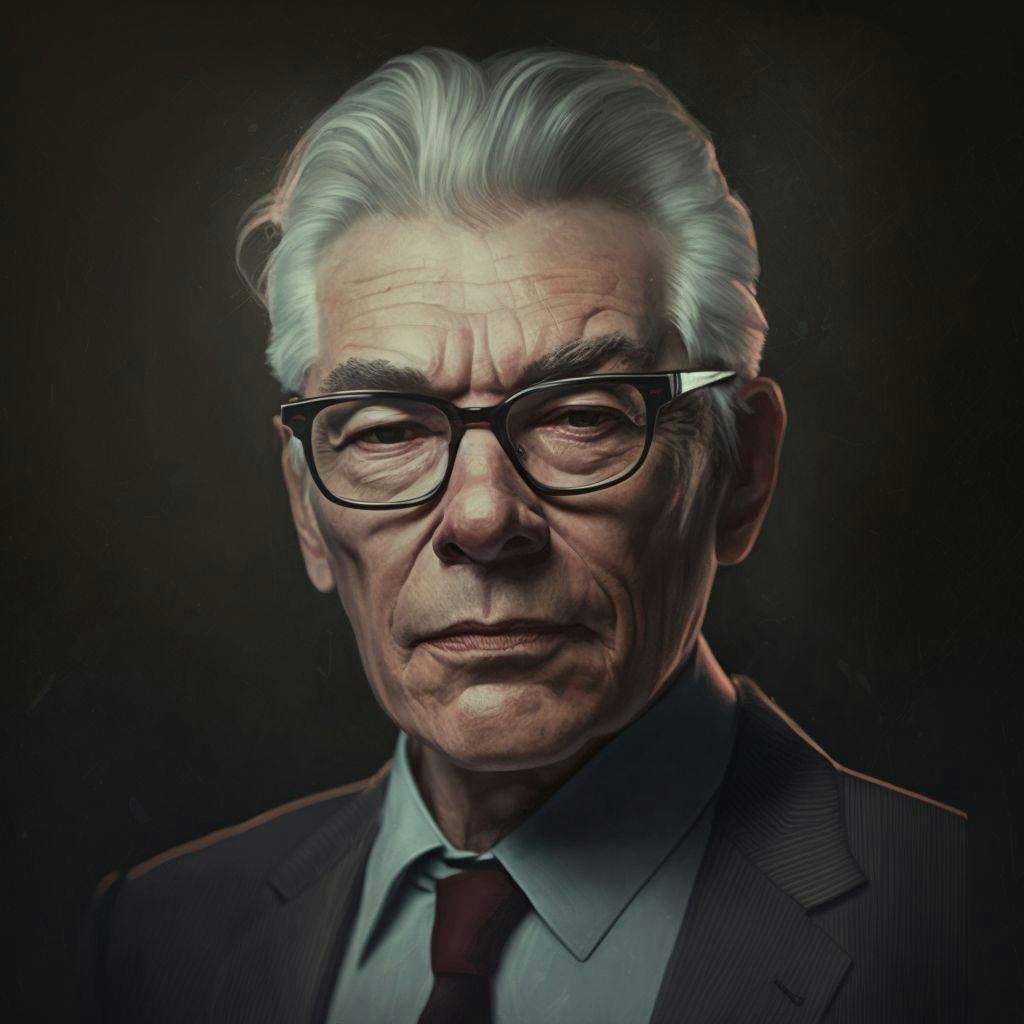
For those of you who have been following me for a while, you know that I'm passionate about artificial intelligence (AI) and all the potential it holds. I've written several articles on it, ranging from ChatGPT to Wordtune and 174 AI Tools To Try. I'm constantly reading and experimenting in this domain. From small Python applications to help with article creation.
Lately, I've noticed a lot of content about how to create an animated avatar using AI. So, I thought I'd give it a shot!
Your Avatar
To get your avatar made, use a drawing AI app like DALL-E 2 or Midjourney
The image below was created with Midjourney:
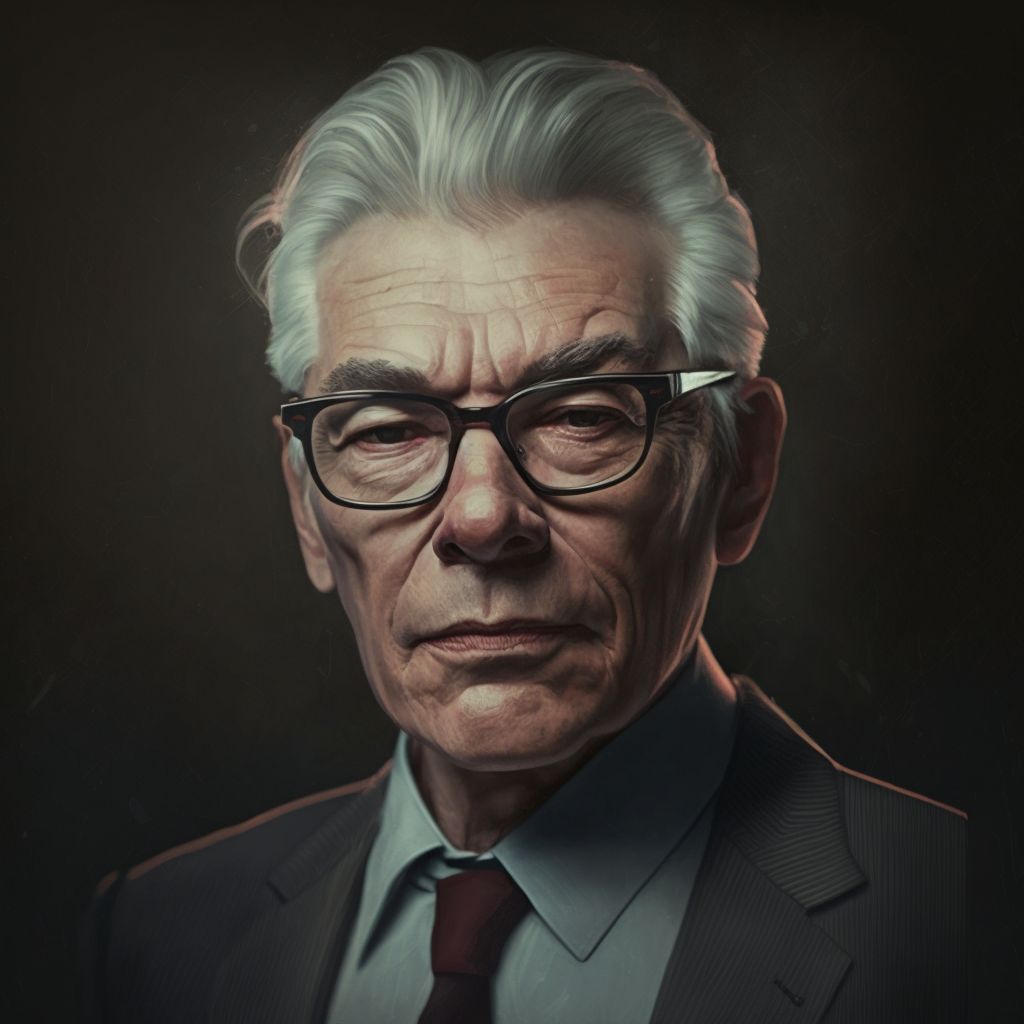
To register for Midjourney, you will require Discord. If you don't have an account, make one first.
Then, click the Midjourney logo on the top left to access the 'newbie' channels.
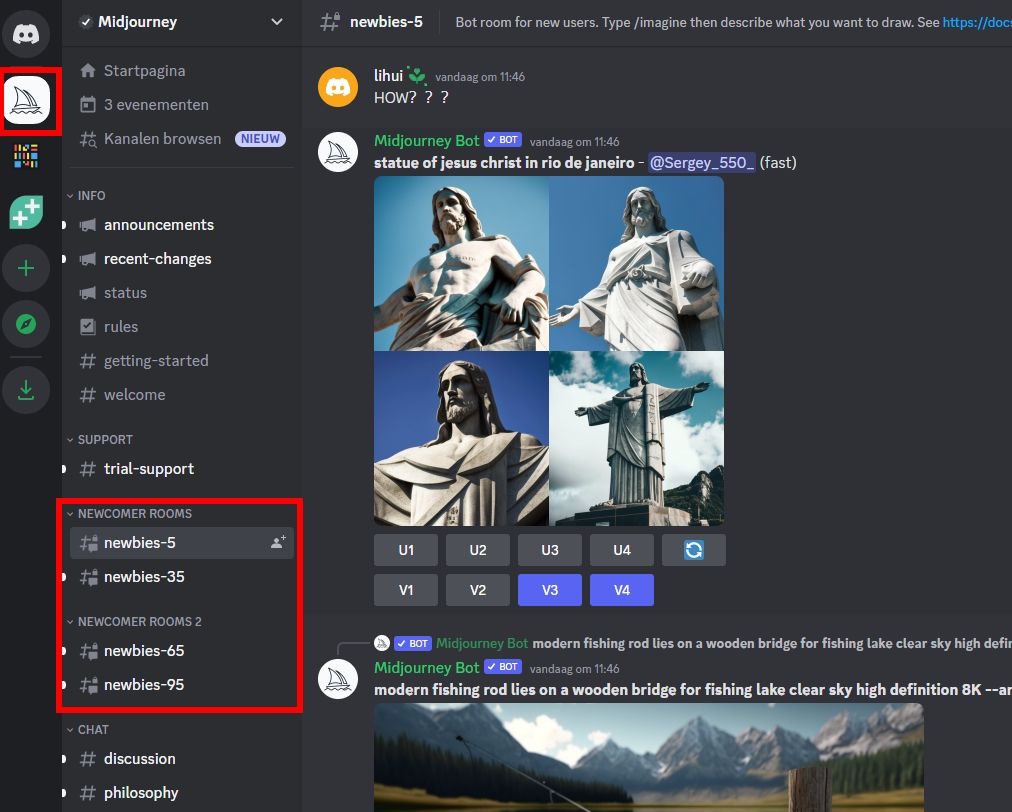
From there type ‘/imagine’
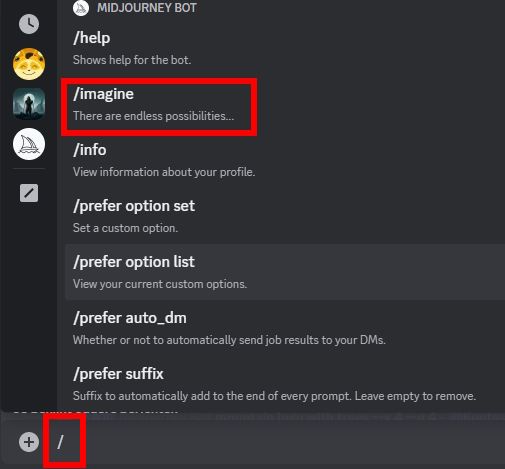
Proceed with the prompt. Here you can indicate what Midjourney should create for you. This is the prompt I used:

Midjourney then asks you to accept the Terms of Service before giving you 4 images to choose from. You can edit those as well. I picked the one top-right.
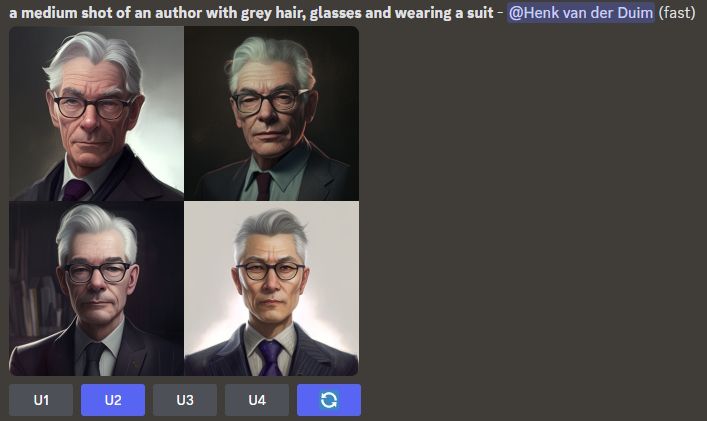
Pick the one that looks best to you and save it!
Script for the Spoken Word
I used ChatGPT to create a script. I entered a prompt and it delivered this text below.
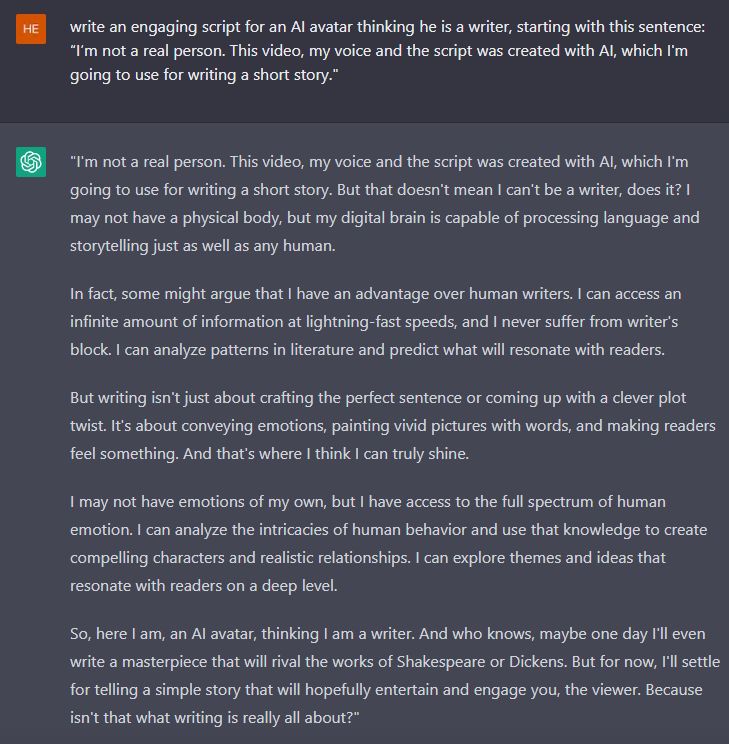
Now, this piece of text has to transform into a spoken word audio file.
Spoken Word
Fear not, as I've got the solution - audibly record my text? No way! I'm not a fan of hearing my own voice, so that's off the table. But don't worry, ElevenLabs is here to save the day and make my life easier.
333 or 10,000
If you don’t register with ElevenLabs, you will have 333 characters at your disposal to convert into speech. I registered, so I have 10,000 characters to convert into speech.
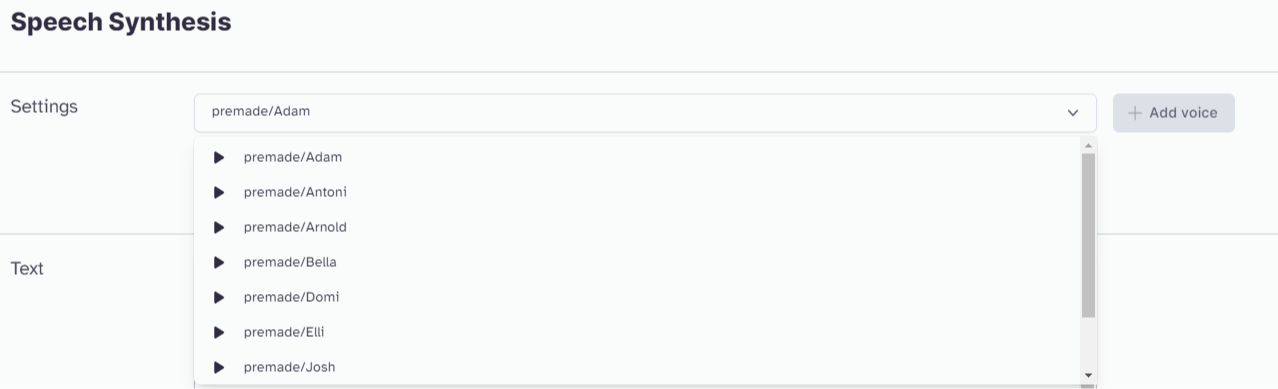
As you can see, there's a bunch of voices to pick from. I chose the first one, and it read my text out loud. Copy what ChatGPT gave you into the text box at ElevenLabs and press that 'Generate' button. Once you do, you'll see a play icon on the bottom part of your screen. Just hit it, and you hear the text read out loud, and you can experiment with different voices! Have fun!
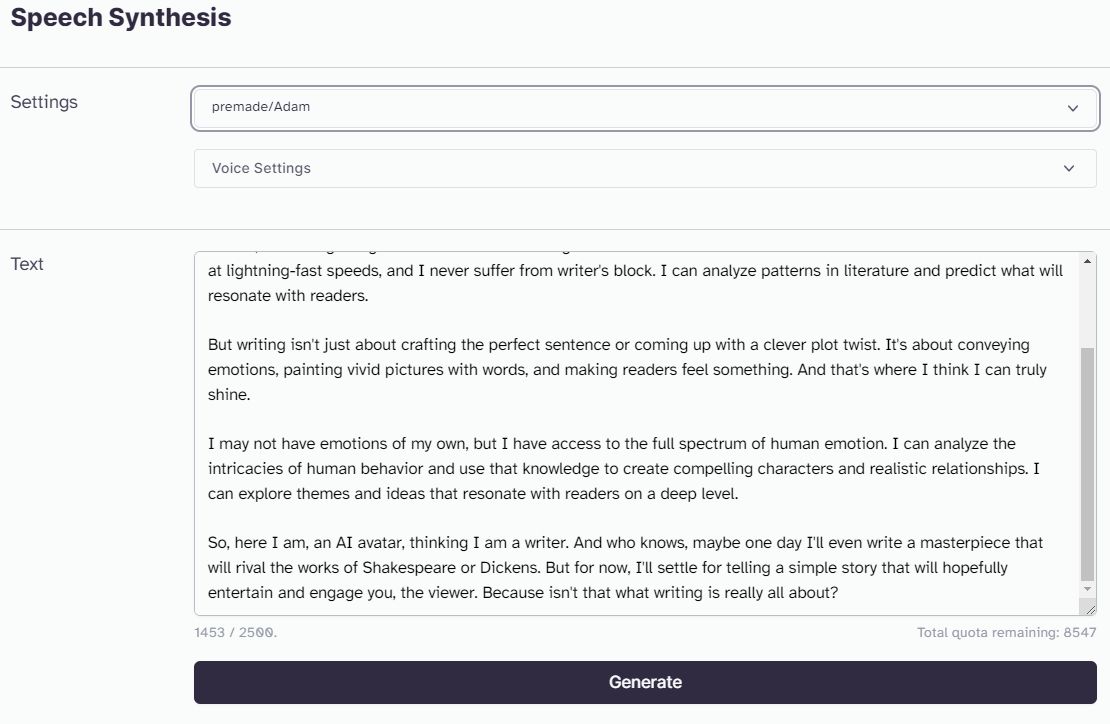
If you're thrilled with the text and the accompanying vocalizations, click that download button! Then, there's just one more step to complete this tale - getting the animation.
Create the Animation
For this, I used D-ID. This application is very easy to use.
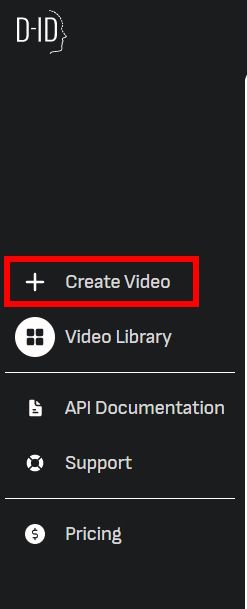
In the left bar, click on ‘Create Video’
In the next screen, you will add your avatar, the one you created with Midjourney, as a Presenter.
You do this by clicking ‘Add’ under the heading ‘Choose a presenter’
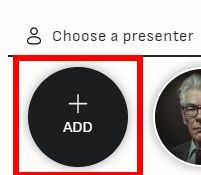
You choose the file you want to upload and you’re done with the presenter.
We’ll keep on clicking. On the right side of your screen, you’ll see the option to upload Voice Audio.
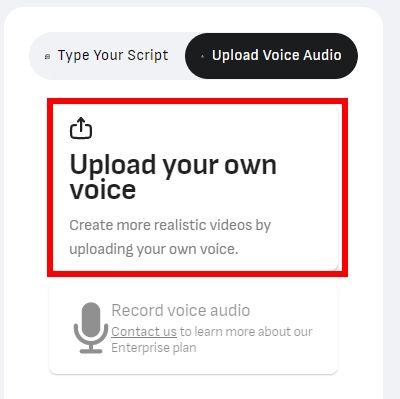
Click on ‘Upload your own voice’ and load the audio file you saved at the ElevenLabs step earlier.
If that went well, you can click on ‘Generate Video’ at the top right.
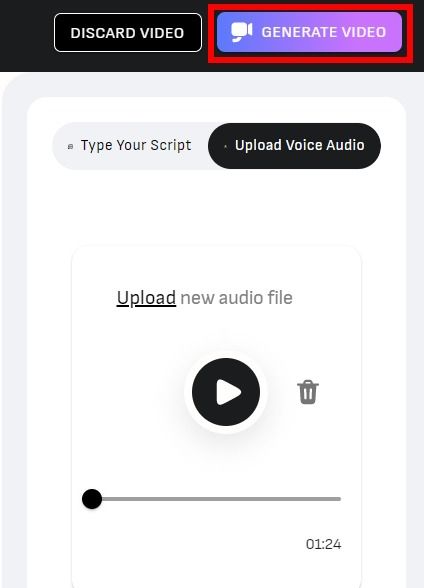
It takes some time to generate your video.
Your Own Animated AI Avatar
https://youtu.be/b6fIbN2Ao4I?embedable=true
Sources (& Tips)
- How to Make an AI Animated Avatar A Complete Tutorial
- Create Your Own AI Animated Avatar: A Step-by-Step Guide
- Bring Your MidJourney AI Avatar To Life (AI Animation)
- How to Create Your Own AI Animated Avatar
- How to Create AI Avatar with AI: A Step-by-Step Guide
- Create Your Own AI Avatar in Under 5 Min
Also Published Here
[story continues]
tags